 程序员鱼皮
程序员鱼皮
8.8 KiB
Fish Skin's Vibe Coding Zero-Basics Tutorial
Hi everyone, I'm programmer Fish Skin.
Nowadays, Vibe Coding has taken the internet by storm. Not only programmers but also designers, product operators, and even people with no technical background are using Vibe Coding to realize their ideas, creating products with AI and monetizing them.
To help everyone keep up with the times, I've worked tirelessly to create a "Vibe Coding Zero-Basics Tutorial", completely free and open-source!
With thousands of images and hundreds of thousands of words, combined with my two and a half years of AI programming experience + project development experience + product monetization experience, my goal is simple: to help anyone quickly master Vibe Coding, even with zero background, and rapidly develop and launch their own products for profit.
Let me be bold and say that this free tutorial surpasses 90% of paid Vibe Coding content out there, given the amount of time I've invested in it.
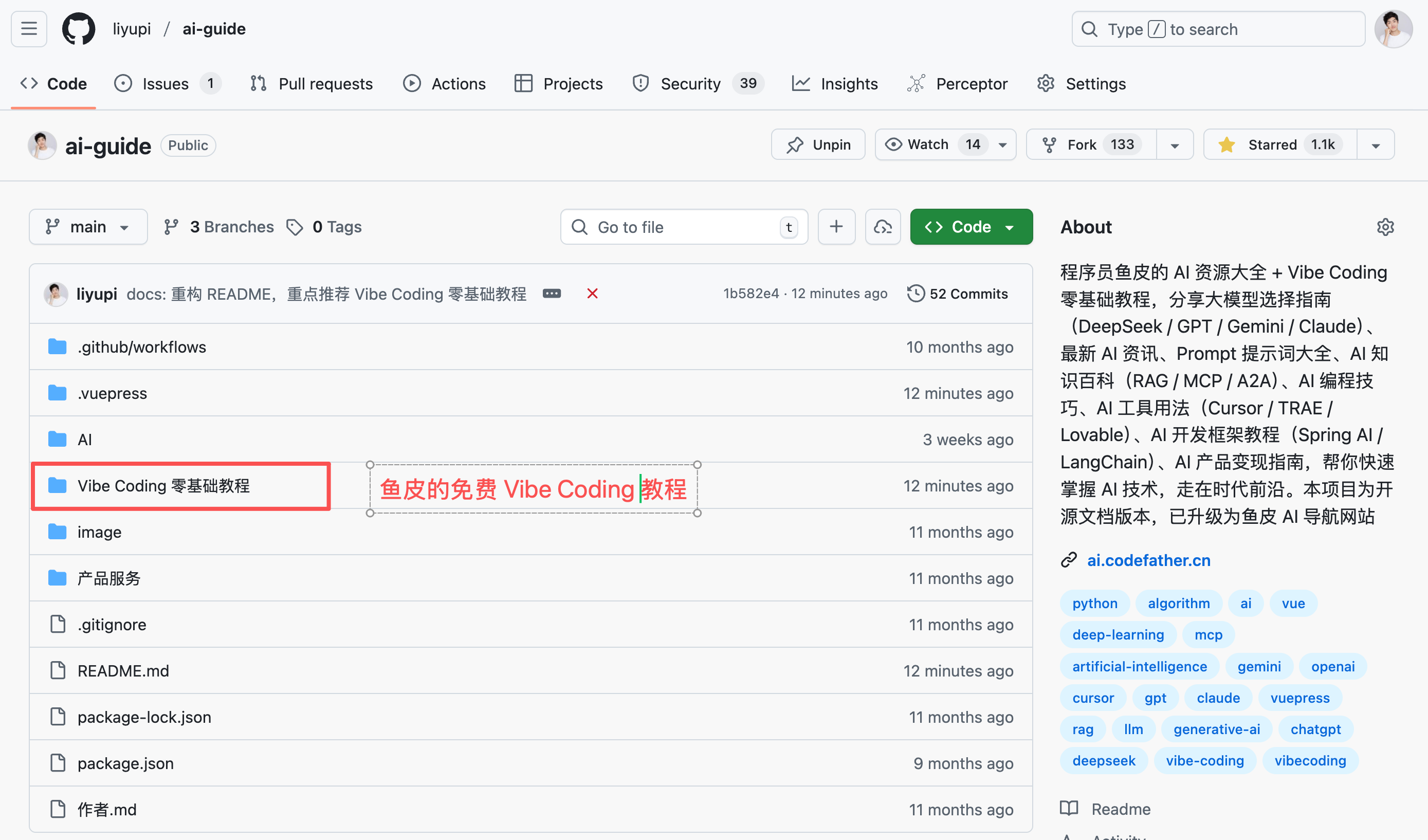
- Tutorial Documentation Open Source Address: https://github.com/liyupi/ai-guide
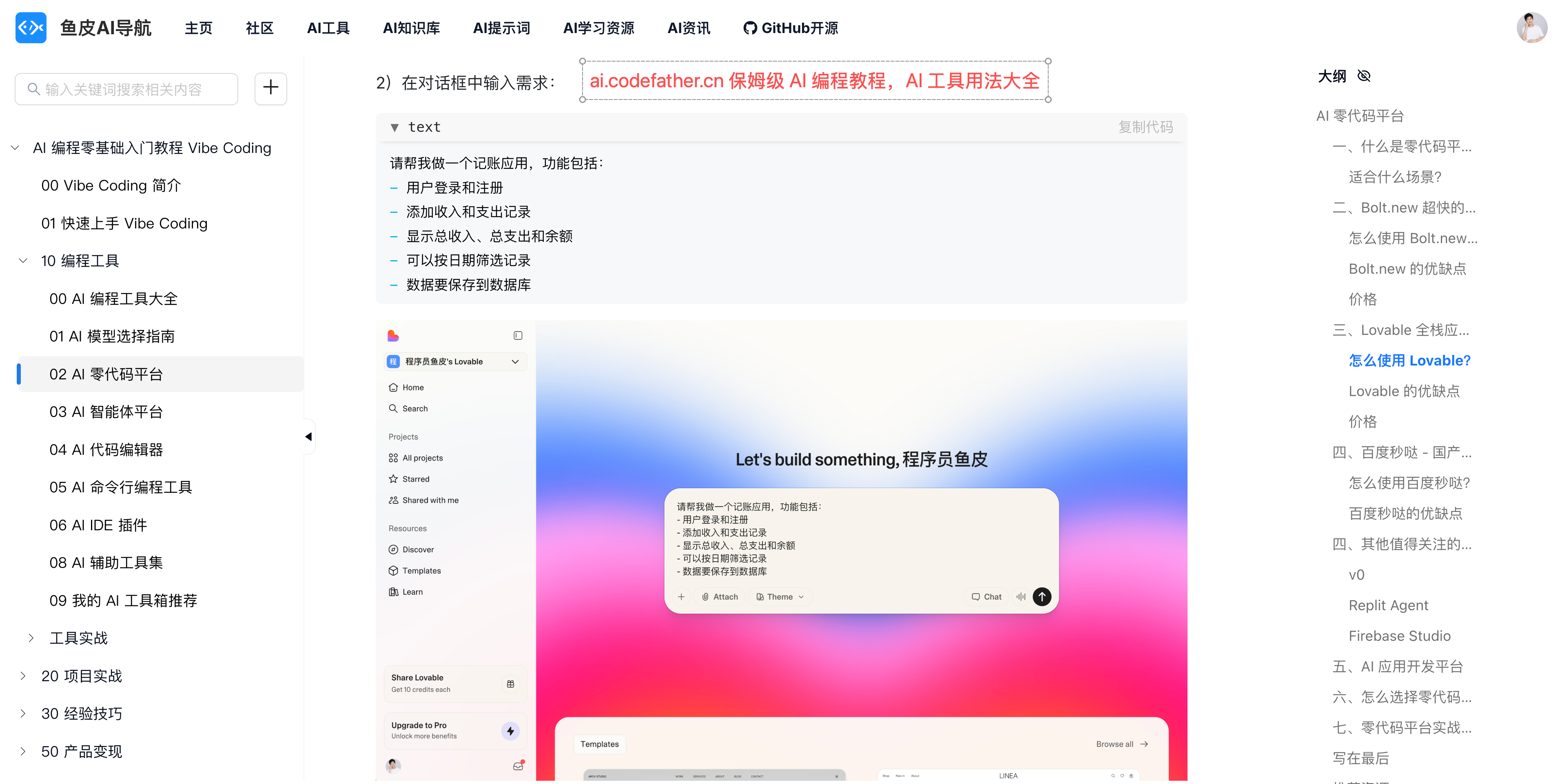
- Tutorial Online Reading Address: https://ai.codefather.cn/vibe
Feel free to Star, bookmark, and share it with your friends!
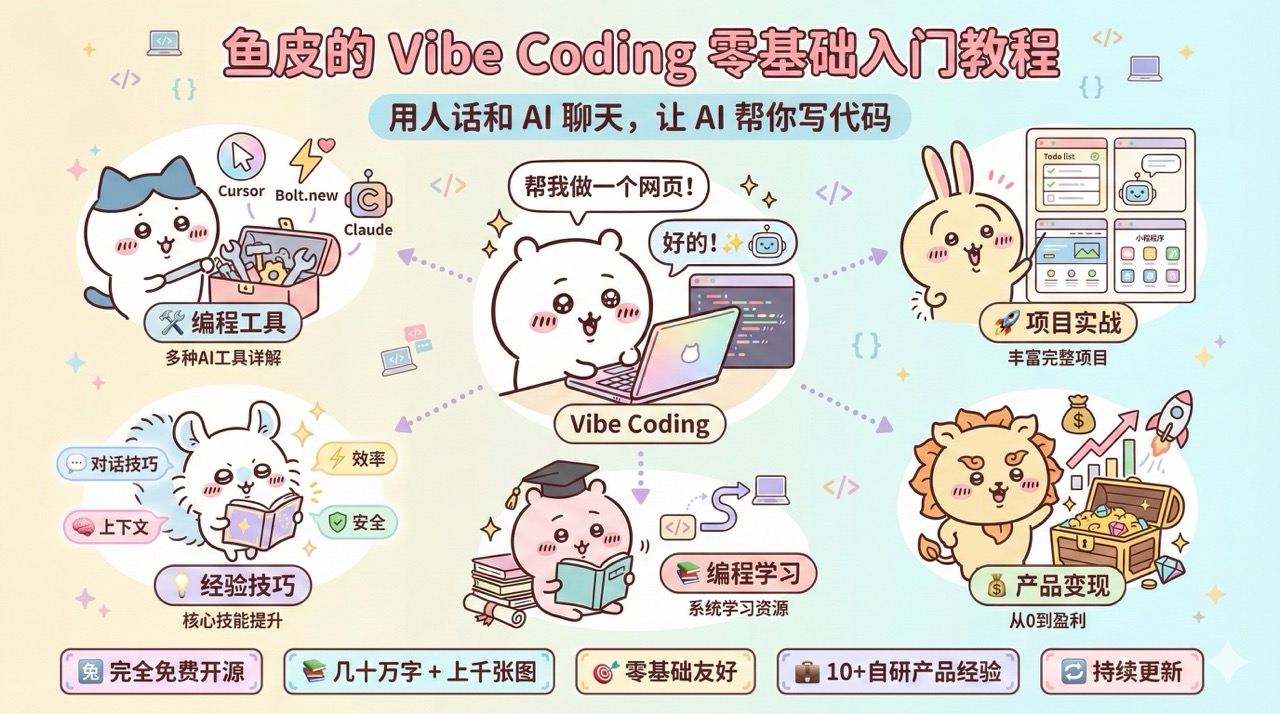
What is Vibe Coding?
Simply put, Vibe Coding is chatting with AI in plain language and letting AI write code for you. You don’t need to remember any syntax; just clearly articulate your needs, like "Help me create a budgeting page," and AI will generate it for you. Programming becomes as natural as chatting—that’s the charm of Vibe Coding.
Why Learn Vibe Coding?
In the past, learning programming took months, but with Vibe Coding, you can get started in just a few days. Think of an idea today, and you can bring it to life today—boosting productivity by tenfold!
After learning Vibe Coding, you can quickly create tools to enhance office efficiency, develop apps to solve everyday problems, and turn your creative ideas into real, profitable products.
What’s in This Tutorial?
While there are many AI programming tutorials online, they are often too fragmented, focus only on tools without methods, or lack practical examples.
This leads to a patchwork approach—learning one trick here and there—making it hard to systematically master Vibe Coding.
That’s why I stepped in!
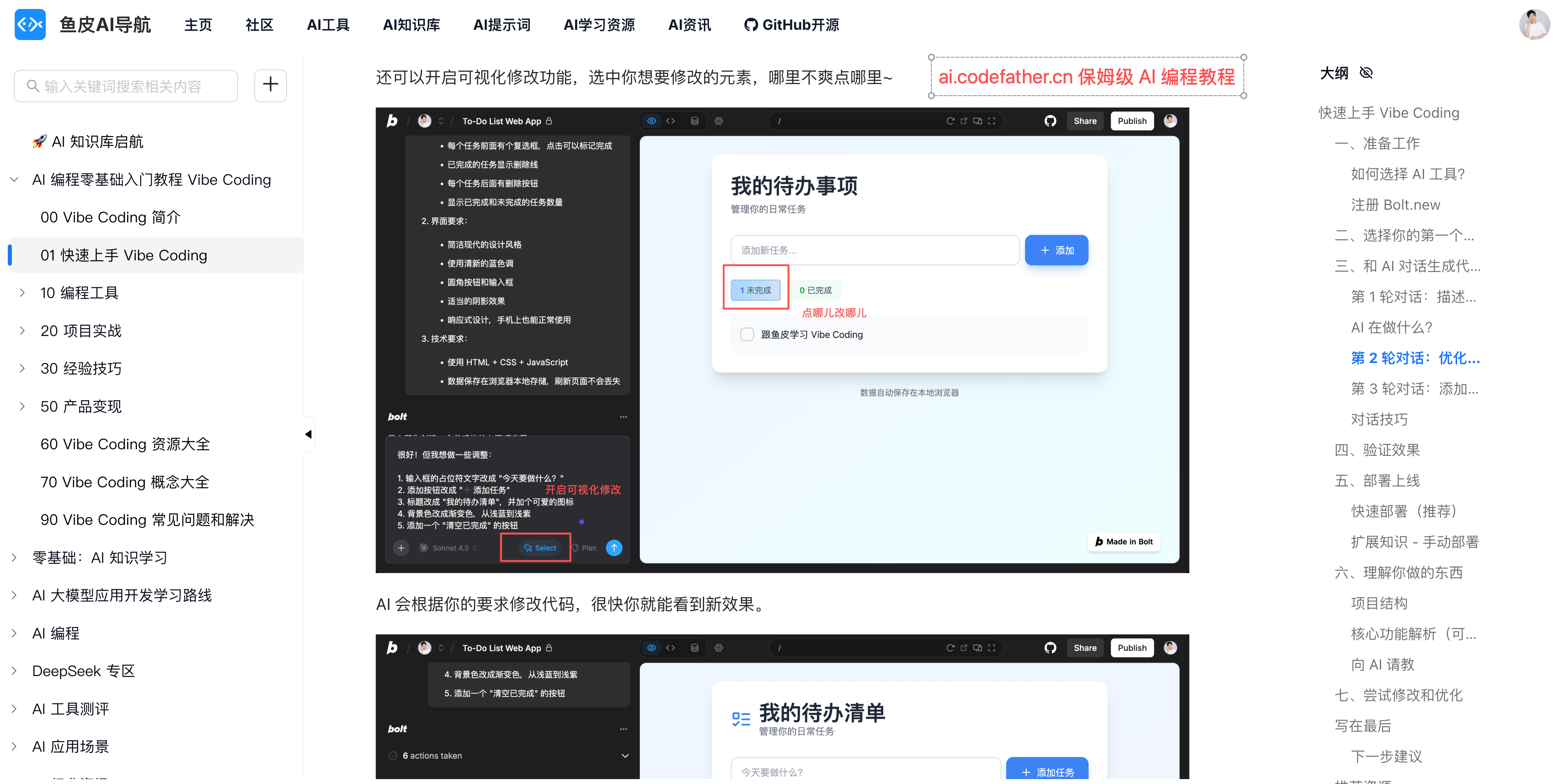
This tutorial covers every aspect of Vibe Coding. From zero basics => creating your first project in 10 minutes => mastering various AI programming tools => hands-on AI projects => mastering core AI programming techniques => running through the entire product monetization process. Plus, it’s packed with AI programming learning resources, an AI knowledge encyclopedia, and a troubleshooting manual to help you excel in Vibe Coding and meet various needs.
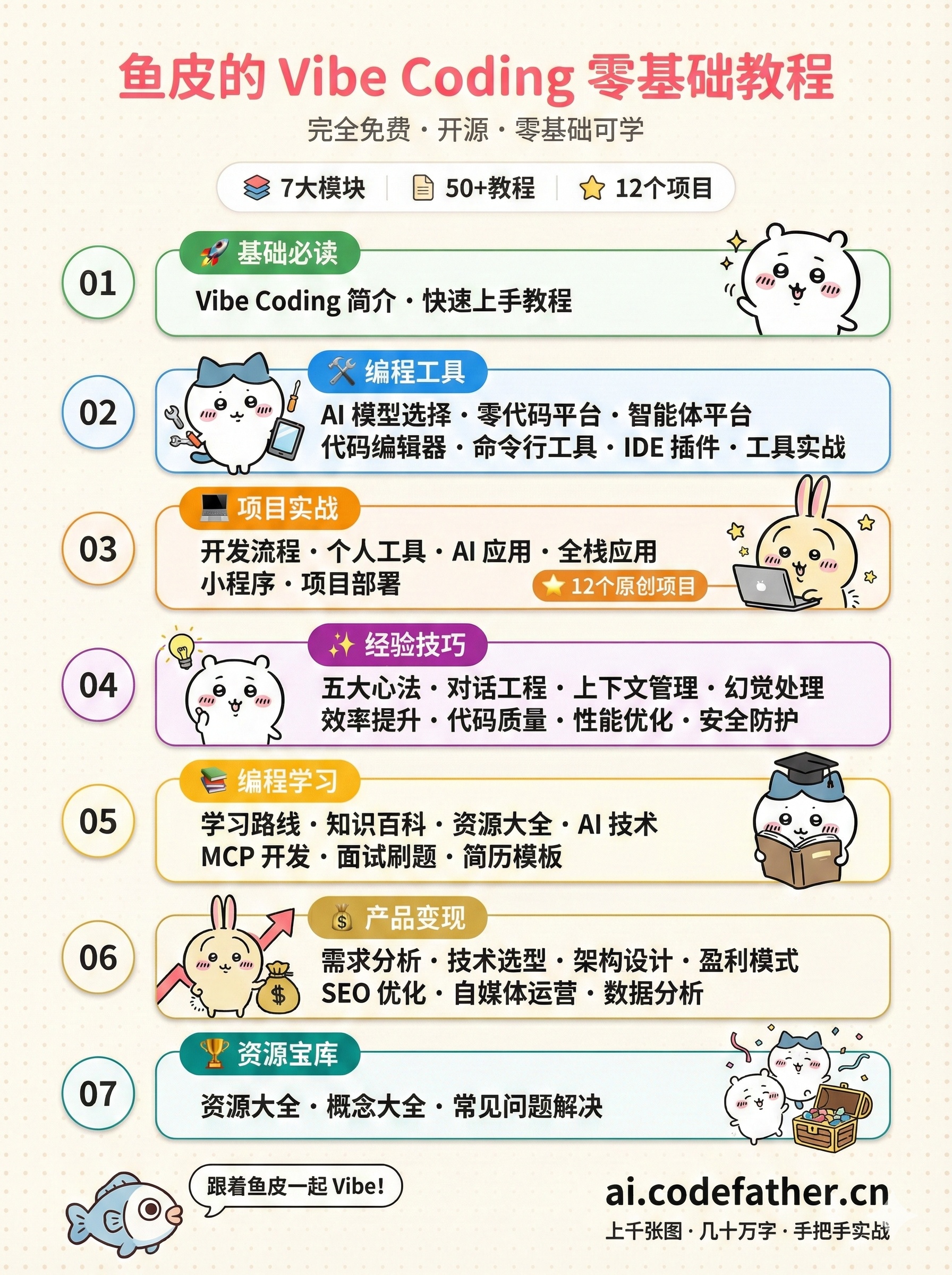
I’ve carefully structured the content to allow you to follow a seamless learning path or quickly find what suits you best.
- Basics Must-Read: Helps you quickly understand Vibe Coding and get hands-on, creating your first project in 10 minutes.
- Programming Tools: Helps you choose the right AI programming tools, including AI model selection, no-code AI platforms, AI agent platforms, AI code editors, AI command-line tools, IDE plugins, and more.
- Project Practice: Guides you step-by-step from 0 to 1 to create real, usable products, covering personal tools, AI apps, full-stack apps, mini-programs, and more.
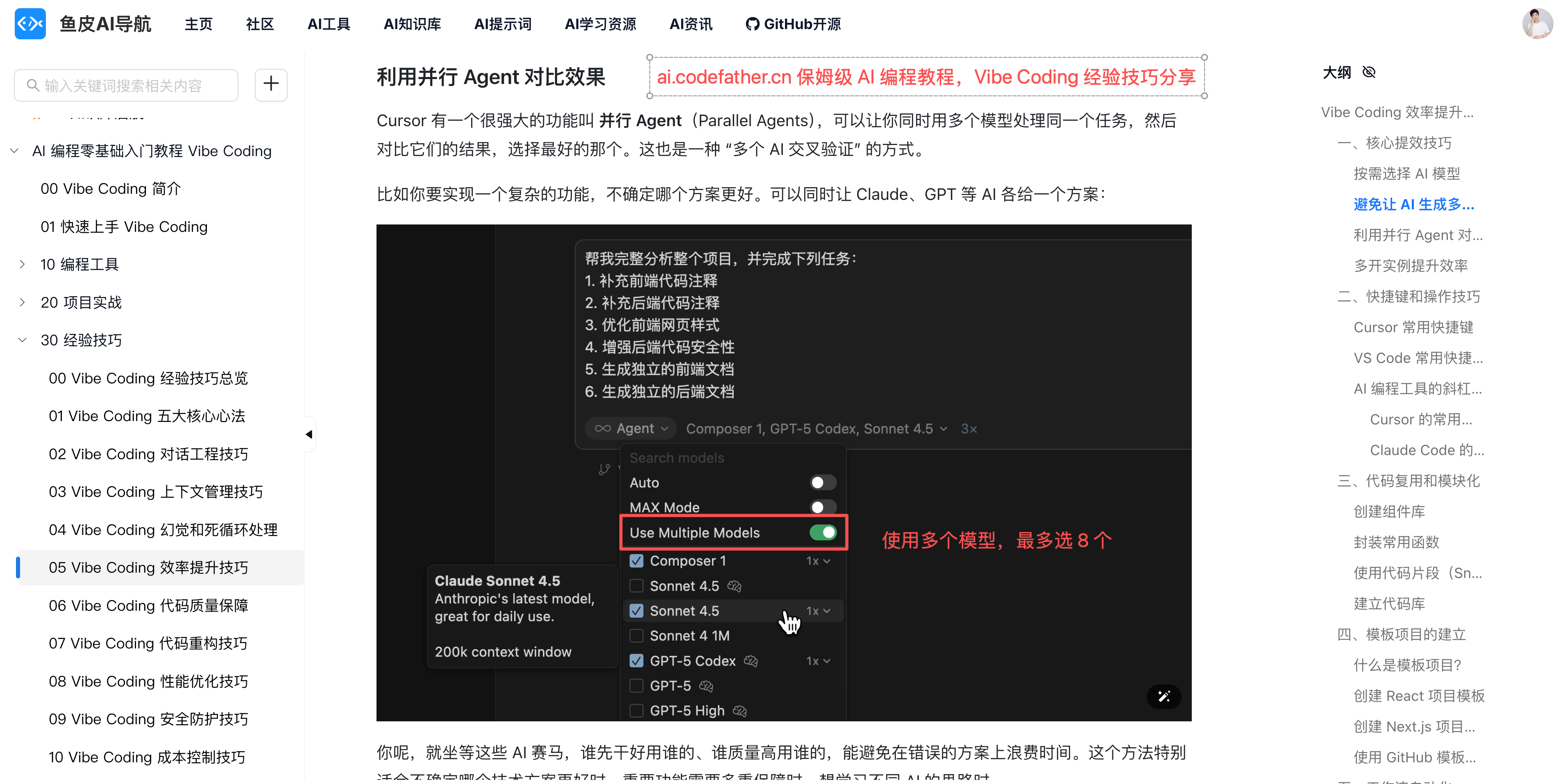
- Experience & Tips: Helps you improve Vibe Coding efficiency and quality, including core principles, dialogue engineering, context management, hallucination handling, code quality assurance, and more.
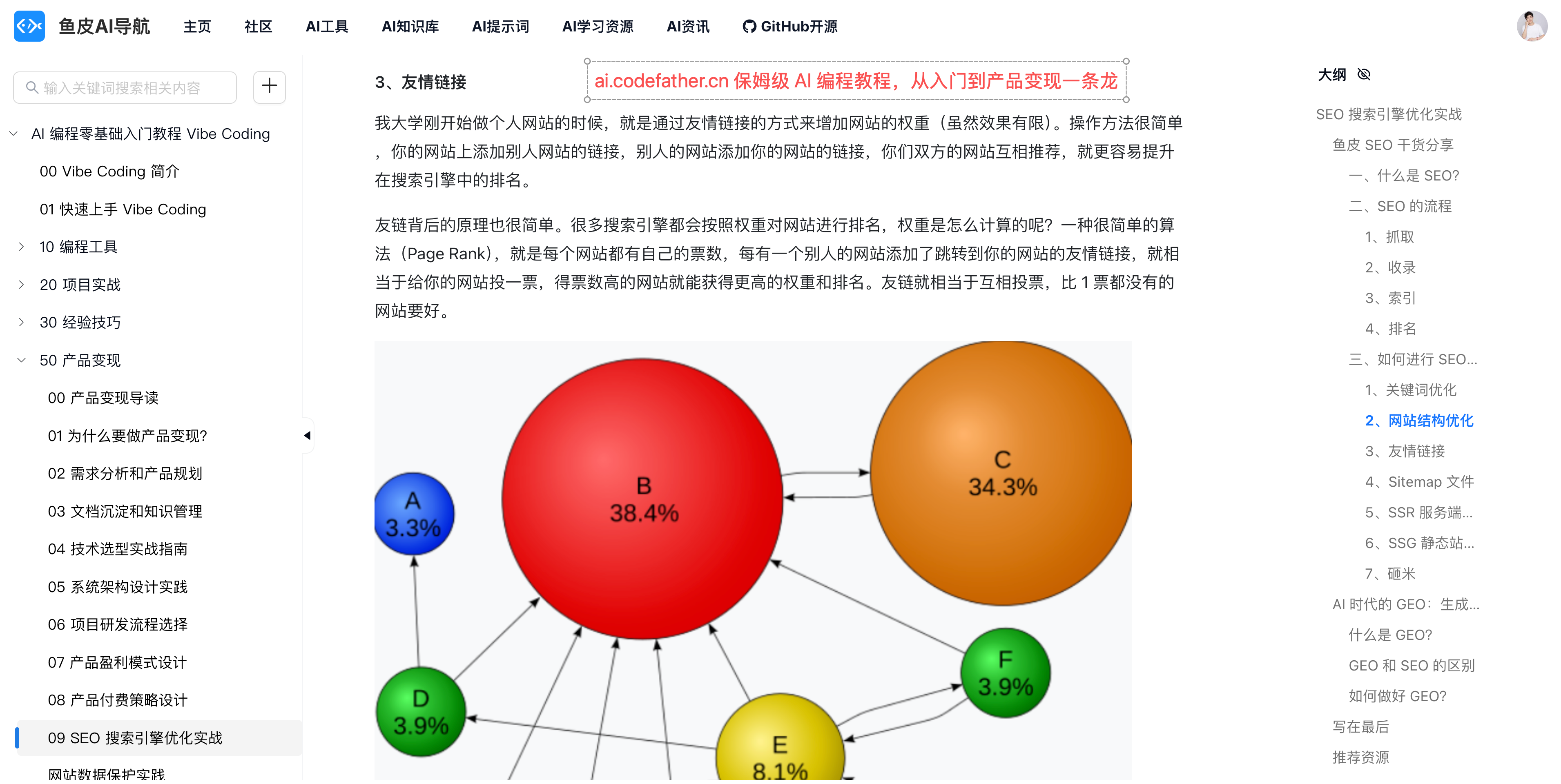
- Product Monetization: Teaches you how to make your product valuable, covering demand analysis, technology selection, architecture design, profit models, SEO optimization, self-media operations, and more.
- Programming Learning: Advanced content for those who want to dive deeper into programming, including learning paths, knowledge encyclopedias, resource collections, MCP development, interview prep, and more.
- Resource Treasure Trove: A collection of practical resources, including tool directories, prompt templates, AI concept guides, Vibe Coding FAQs, and more.
This tutorial isn’t a dry pile of theory but is centered around practical application. It’s packed with project cases and plenty of screenshot examples, guiding you step-by-step as you learn by doing, truly mastering Vibe Coding.
Who is This Tutorial For?
1) Anyone Who Wants to Use AI to Boost Efficiency
If you’ve ever wanted to learn programming but were deterred by complex syntax and confusing concepts; or if you have great ideas and want to quickly develop and launch your own products; or if you just want to use AI to enhance daily office efficiency and create tools to reduce repetitive tasks. With Vibe Coding, you can get started in just a few days—programming as naturally as chatting.
2) Programmers Looking to Boost Efficiency
If you’re a traditional programmer, tired of repetitive code and ready to throw your keyboard. With Vibe Coding, boosting productivity tenfold is no longer a dream. The experience tips and project practices in this tutorial will help you quickly advance to become a Vibe Coding expert.
3) Entrepreneurs Looking to Monetize Products
If you want to turn your ideas into profitable products, this tutorial not only teaches you how to make products but also how to make them valuable. From demand analysis to profit models, from SEO optimization to self-media operations, I’ll share my experience of creating 10+ self-developed products and growing from 0 to 2 million followers.
Where to Start Learning?
Zero-Basics Beginners
- Day 1: Read the Basics Must-Read, understand Vibe Coding, and create your first project.
- Week 1-2: Learn AI programming tools + complete a few simple projects.
- Afterward: Learn experience tips and product monetization as needed.
With Programming Background
- Day 1: Quickly go through the basics and complete the quick-start tutorial.
- Week 1: Learn mainstream AI programming tools and try refactoring previous projects.
- Afterward: Focus on advanced techniques to improve dialogue and context management.
Practice is the best teacher. No matter your background, make sure to Vibe more projects during your learning process, encountering and solving problems in practice—this is the most effective way to learn.
Final Words
I’ve always believed that sharing knowledge is mutually beneficial.
This tutorial is completely free and open-source, hoping to help more people open the door to Vibe Coding.
However, as it’s written by one person, there may be shortcomings, and I’ll continue to update and improve it.
If this tutorial helps you, I hope you can give it a like or Star ⭐️ to show your support!
Don’t hesitate—open the tutorial now, and in 10 minutes, you’ll have your first project. Join Fish Skin on this Vibe Coding journey! 🛫
📖 Tutorial Documentation Open Source Address: https://github.com/liyupi/ai-guide
🌐 Tutorial Online Reading Address: https://ai.codefather.cn/vibe
🎬 Author’s Video Collection: https://space.bilibili.com/12890453
💬 Feedback & Discussion: Feel free to ask questions in the AI Navigation Community
Welcome to Contribute
This tutorial is open-source, and everyone is welcome to help improve it!
If during your learning process you:
- Find typos or awkward phrasing
- Have better image examples or project cases
- Want to introduce new AI tools
- Discover new Vibe Coding techniques
- Have useful prompt templates to share
- Or any ideas to make the tutorial better
Feel free to submit a PR (Pull Request) directly on GitHub. Let’s polish this tutorial together and help more people learn Vibe Coding!