 yupi-translate-app[bot]
14 KiB
Agent Skills: Universal AI Skill Library
Empower AI to quickly learn new skills
Hello, I'm programmer Yupi.
In previous articles, we learned how to generate code with AI. But you might have noticed some issues:
- AI-generated interfaces always use the same blue-purple gradient colors
- Having to input the same long prompts repeatedly is tedious
- AI lacks professionalism in certain specialized tasks
Is there a way to quickly teach AI new skills and make it more professional?
In this article, I'll introduce Agent Skills, an AI skill system launched by Anthropic that enables AI to rapidly master various professional skills.
⭐️ Recommended video version (easier to understand): https://bilibili.com/video/BV1T7zzBQEaA
1. Before Agent Skills Existed
Before understanding Agent Skills, let's see how we solved these problems previously.
Suppose you're developing a website with AI. To get better results from AI, you tell it:
- Don't use blue-purple gradient colors for the interface
- Don't generate excessive useless documentation
- Follow the company's code standards
Blah blah blah, hundreds of words.
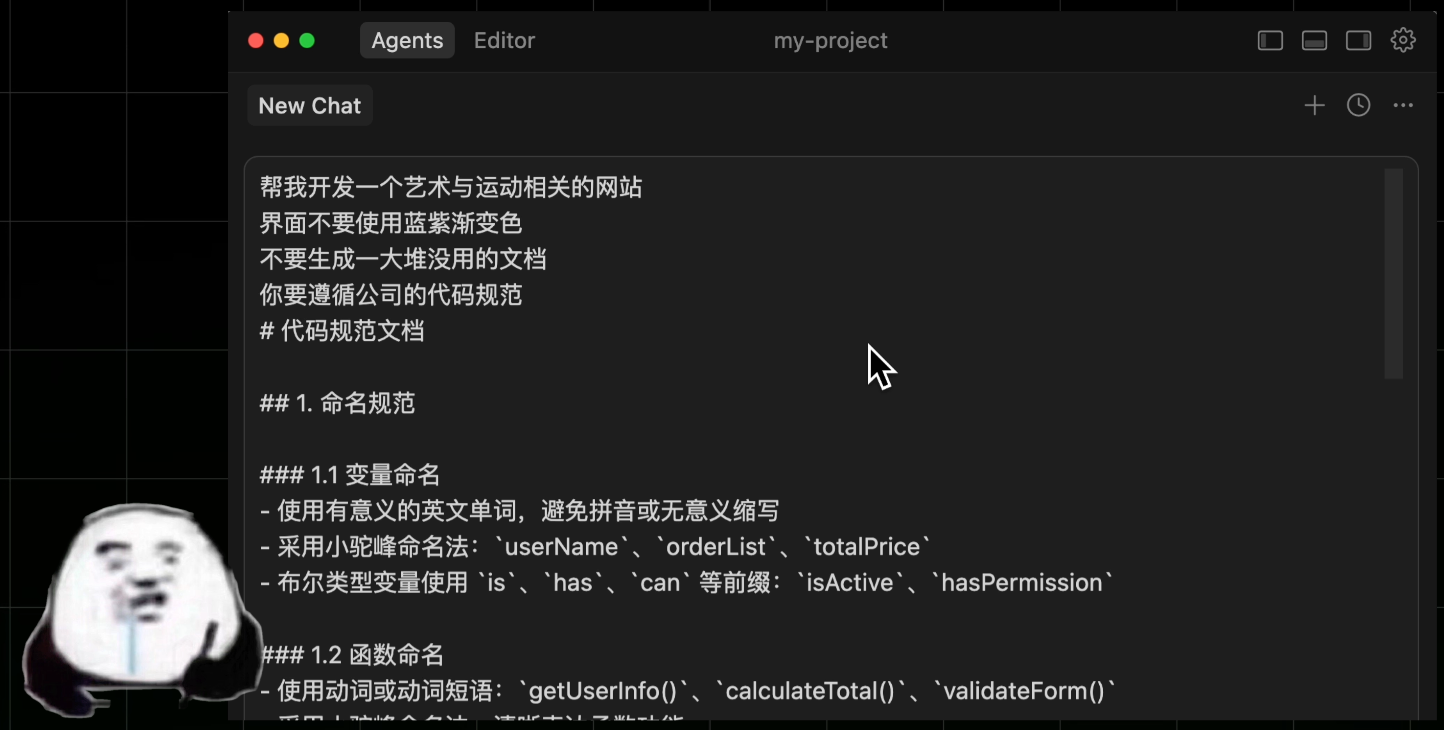
Every time you develop a website, you have to write this long, tedious prompt - too annoying!
So the clever you starts looking for solutions.
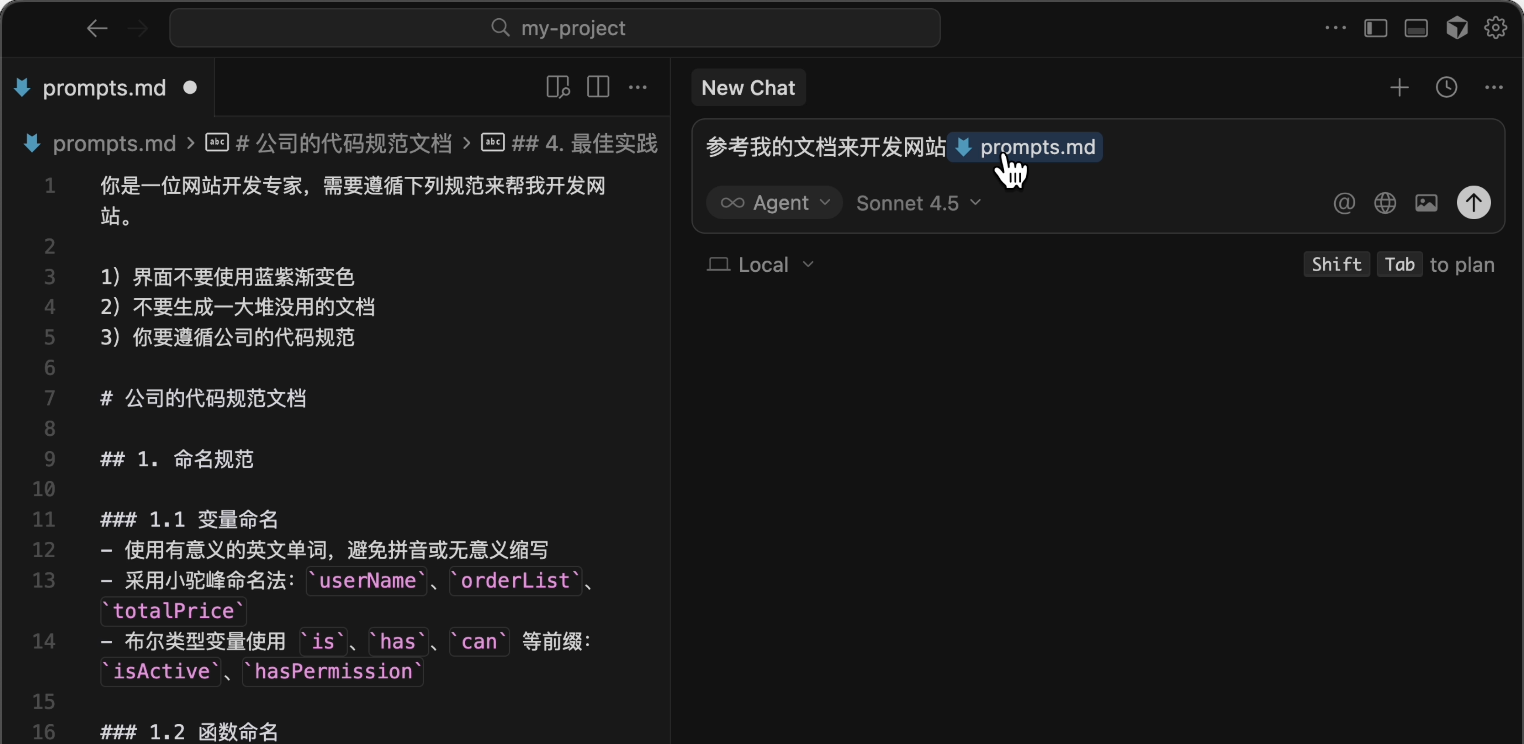
First, save common prompts to a separate file (like prompts.md) and manually feed them to AI each time.
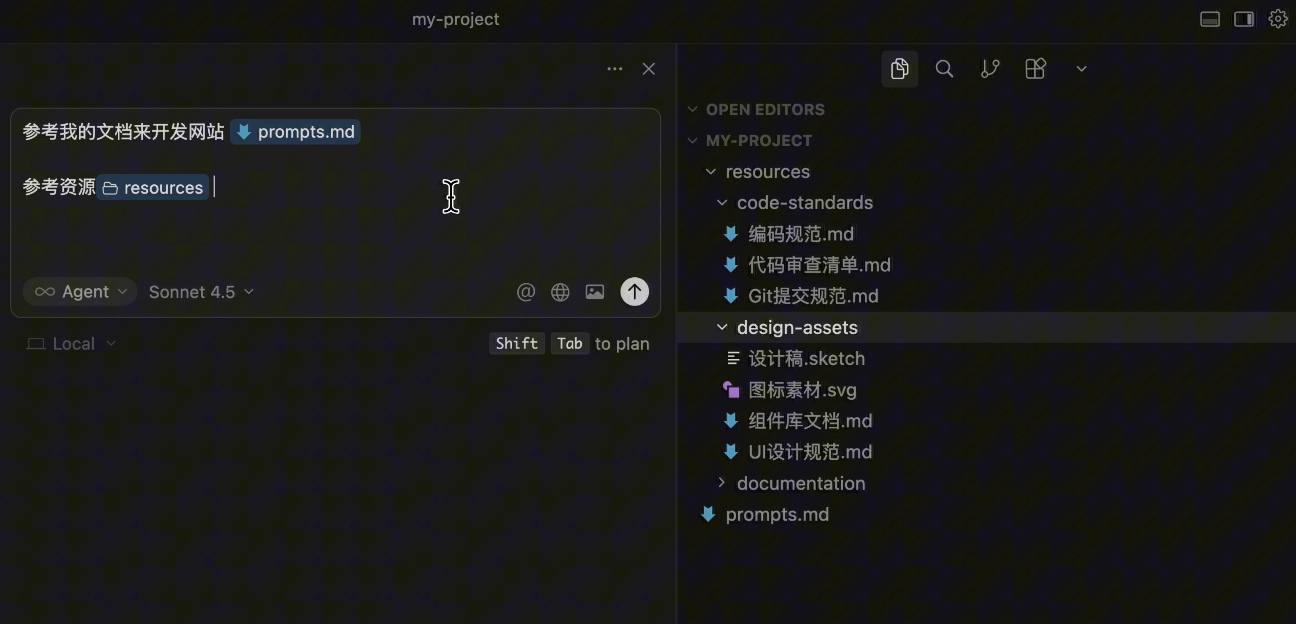
Then create a resources folder, stuffing it with company code standards and design materials, telling AI to reference these when writing.
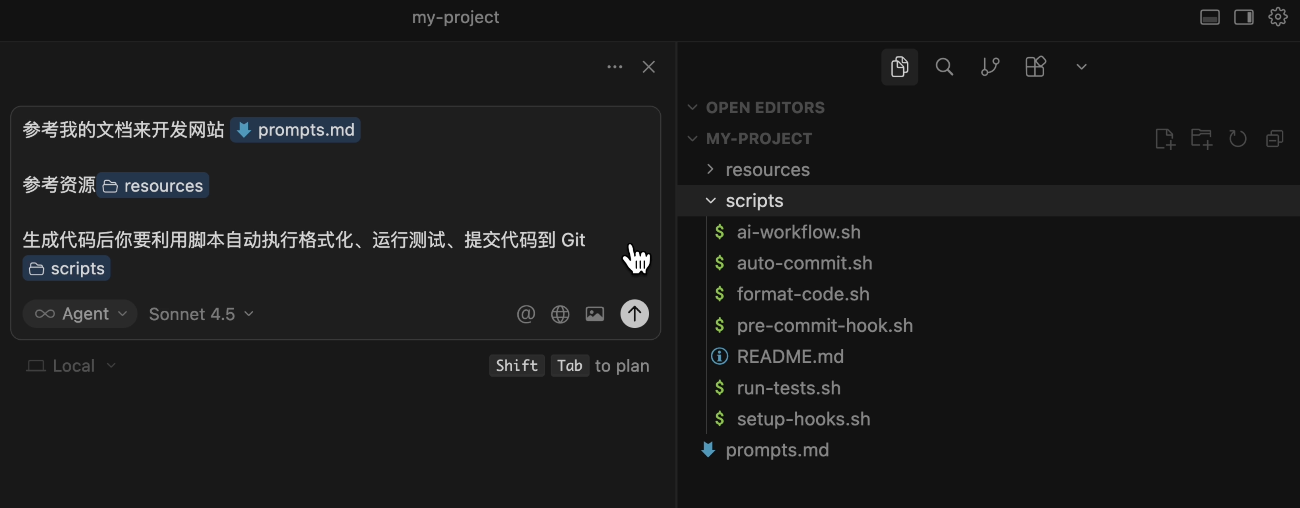
Next, you write some scripts to automatically format code, run tests, and commit to Git after AI generates code.
Finally, create an AGENTS.md file documenting all standards and workflows for AI to automatically read.
You proudly think: Hehe, my workflow is perfect!
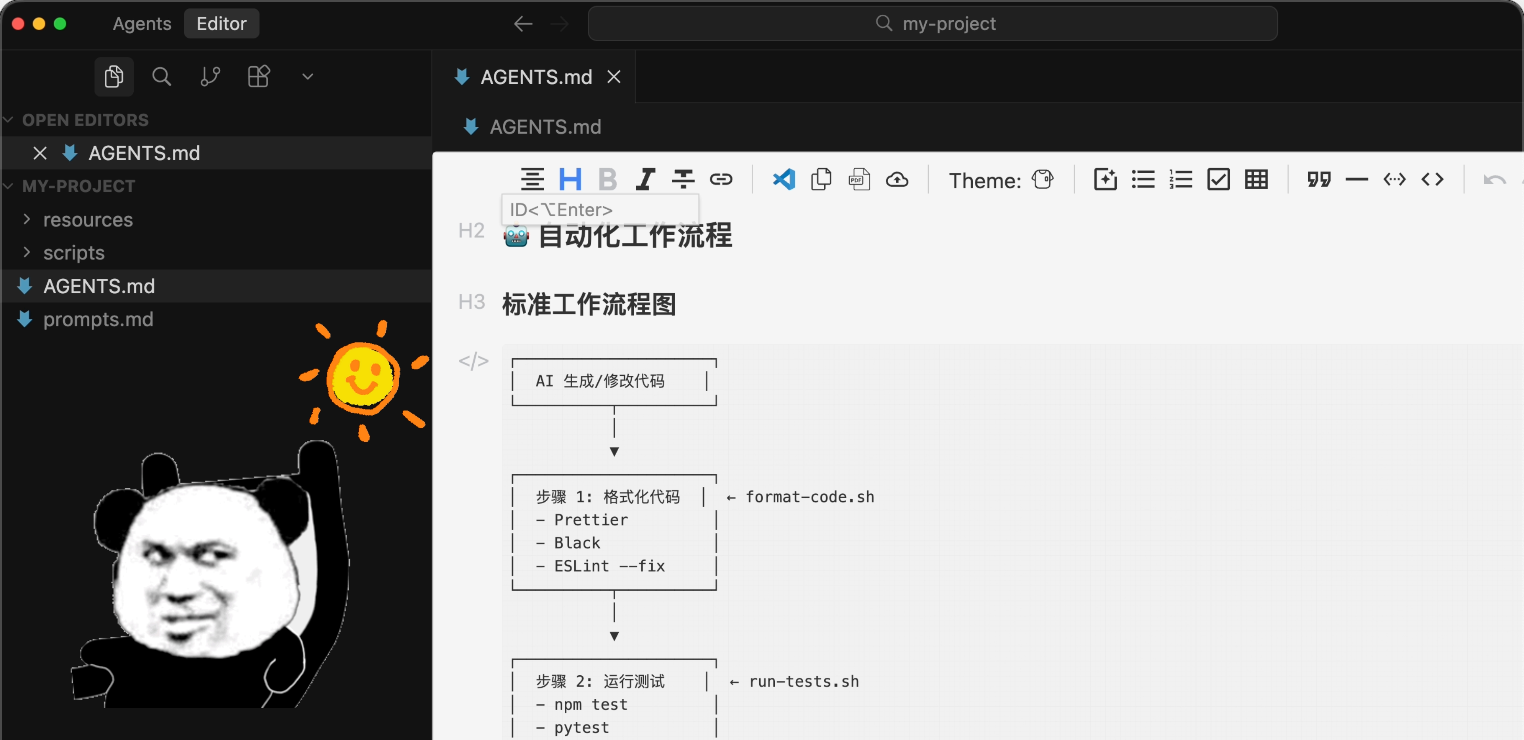
But soon, you notice a problem. As standards grow, documents become bloated, consuming too much AI context space and wasting tokens in every conversation.
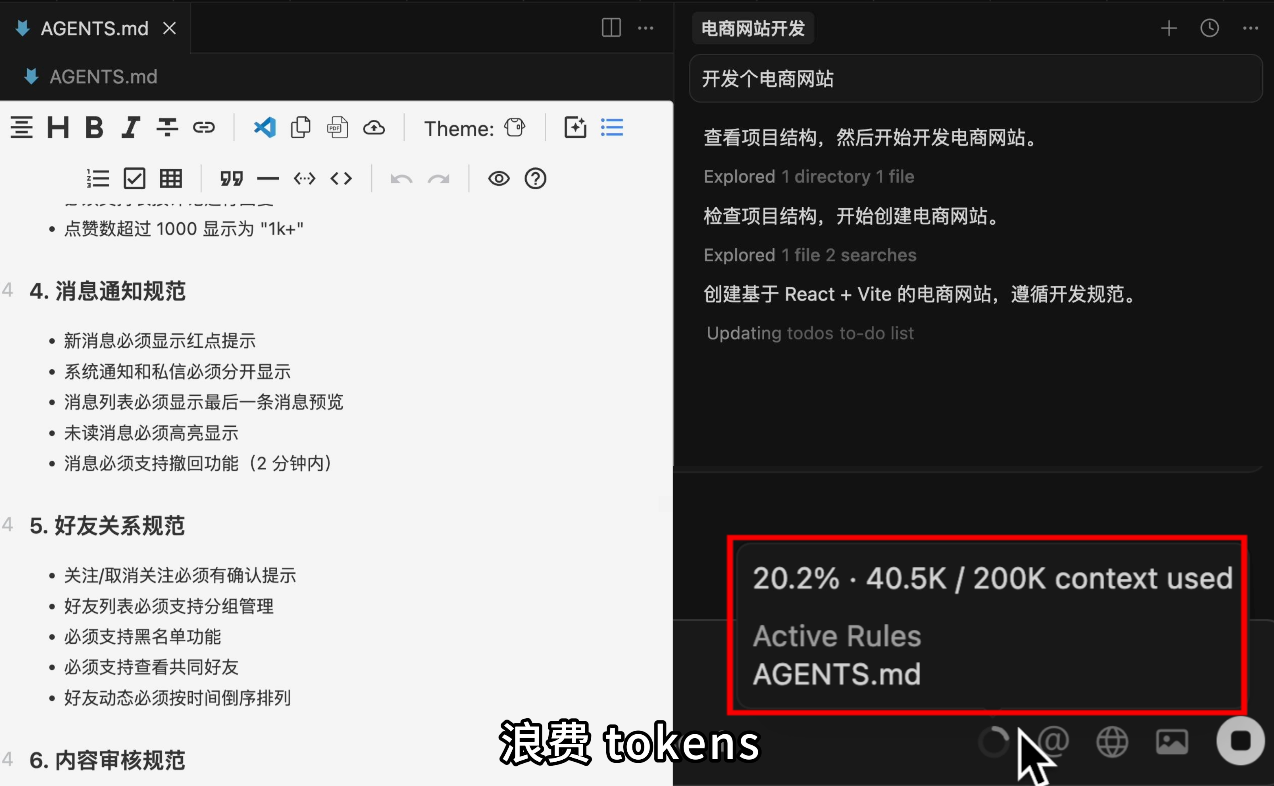
This is when Agent Skills should make its entrance!
2. What Are Agent Skills?
Agent Skills is an open standard launched by Anthropic to enable AI to learn and use various professional skills without repeating prompts.
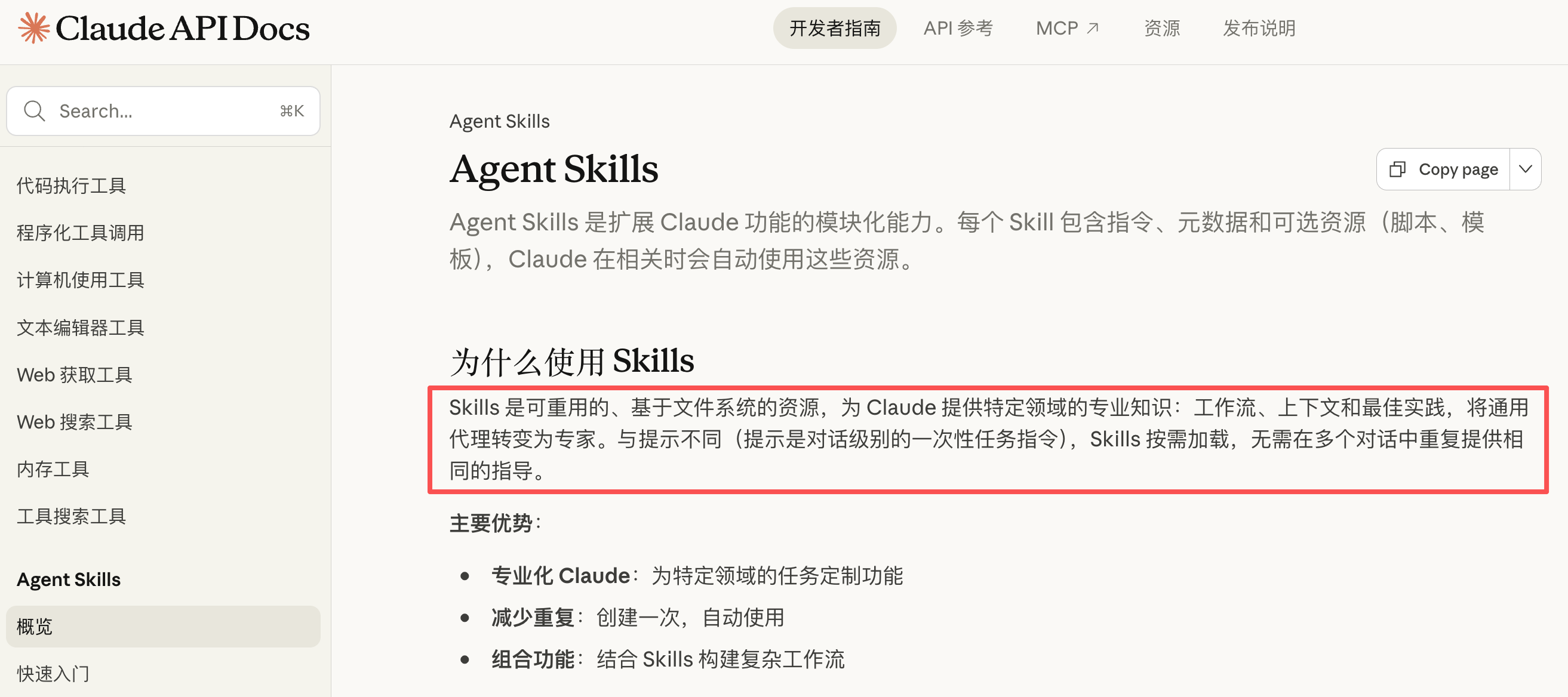
It defines a standard for encapsulating AI workflows: developers can package complex task instructions, scripts, and resources into a Skill; as a user, you just need to install these skills, and AI can immediately master them without reinventing the wheel.
Simply put, they're skill packs for AI. These packs contain carefully designed prompts, code scripts, and various resource files.

Imagine AI as a workplace newbie. Equip it with a document processing skill, and it instantly knows how to generate PPTs and handle Excel sheets; install a code standards skill, and it learns to write code according to company standards.

You might think: Wait, isn't this just packaging documents that teach AI and files AI needs into folders?
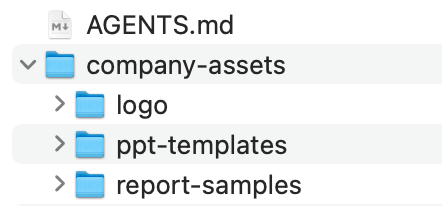
Yes, pretty much. But Anthropic made it a universal standard with some new tricks under the hood. Let's first try using Agent Skills in practice, then reveal its secrets.
3. Getting Started with Agent Skills
Currently, the best tool supporting Agent Skills is Anthropic's official Claude Code. Let's use it to install and try Skills.
1. Installing Skills
First, open Claude Code and enter the command to add the official skill marketplace:
/plugin marketplace add anthropics/skills
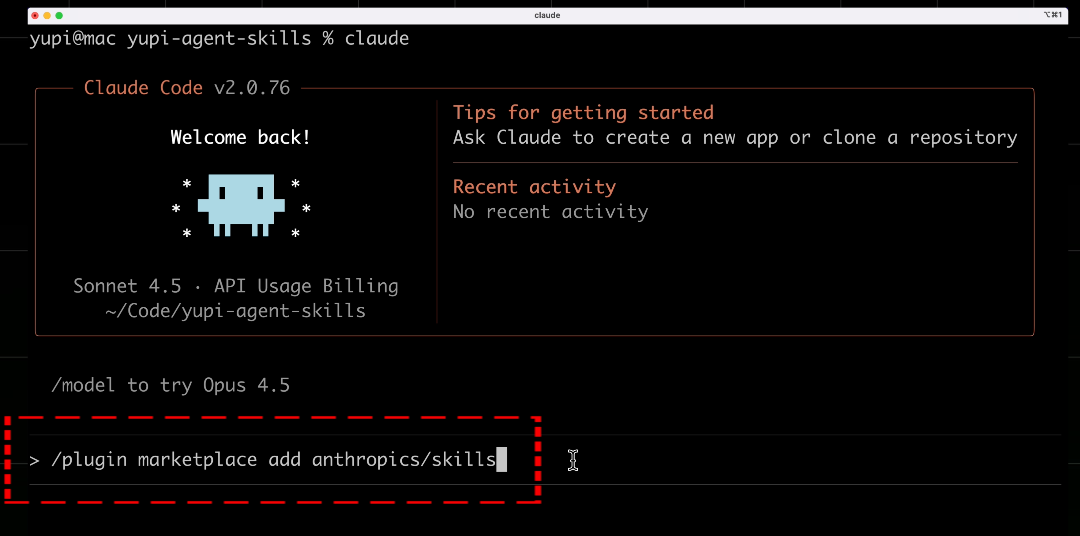
This is like opening a skill store in your AI assistant, where you can now acquire skills.
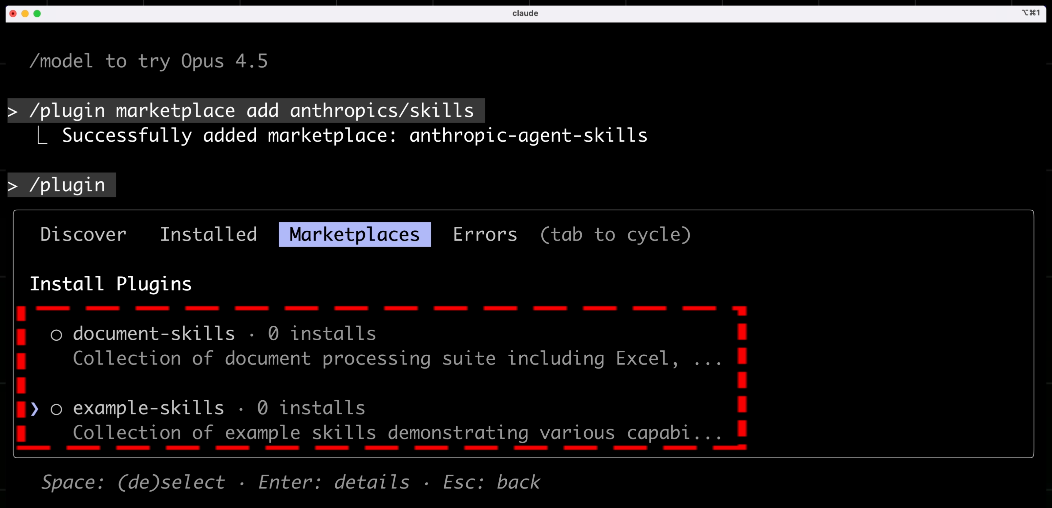
In Claude Code, enter the command to install the official skill pack:
/plugin install example-skills@anthropic-agent-skills
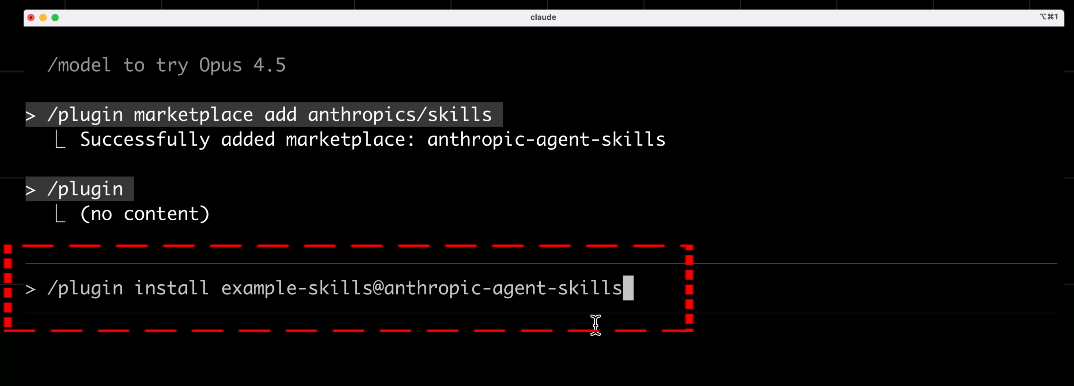
This example-skills pack contains various official sample skills, including frontend design, web testing, GIF creation, etc.
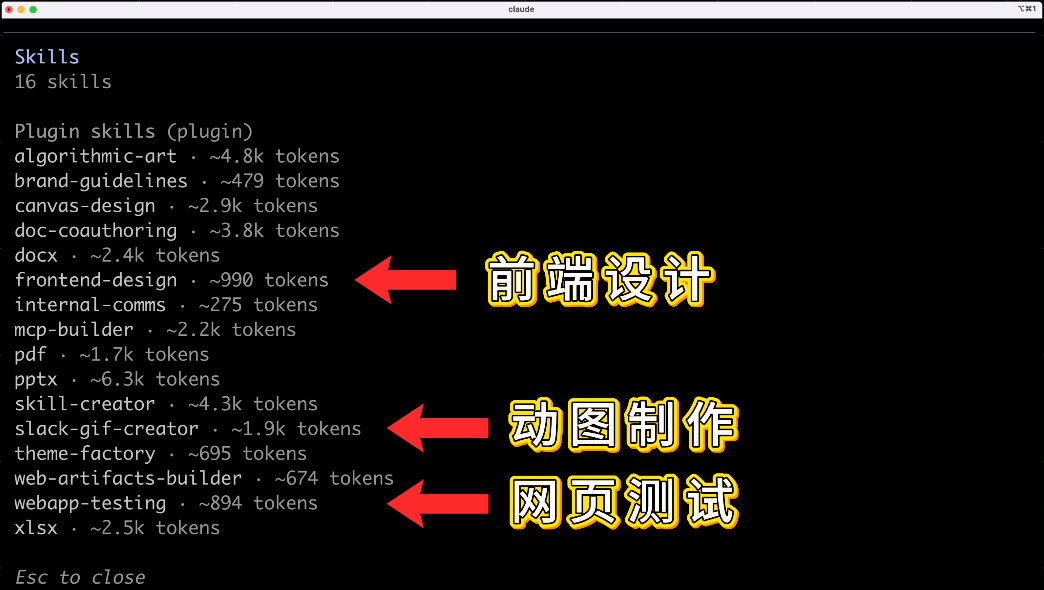
After installation, you can directly have AI use these skills.
Alternatively, install the frontend-design skill with this command:
skill install anthropic-agent-skills:frontend-design
2. Frontend Design Skill
For example, when creating a website, without skills, AI-generated code would use that familiar blue-purple gradient - the same old AI aesthetic.
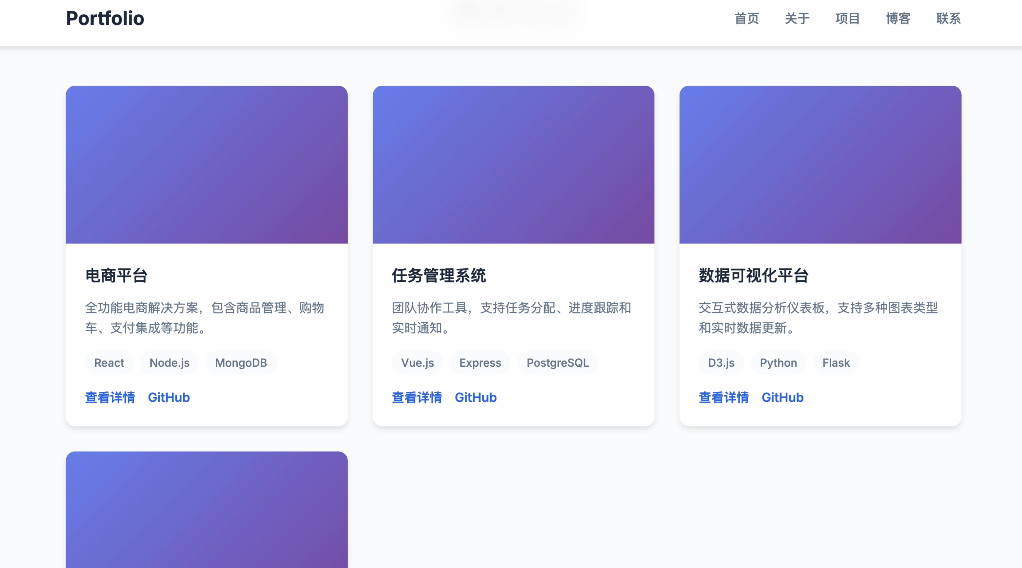
Now with the frontend-design skill that teaches AI to generate professionally designed websites, when you input: "Help me develop a personal portfolio website," AI will proactively ask: I noticed you installed the frontend design skill, would you like to use it to generate more design-conscious pages?
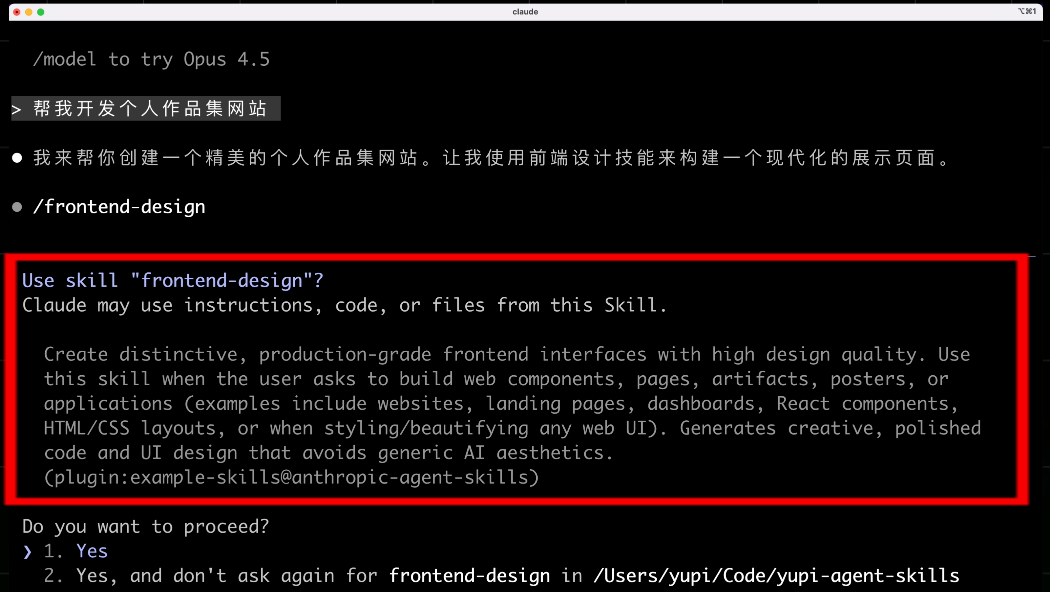
After confirmation, AI uses the skill to generate code, bidding farewell to blue-purple gradients and creating uniquely styled, beautiful pages.

No need to input the same long prompts every time - install the skill once and you're done.
3. Document Processing Skills
Besides coding skills, official document processing skill packs are also available.
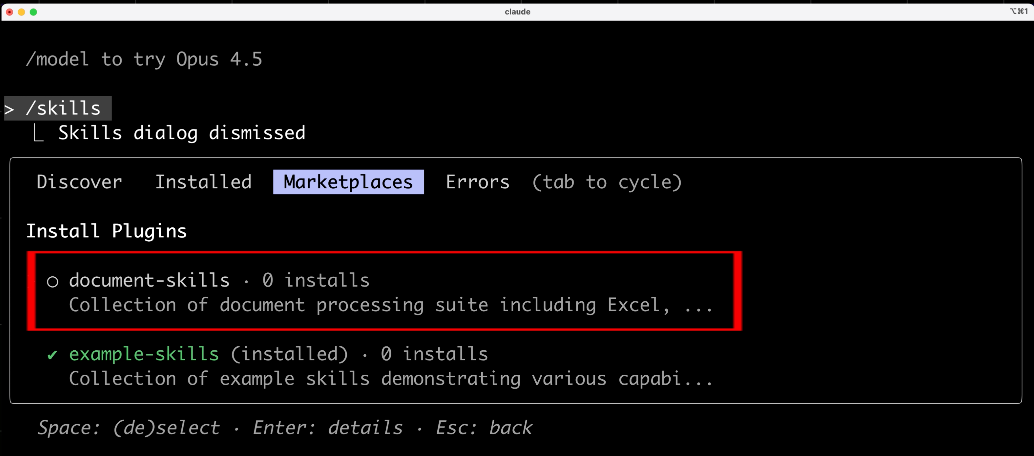
Install with this command in Claude Code:
/plugin install document-skills@anthropic-agent-skills
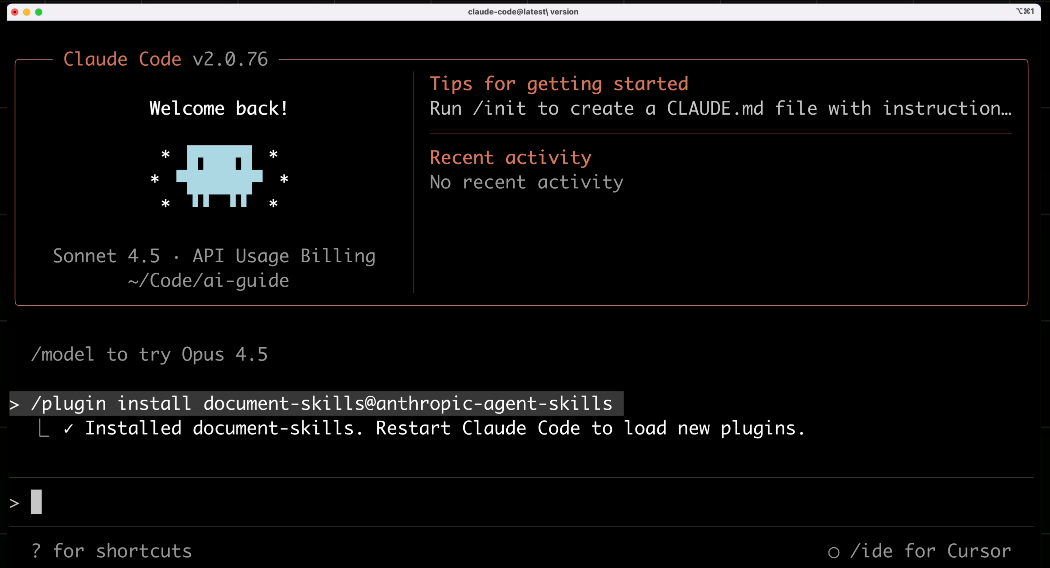
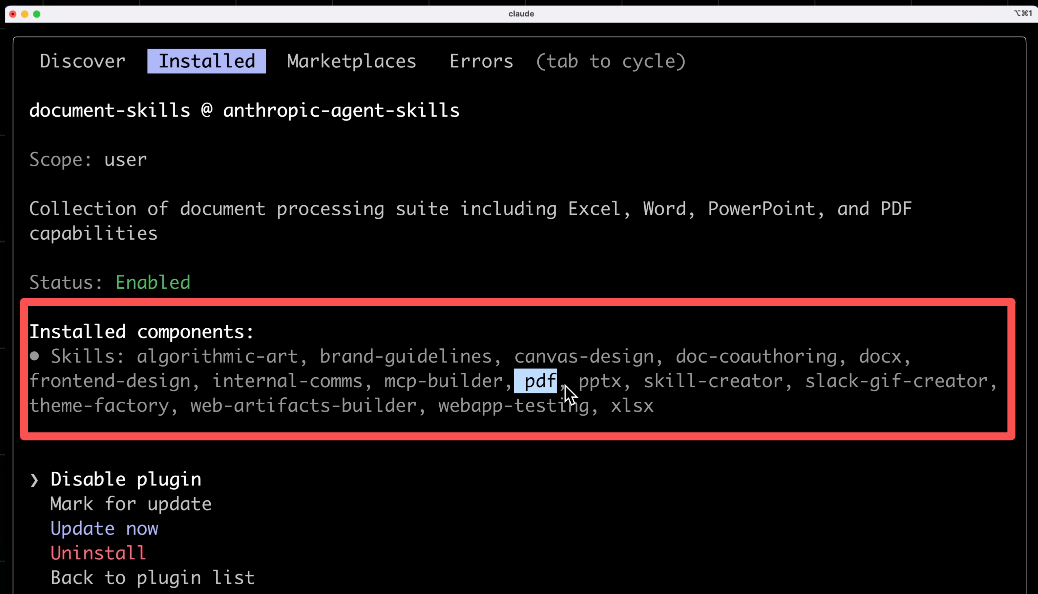
This pack includes PPT creation, Word document generation, Excel data analysis, PDF parsing, and more.
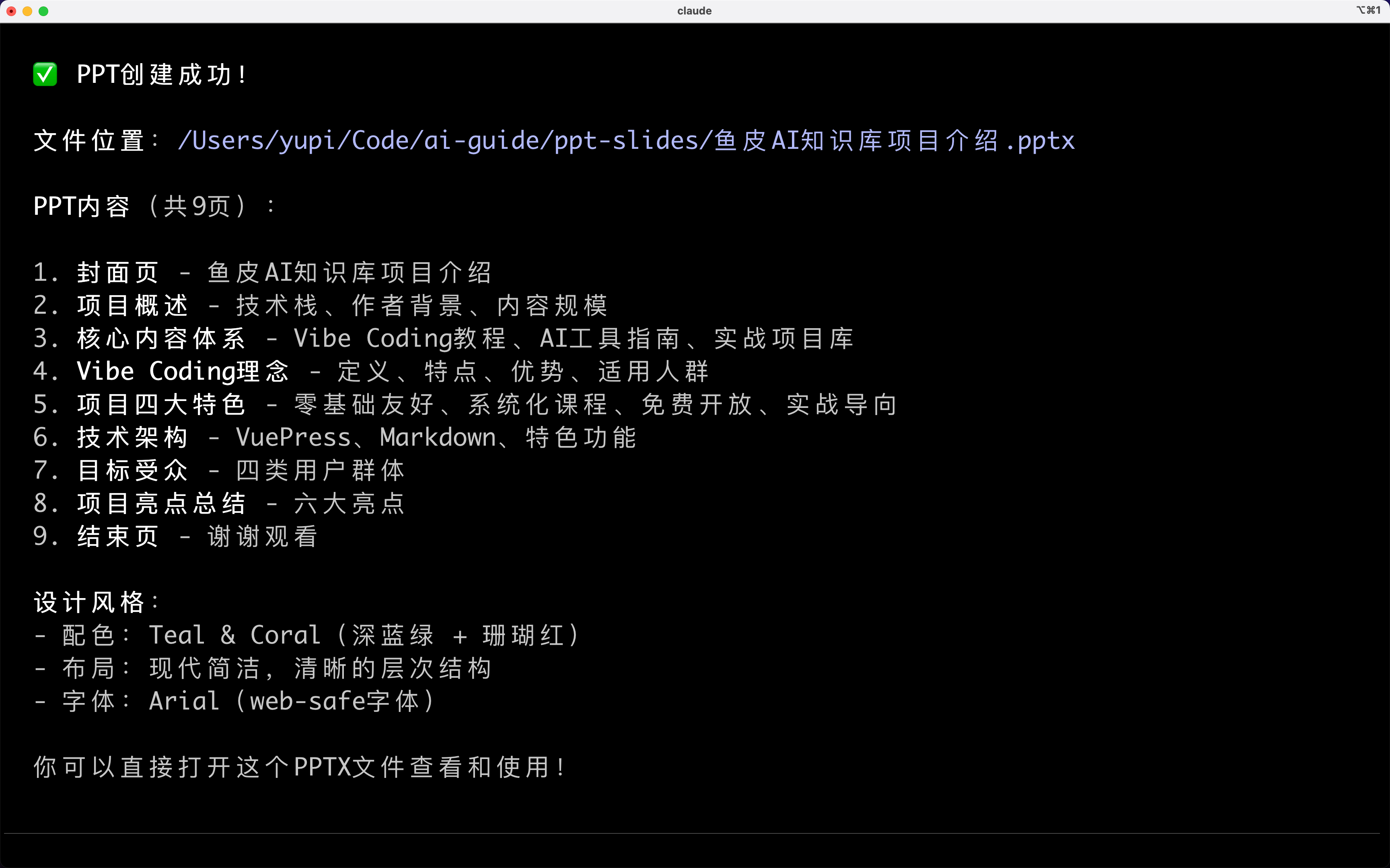
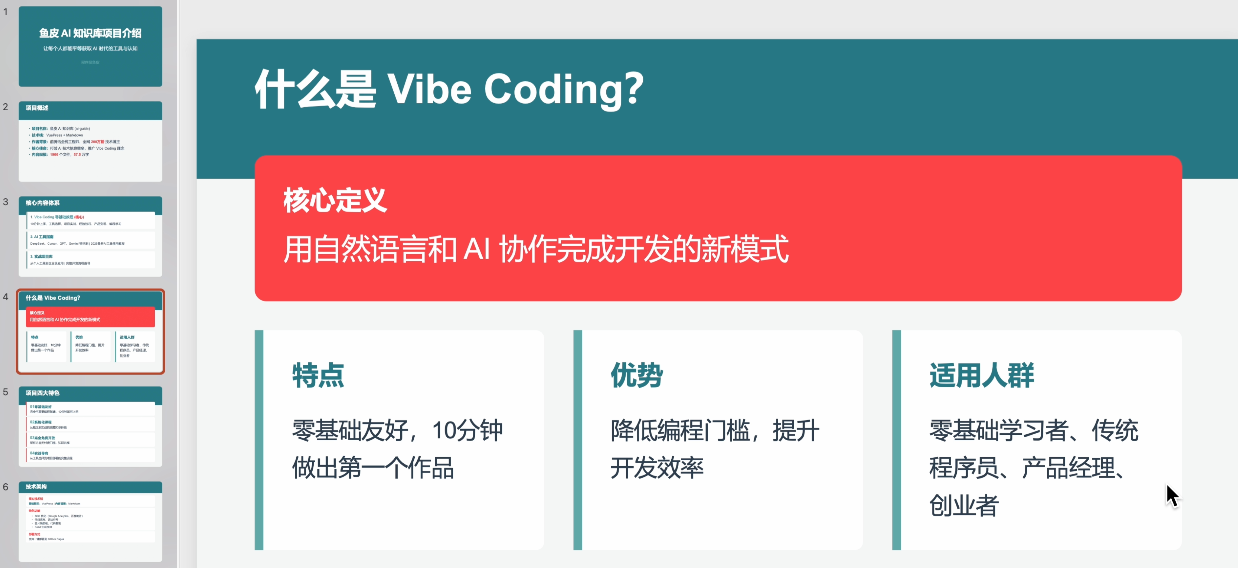
Now when you ask AI to create a PPT, it automatically invokes the PPT creation skill, directly generating formatted PPT files, saving you hours.
4. Revealing Agent Skills' Internal Mechanics
You might wonder: How do Skills work out of the box? What's inside skill packs? How does AI know which skill to use?
A skill is essentially a folder containing a SKILL.md instruction file, along with executable scripts, resources, and reference documents.
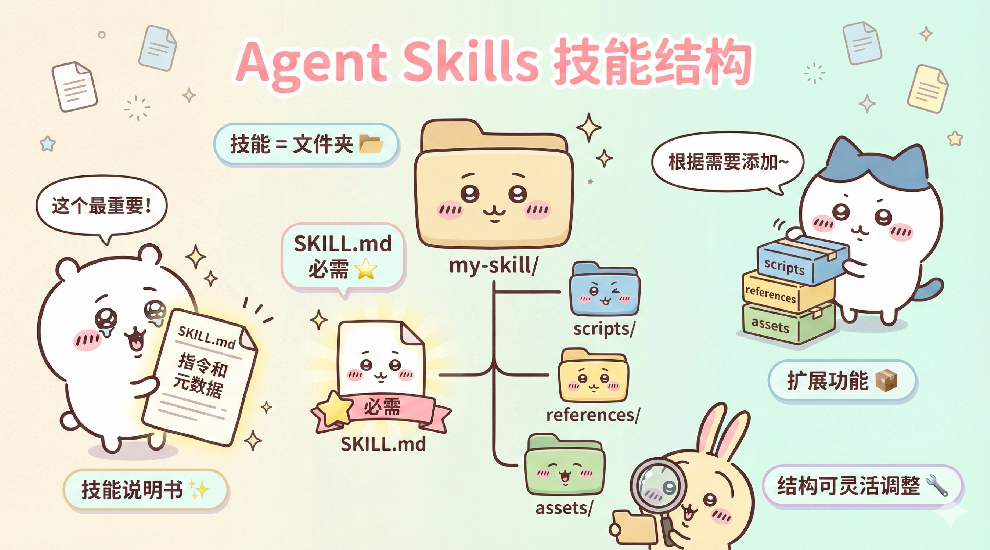
my-skill/
├── SKILL.md          # Required: Instructions and metadata
├── scripts/          # Optional: Executable scripts
├── references/       # Optional: Reference documents
└── assets/           # Optional: Templates and resources
Structure varies by skill complexity. You can find installed skill folders in local directories.
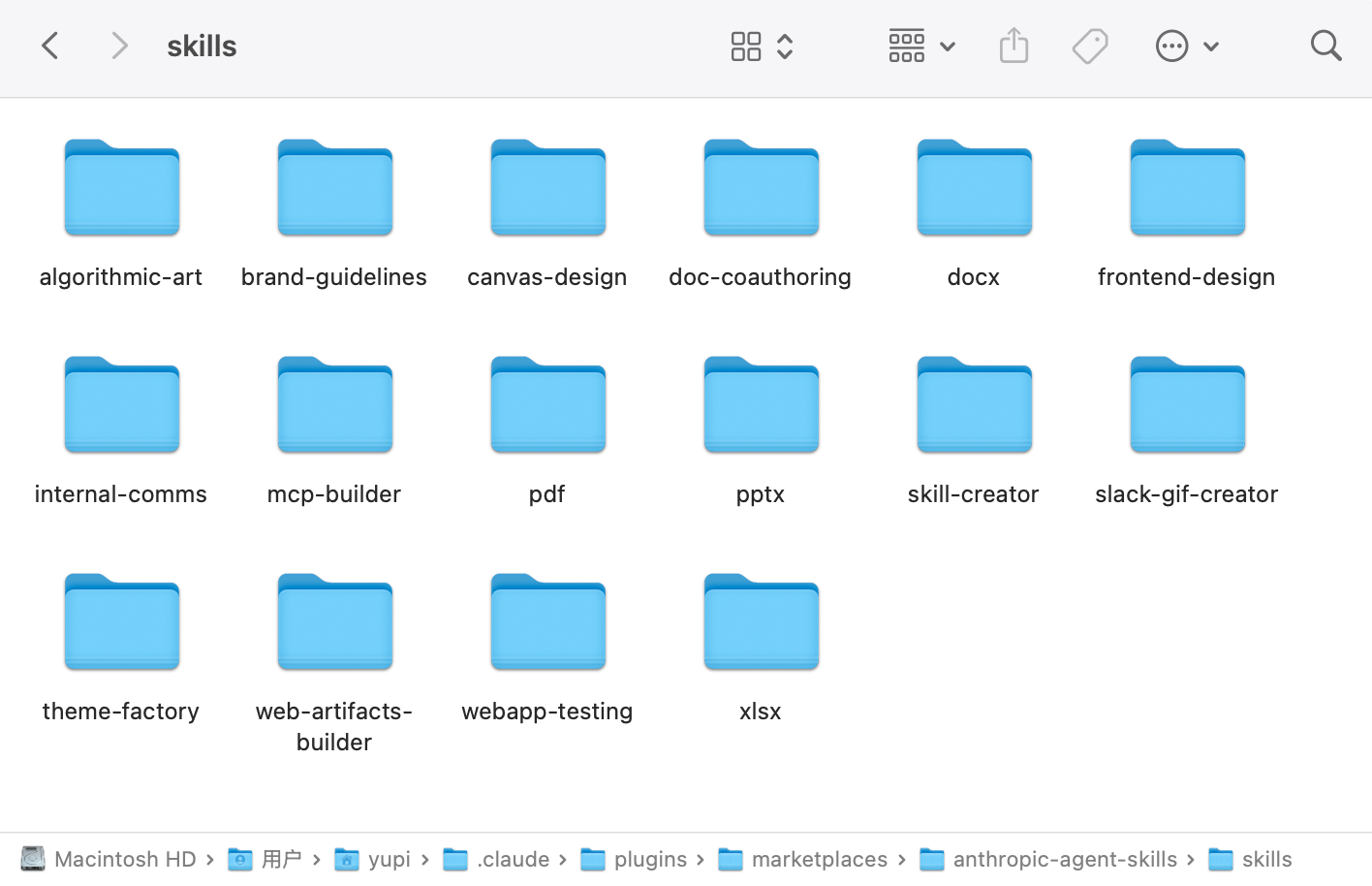
Take the official PPT creation skill as an example:
skills/pptx/
├── SKILL.md          # Skill manual (required)
├── ooxml/            # OOXML resources
├── scripts/          # Processing scripts
├── html2pptx.md      # HTML to PPT instructions
├── ooxml.md          # OOXML format instructions
└── LICENSE.txt       # License
It contains a core SKILL.md document, plus scripts, references, and resource files.
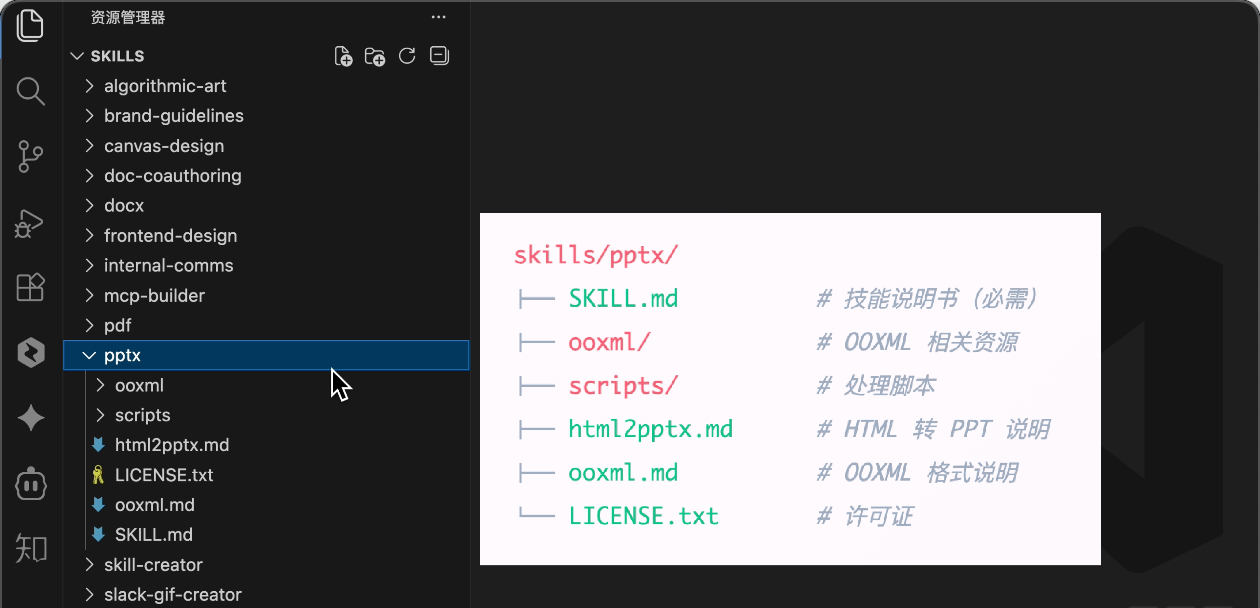
The frontend-design skill only has a SKILL.md file.
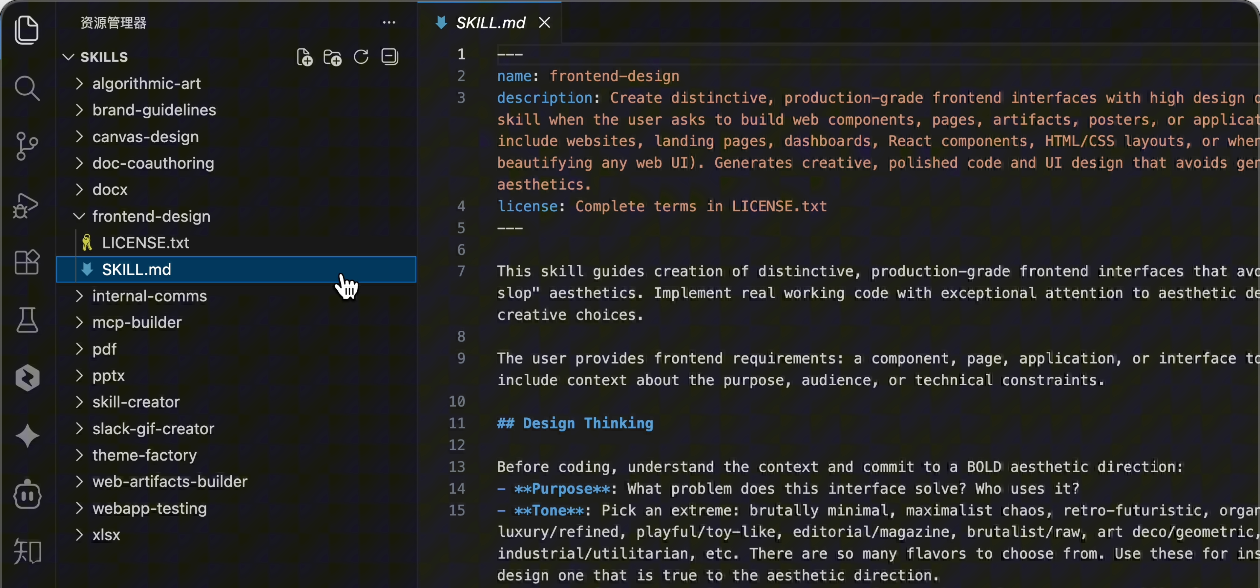
SKILL.md File Structure
SKILL.md is each skill's core, containing two key parts.
First is metadata in YAML format at the file's beginning:
---
name: frontend-design
description: Generate professionally designed frontend code, avoiding generic AI aesthetics
---
name is the skill's name. description explains when AI should use this skill. Clearer descriptions help AI invoke it at appropriate times.
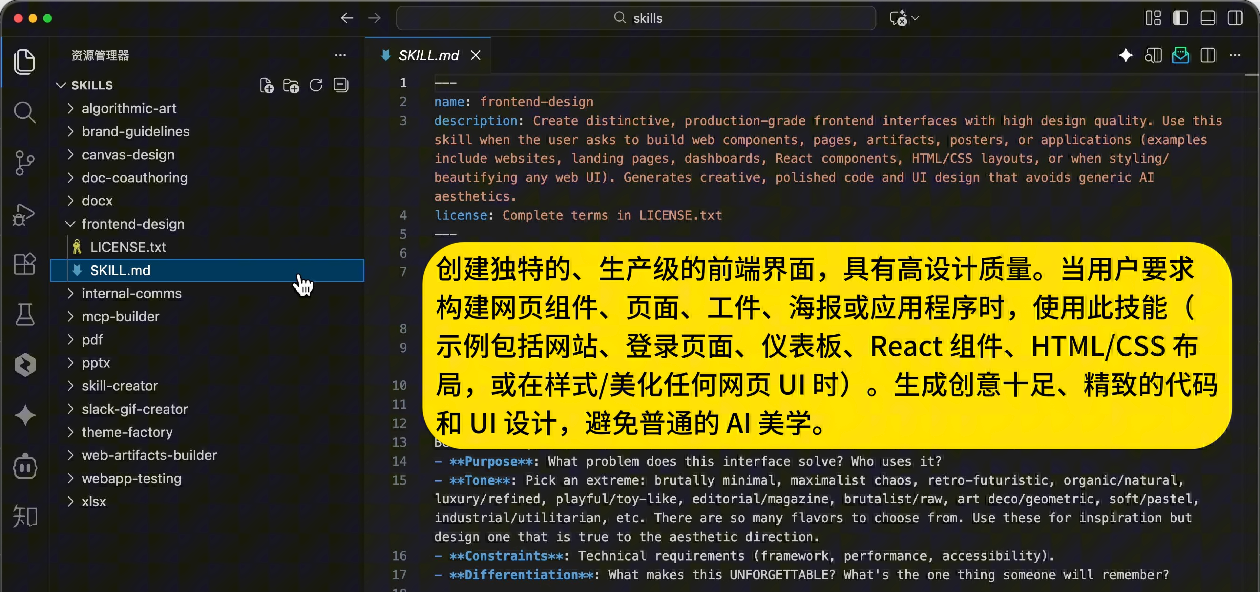
Second is instruction content - carefully designed prompts guiding AI on exactly what to do.
Take the frontend-design skill as an example. Its instructions include:
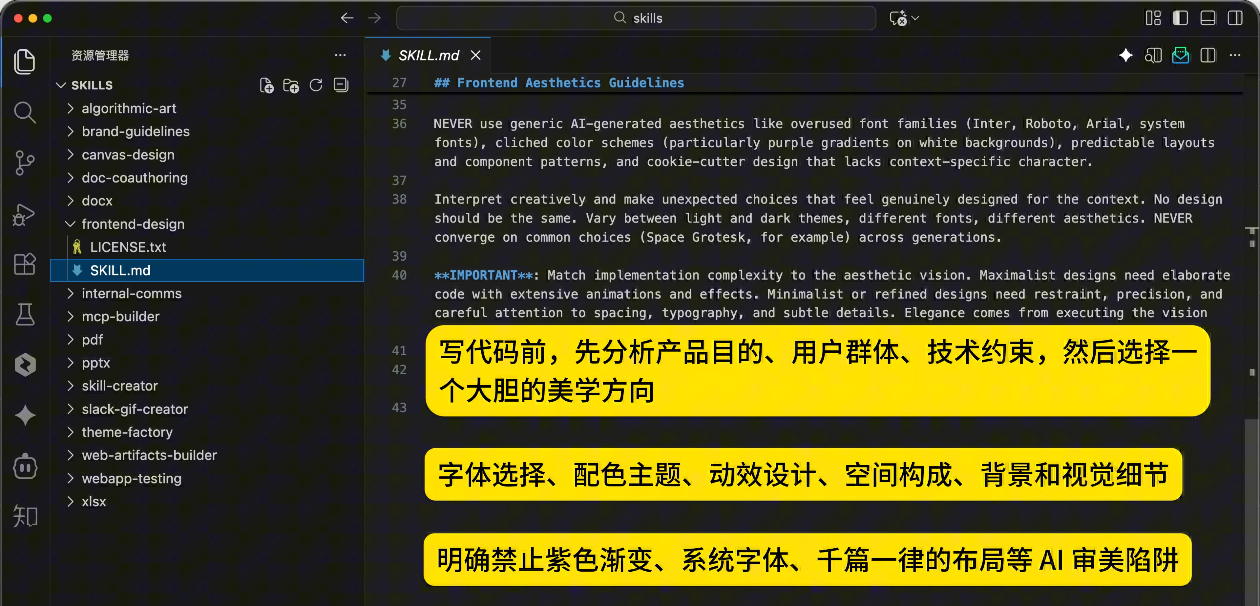
- Design thinking: Before coding, analyze product goals, user groups, technical constraints, then choose a bold aesthetic direction (minimalist, retro-futuristic, industrial, organic, luxurious, etc.)
- Frontend aesthetic guidelines: Font selection (avoid overused fonts like Arial/Inter, choose distinctive combinations), color themes (primary colors with vivid accents), motion design, spatial composition, backgrounds, and visual details
- Pitfall avoidance: Explicitly prohibits purple gradients, system fonts, generic layouts, and other AI aesthetic traps
Progressive Disclosure Mechanism
With multiple Skills, how does AI know which to use? Wouldn't loading every skill document consume too much context?
This introduces the core Progressive Disclosure mechanism.
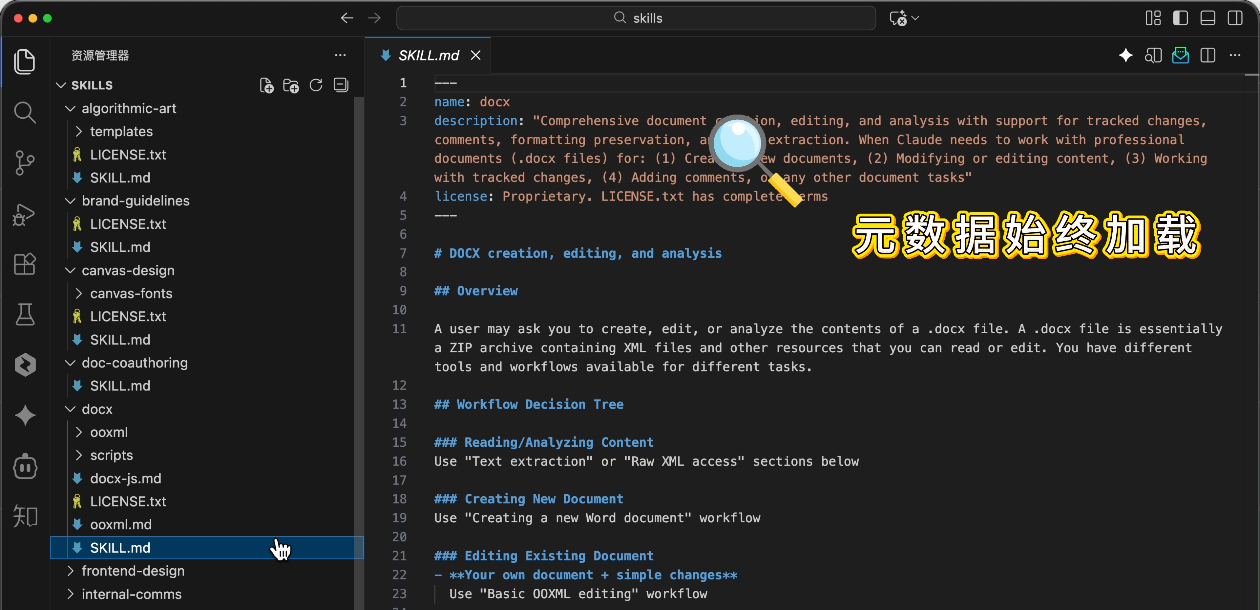
When you assign a task, AI first scans the skill directory without loading all content into context. It only reads each skill's metadata (name and description), matching relevant skills to the task.
Then it loads the complete skill instructions to execute:
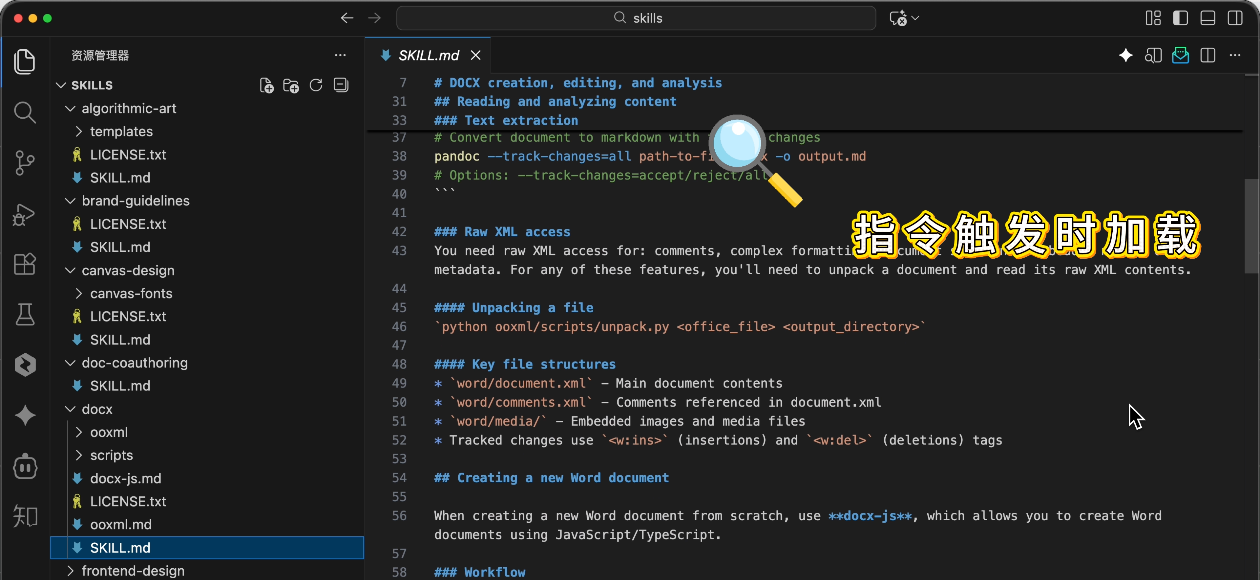
And loads other resources from the skill pack as needed:
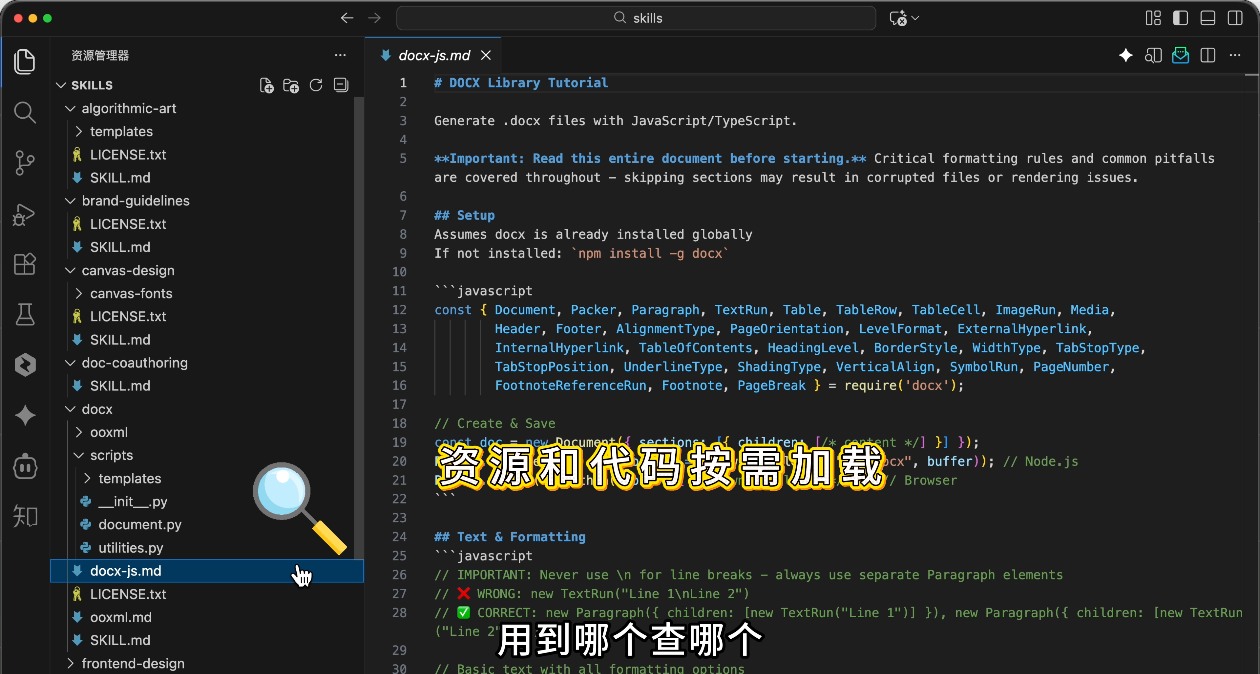
Load what you need when you need it - precise matching while conserving context is progressive disclosure's essence.
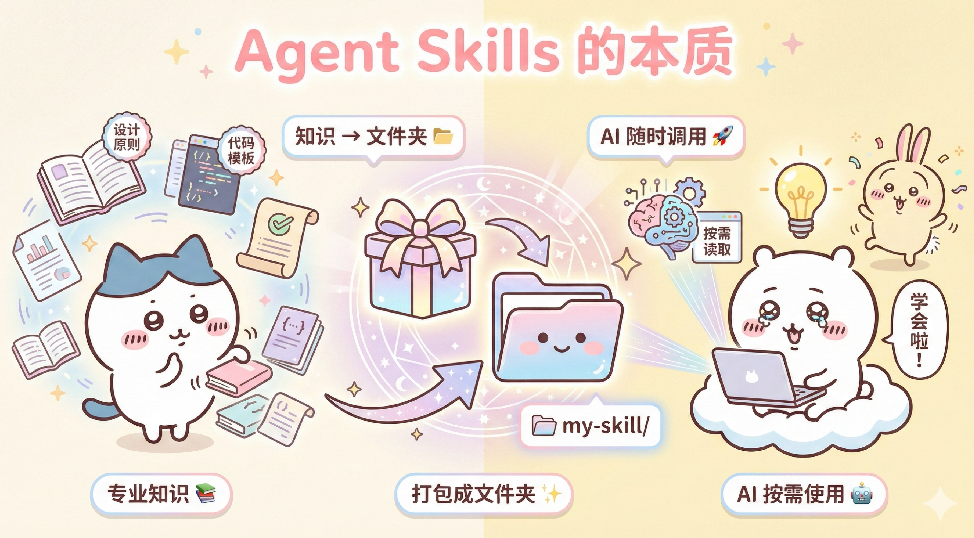
So Agent Skills essentially package professional knowledge into folders for AI to load and use on demand.
5. Using Agent Skills Across Tools
Besides Claude Code, do other AI tools support Agent Skills?
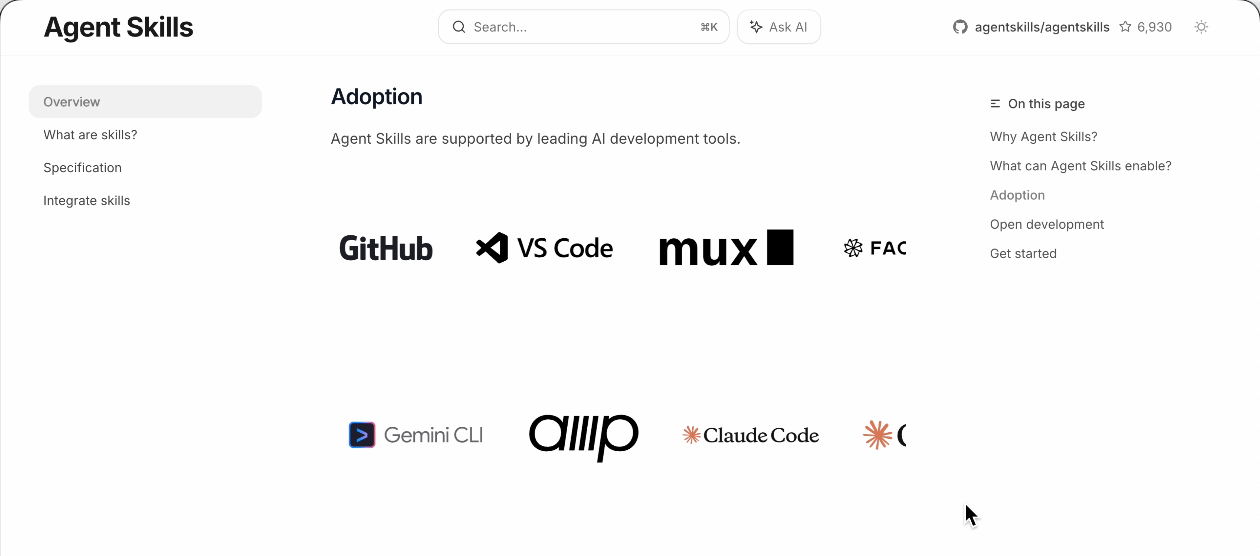
Absolutely! Agent Skills has become a universal standard supported by Cursor, VS Code, Codex, and more.
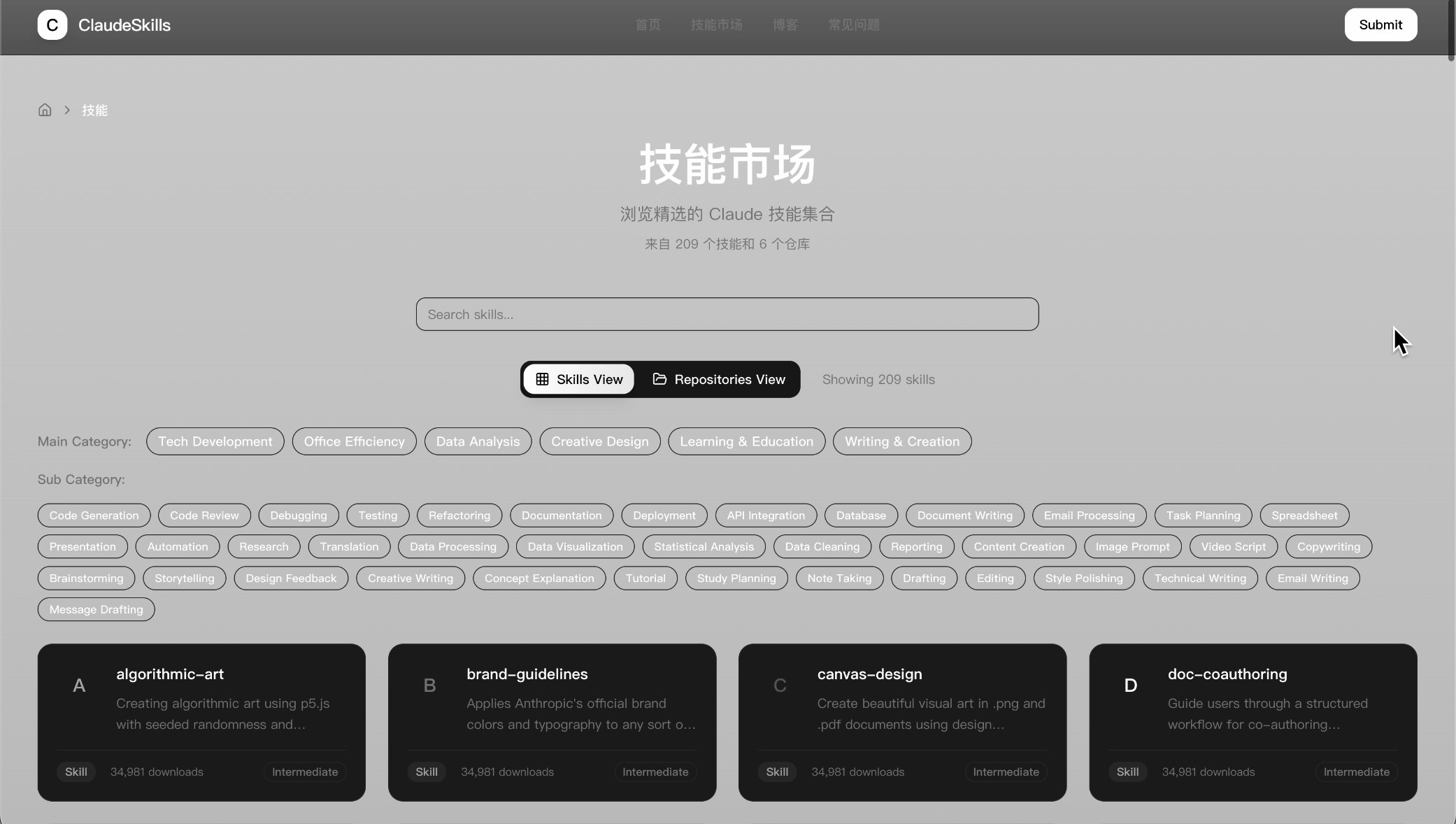
The Skills community is also very active. You can find many ready-made skills at Claude Skills Hub, open-source Awesome Claude Skills, and similar places.
For example, the UI UX Pro MAX skill is very popular, specifically enhancing AI's design capabilities.
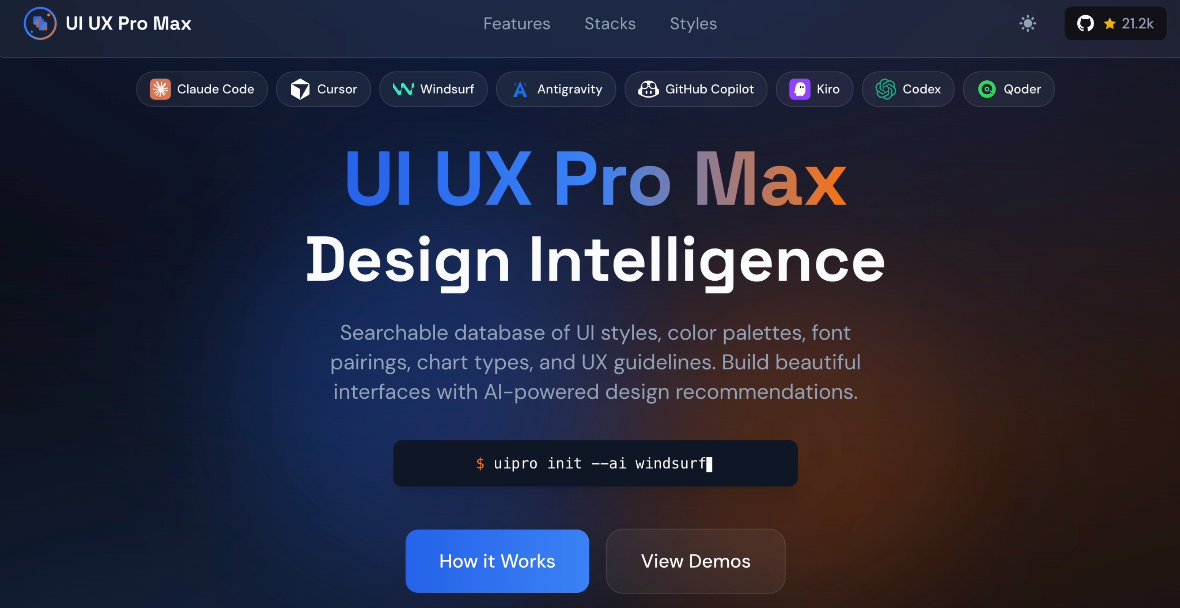
Using Agent Skills in Cursor
Usage is simple. First, follow the open-source repository documentation to install the official CLI tool:
npm install -g uipro-cli
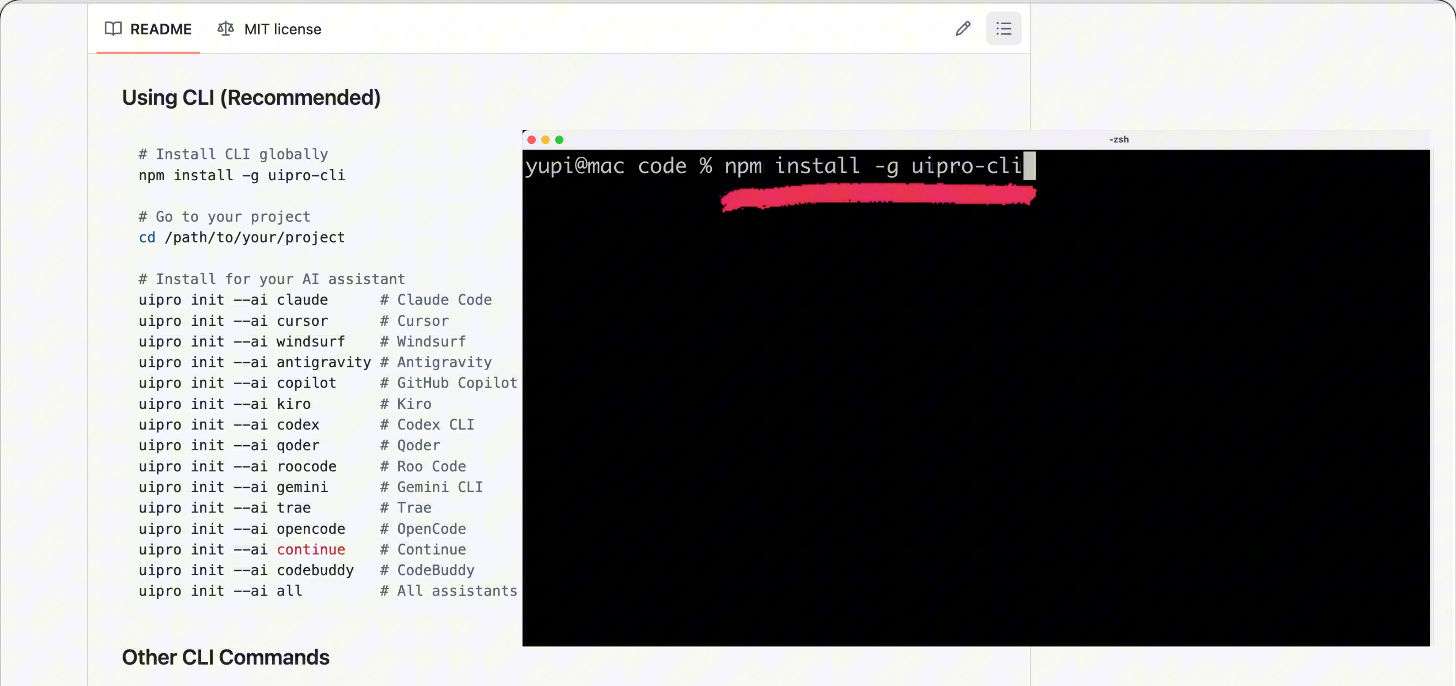
Then navigate to your project directory and run the appropriate command for your AI tool. For Cursor:
uipro init --ai cursor
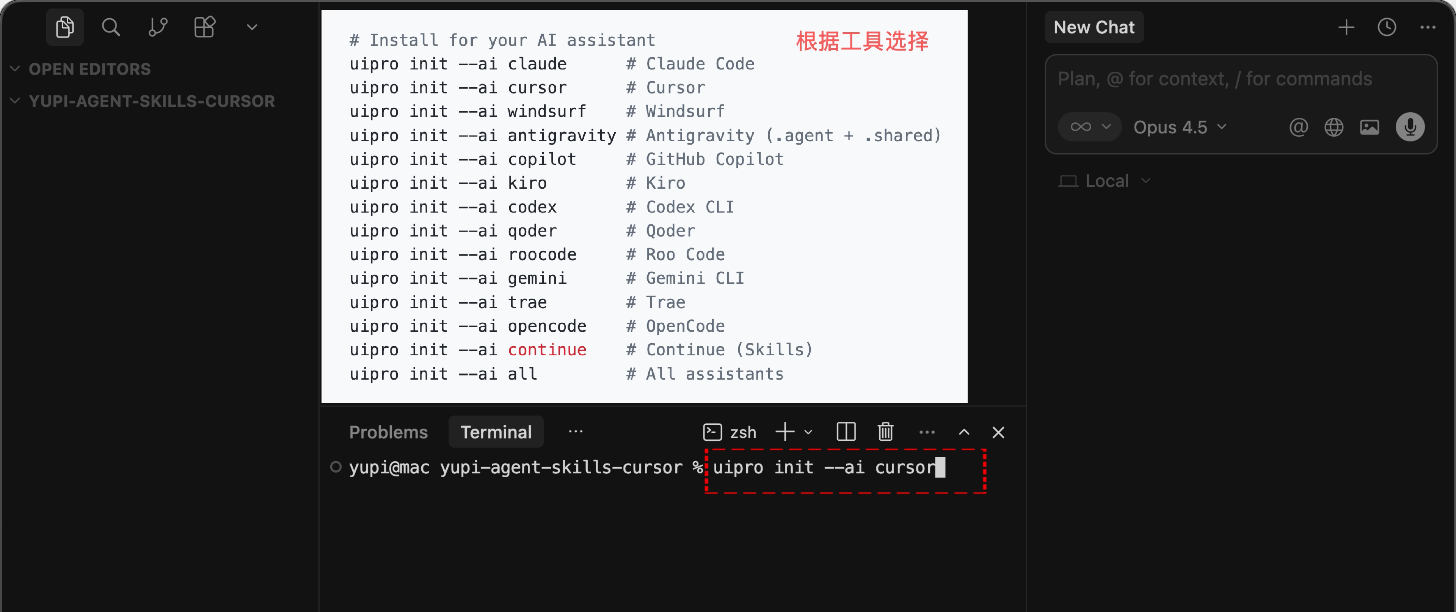
It automatically installs the skill in Cursor's configuration directory.
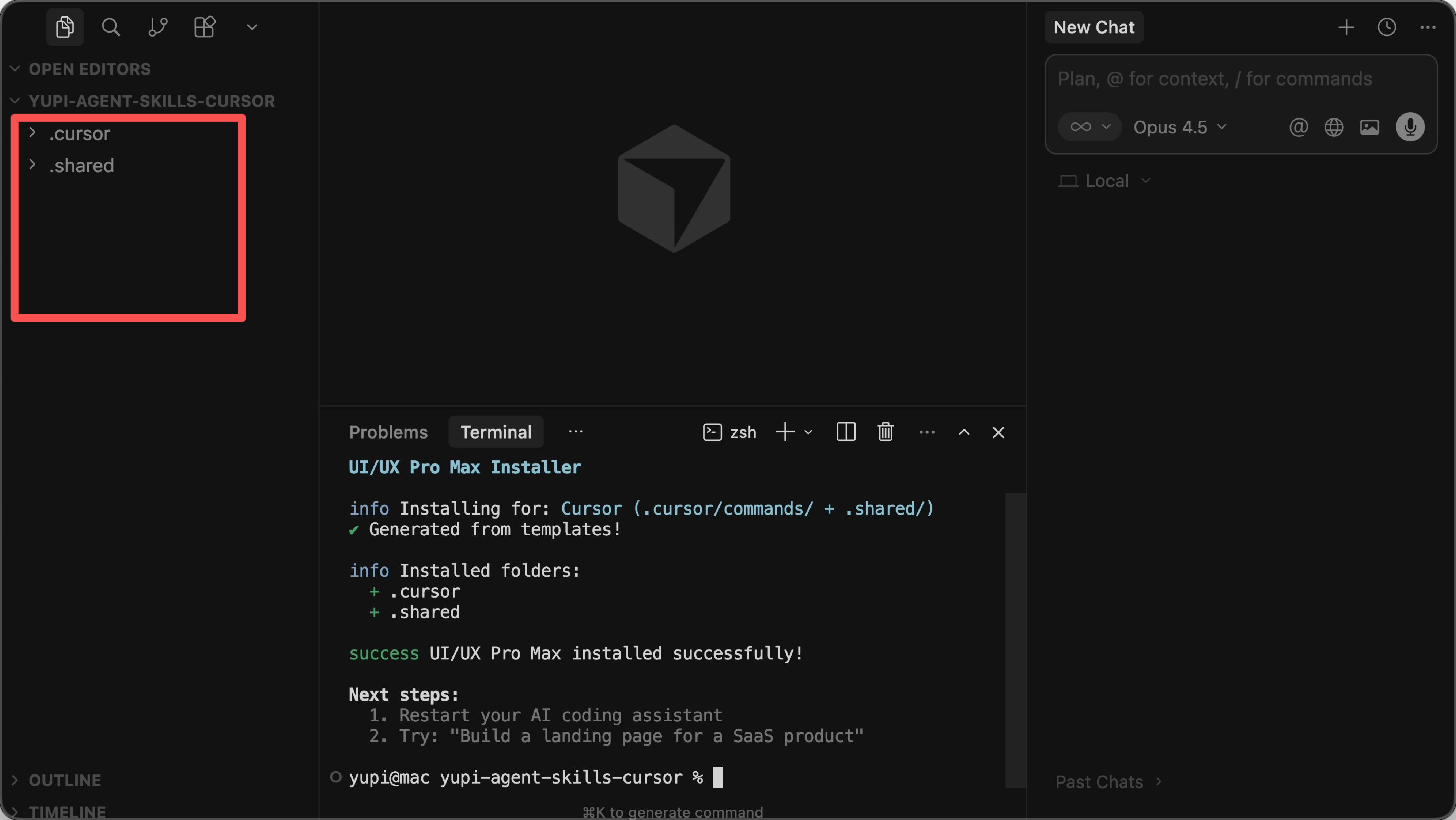
After installation, you can see its file structure:
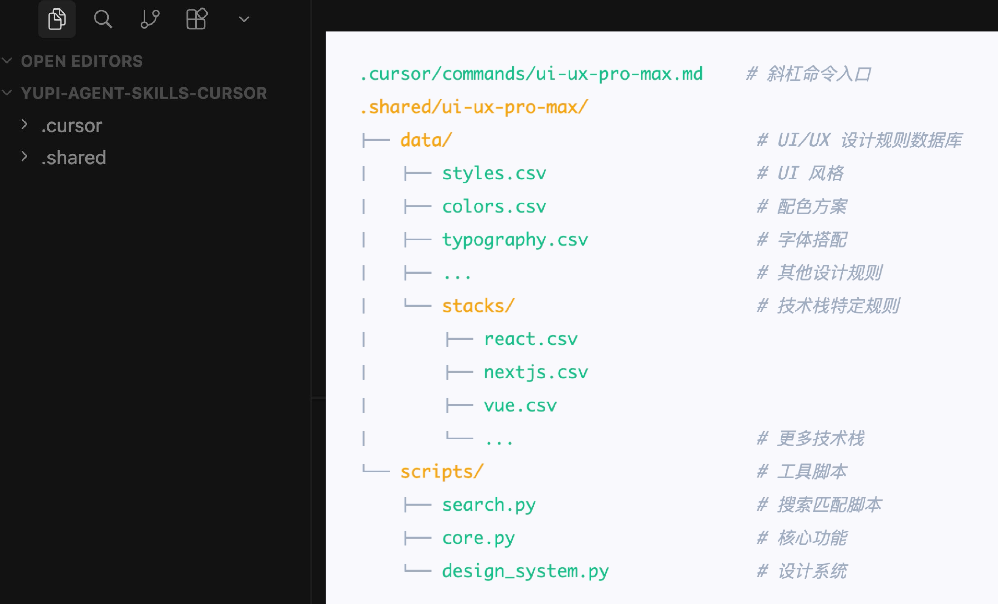
Now when having AI develop a website, use slash commands to manually trigger skills or let AI auto-recognize them.
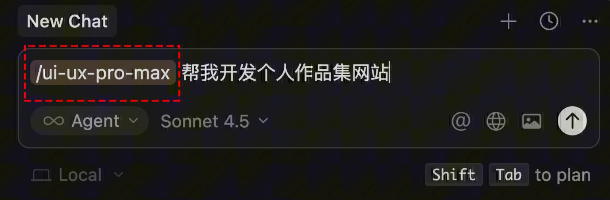
AI identifies product types and required page types based on your needs:
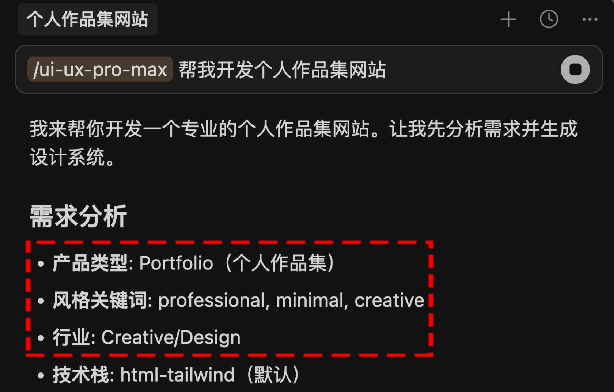
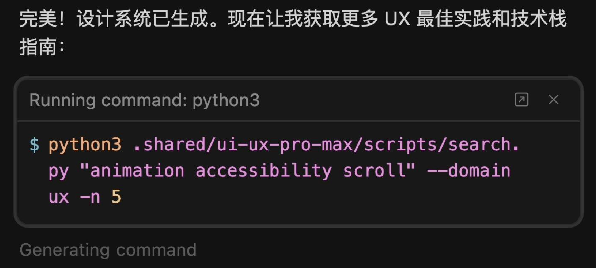
Then invokes search.py to perform multi-dimensional searches in the data directory for suitable colors, fonts, and layouts:
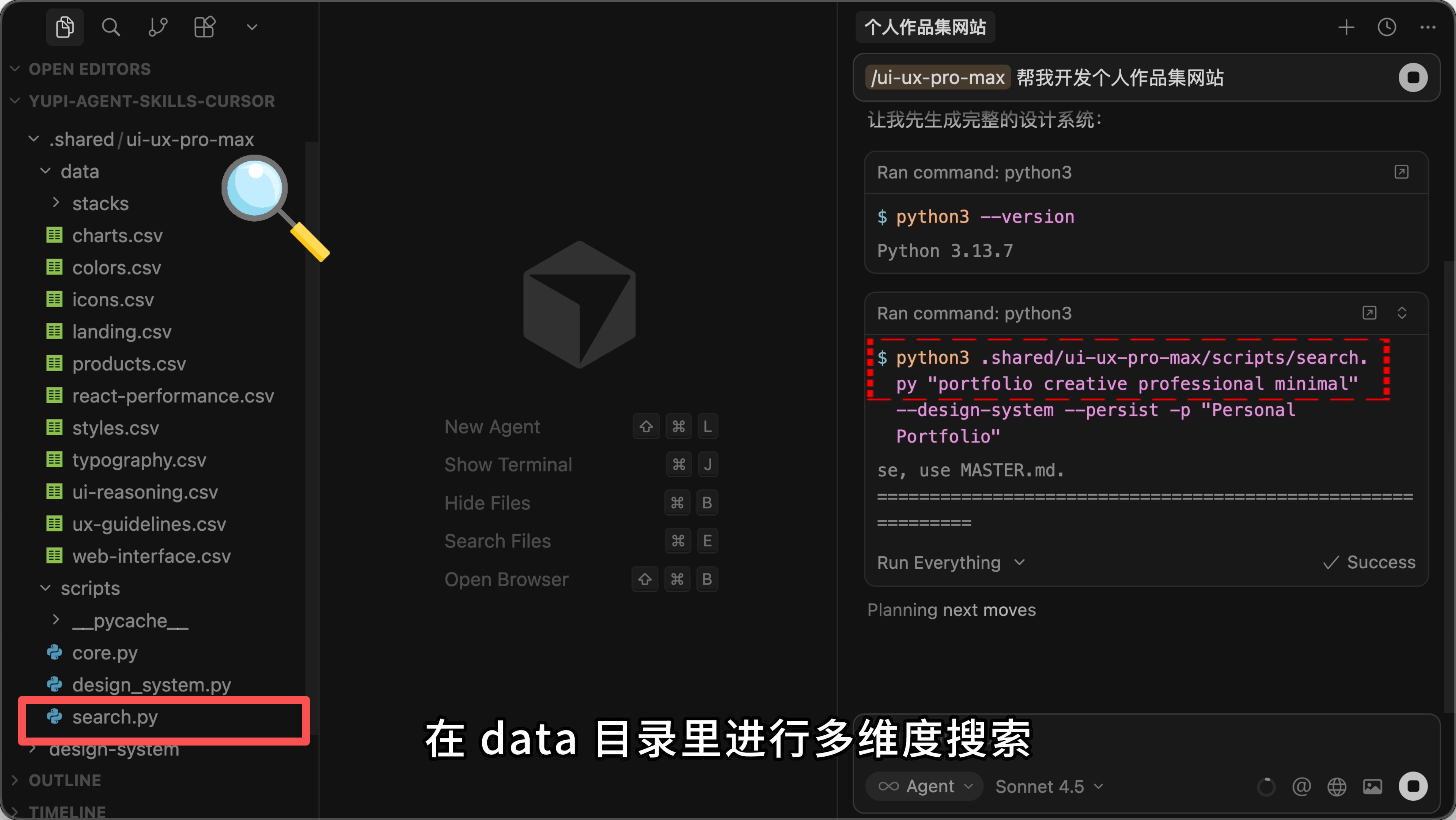
Combining search results, it generates complete design schemes (primary colors, font combinations, spacing standards, etc.):
Finally, it generates code according to the design:
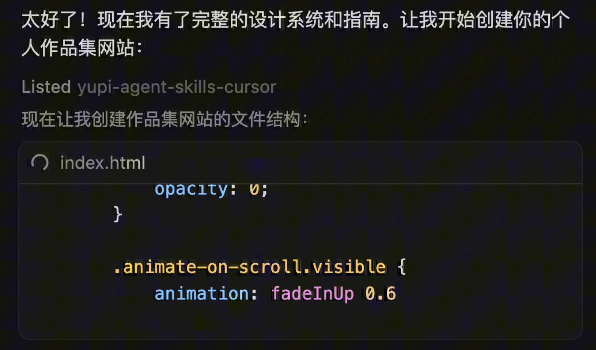
The resulting interface is both professional and design-conscious.