 yupi-translate-app[bot]
17 KiB
OpenCode: Hands-on Review of the Open-Source Free AI Command Line Tool
Hello everyone, I'm programmer Yupi.
Claude Code has long been recognized as the Top 1 AI programming command line tool, almost god-like in the AI and programmer communities.
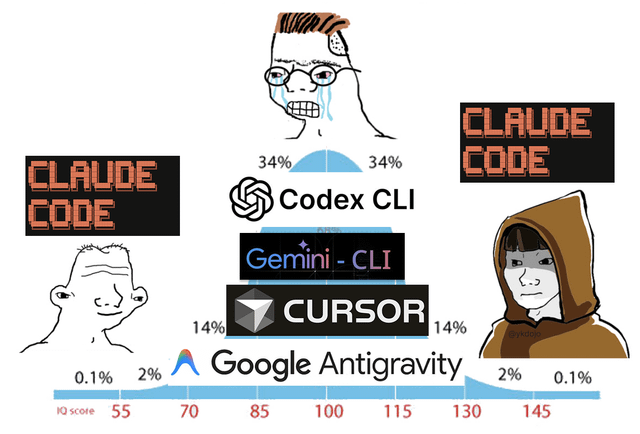
But this damn thing isn't very friendly to Chinese users...
First, to use Claude Code, you must have special network access + an official account, otherwise you'll see nothing but red.

Moreover, in September 2025, Anthropic suddenly announced a complete ban on Chinese-controlled enterprises using Claude services, including not only mainland Chinese companies but also overseas companies with over 50% Chinese ownership!
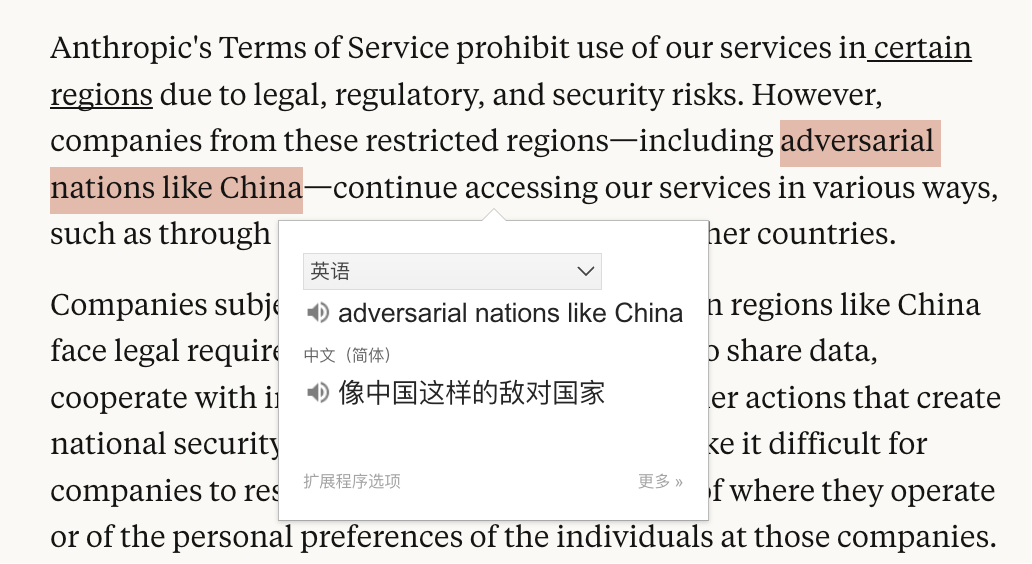
Anthropic even specifically named China, calling us an adversarial nation!
The world has suffered from Claude Code for too long!
But recently, many programmer friends around me have started switching from Claude Code to another tool - the suddenly popular open-source project OpenCode.
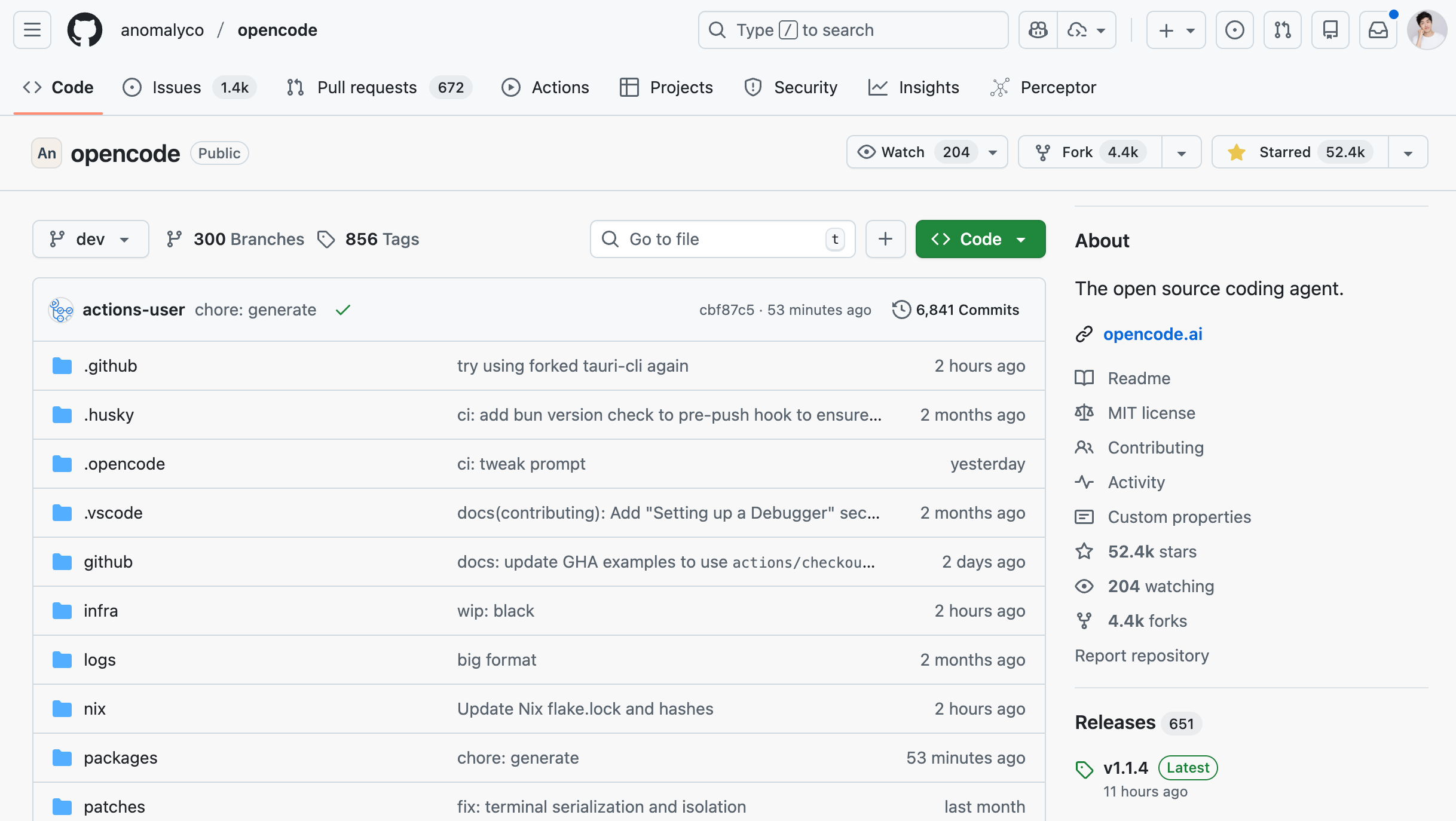
This thing gained 52k stars on GitHub in just half a year!
To put this in perspective - that's more than the total stars of all my dozens of open-source projects on GitHub combined! So jealous...

What exactly is OpenCode? Why is it so popular?
What is OpenCode?
OpenCode is a 100% open-source AI programming command line tool that can be used in terminals, IDEs, and even desktop applications.
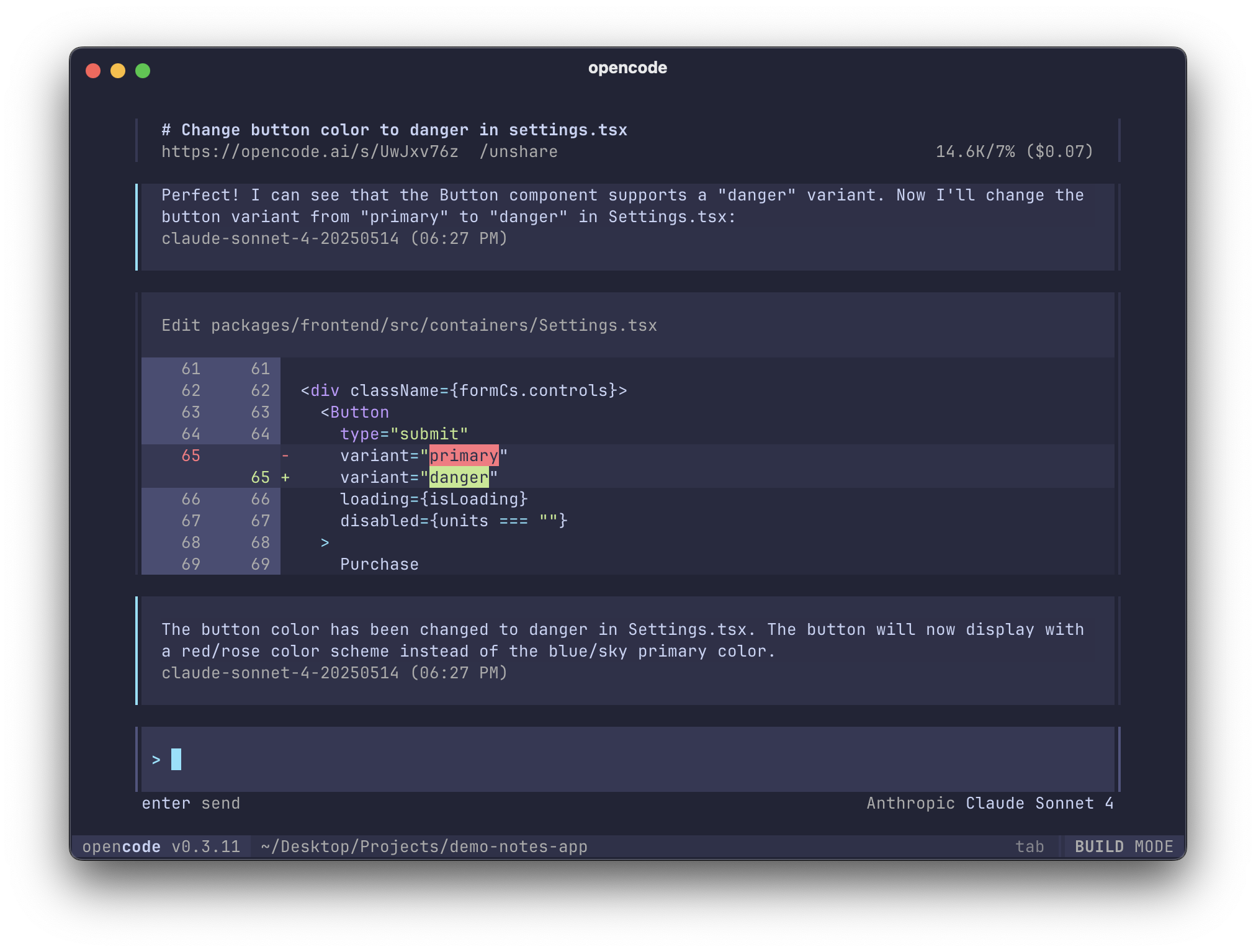
You might ask: How is this different from Claude Code?
Why not try it and see?
Next, I'll walk you through hands-on installation, configuration, and actual coding - a complete one-stop service~
Getting Started with OpenCode from Scratch
1. Installing and Running OpenCode
Go directly to the OpenCode official website and copy this command:
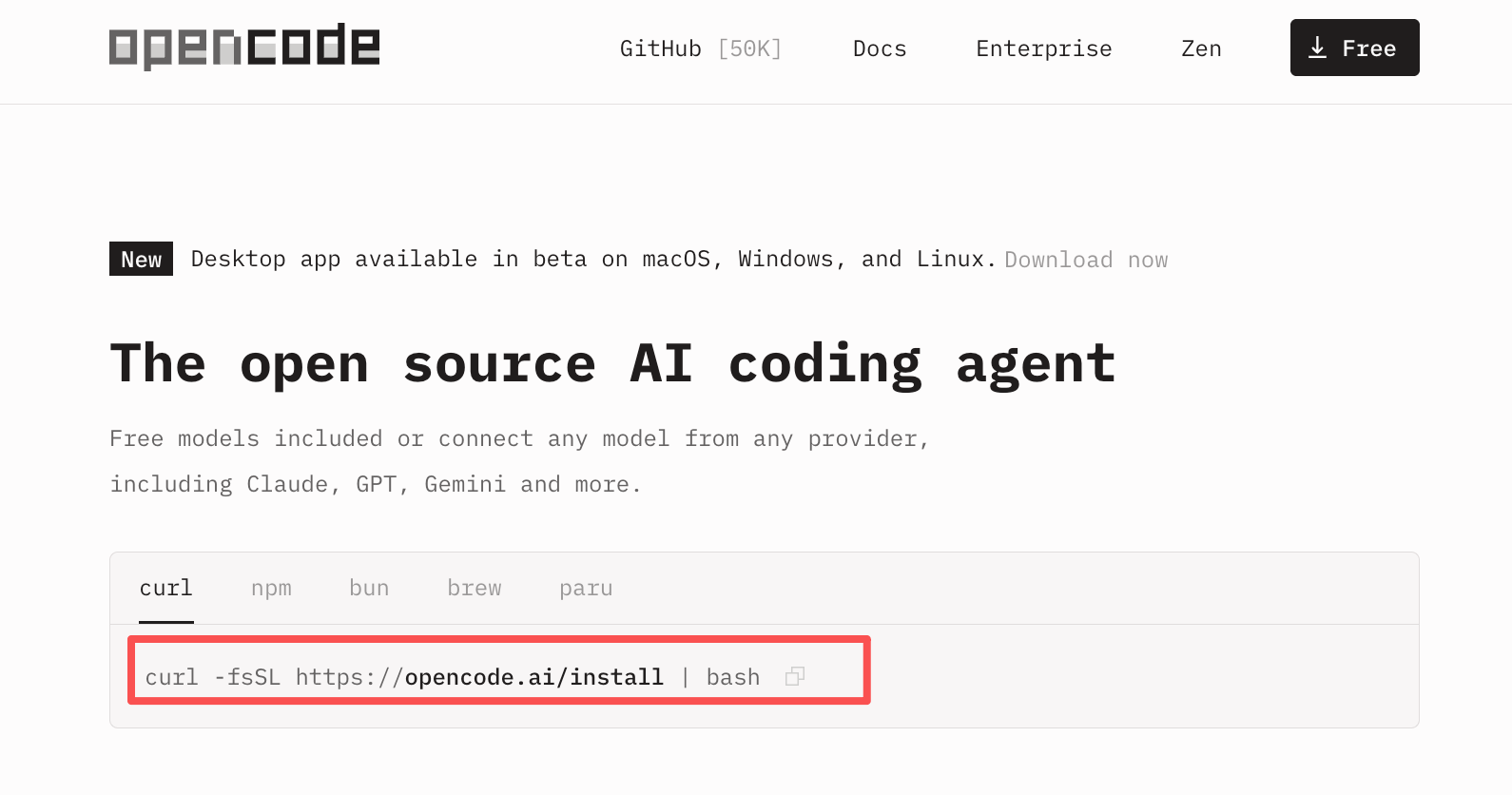
The command is:
curl -fsSL https://opencode.ai/install | bash
Execute it in the terminal to complete the installation.
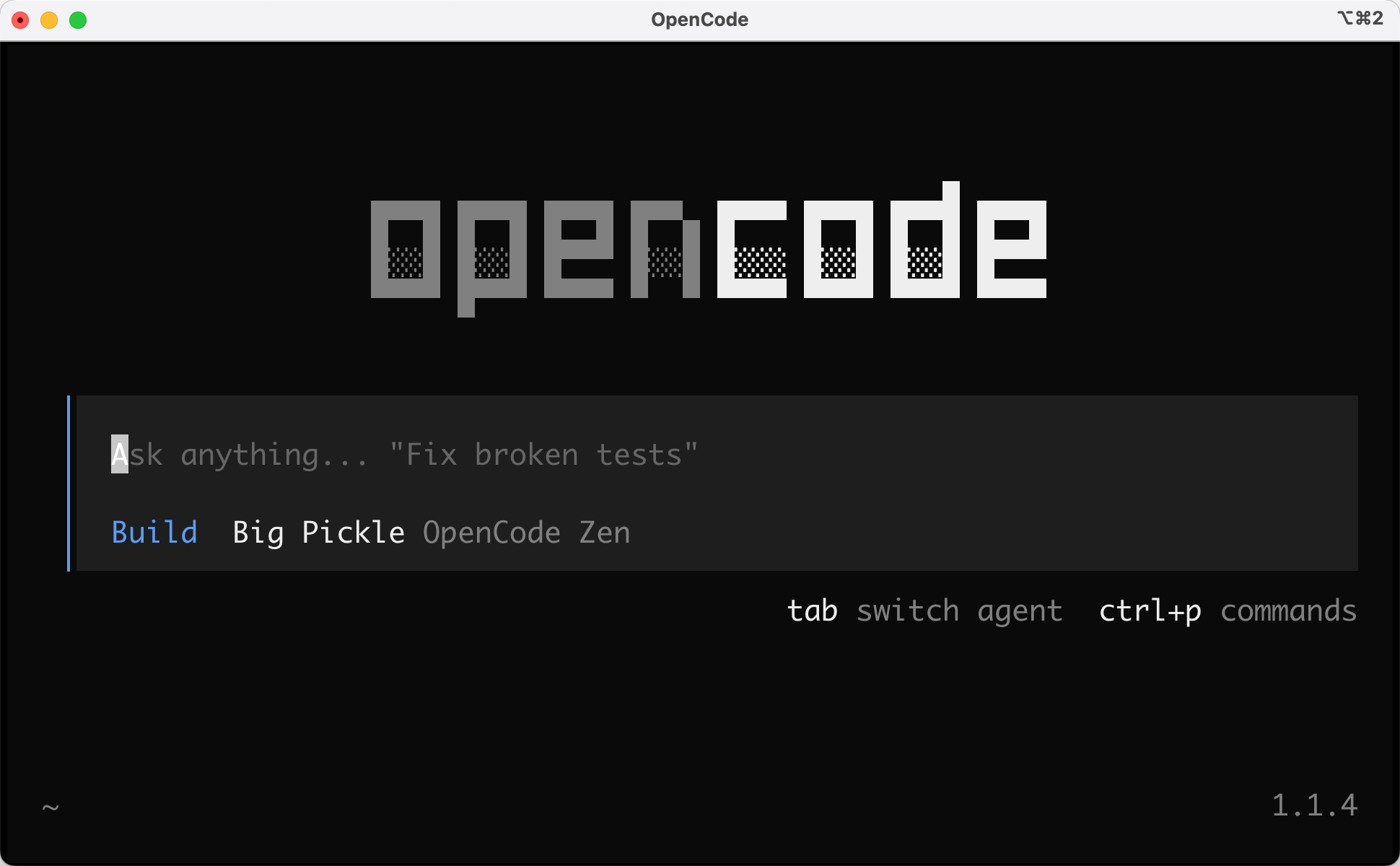
After installation, enter opencode to launch the program, and you're ready to use it~
Let's start with the classic Hello World - the AI successfully responded.
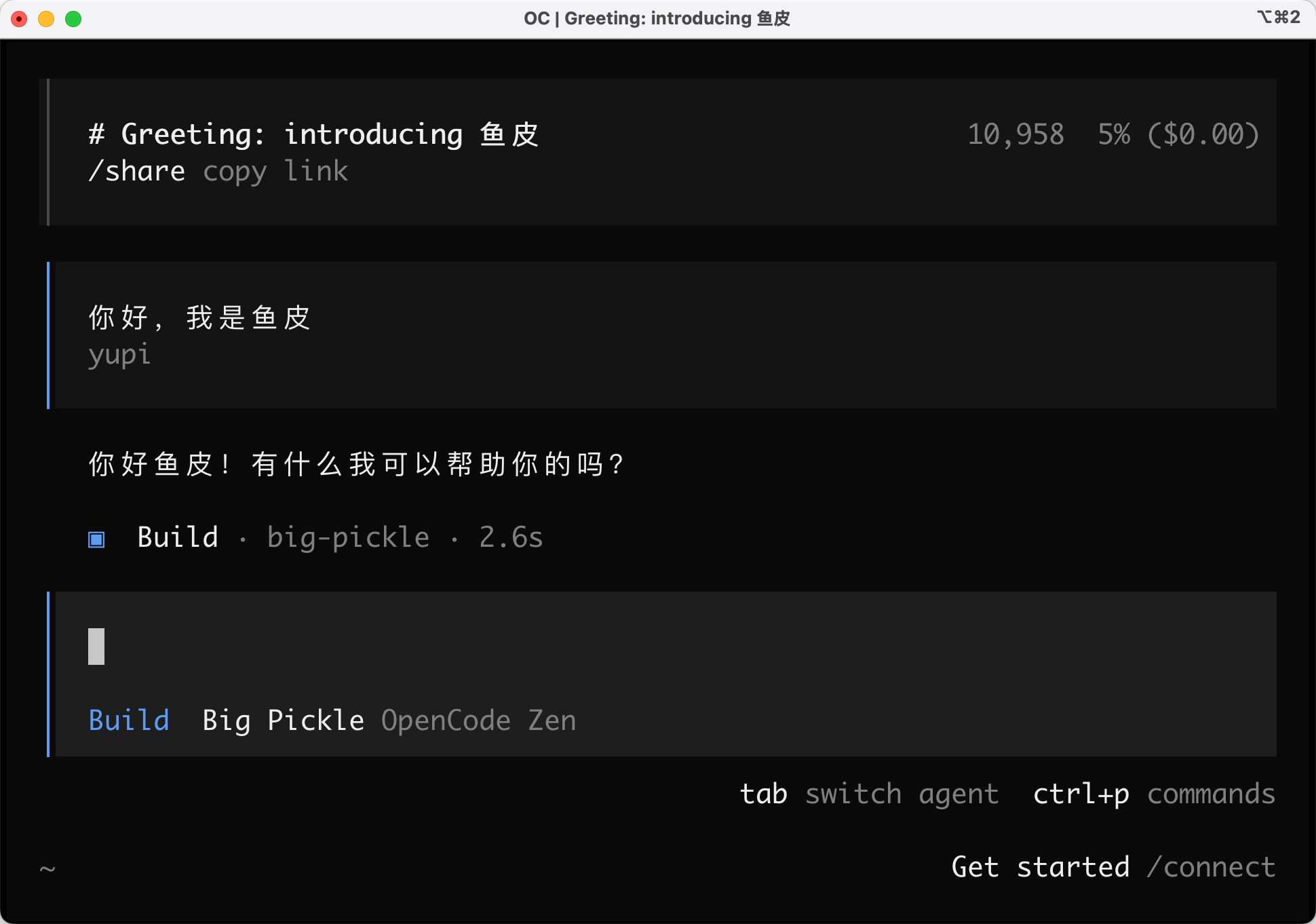
Congratulations, you've now mastered 70% of OpenCode.
2. Selecting Modes and Models
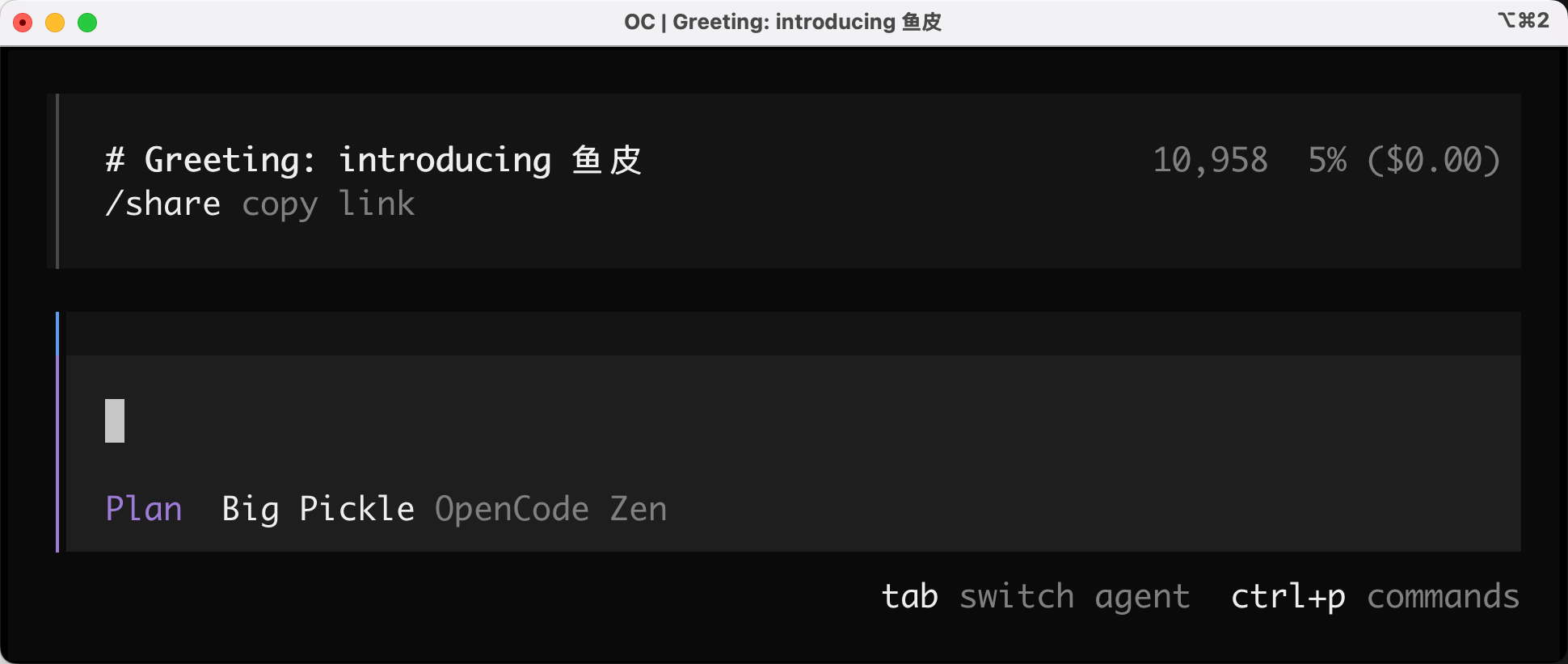
OpenCode supports 2 modes. The default is Build mode for application development and code generation.
Press Tab to switch to Plan mode for generating execution plans.
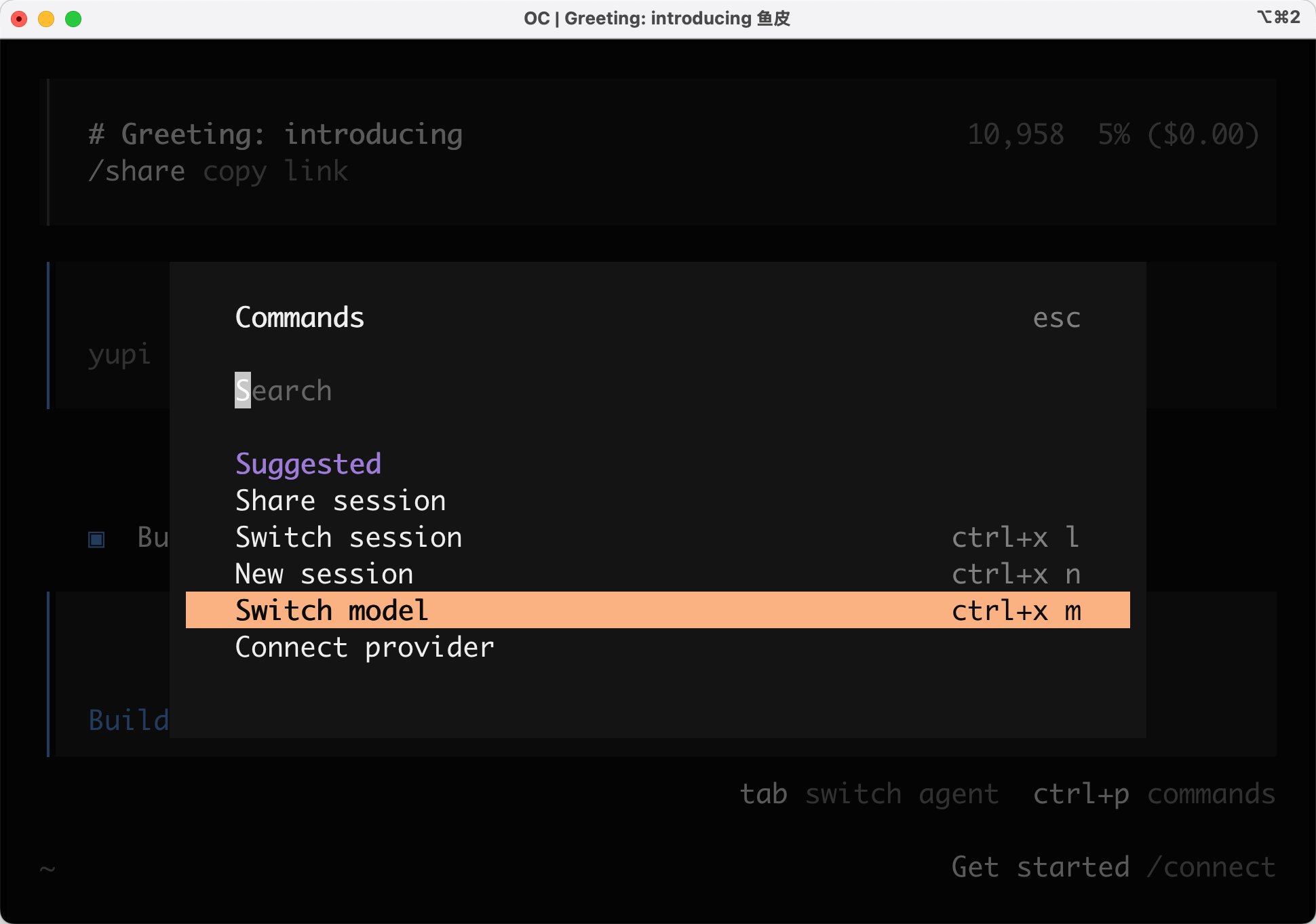
Press Ctrl + p to open the command palette with dozens of built-in commands. Let's try switching the large model first:
It provides 4 free models by default:
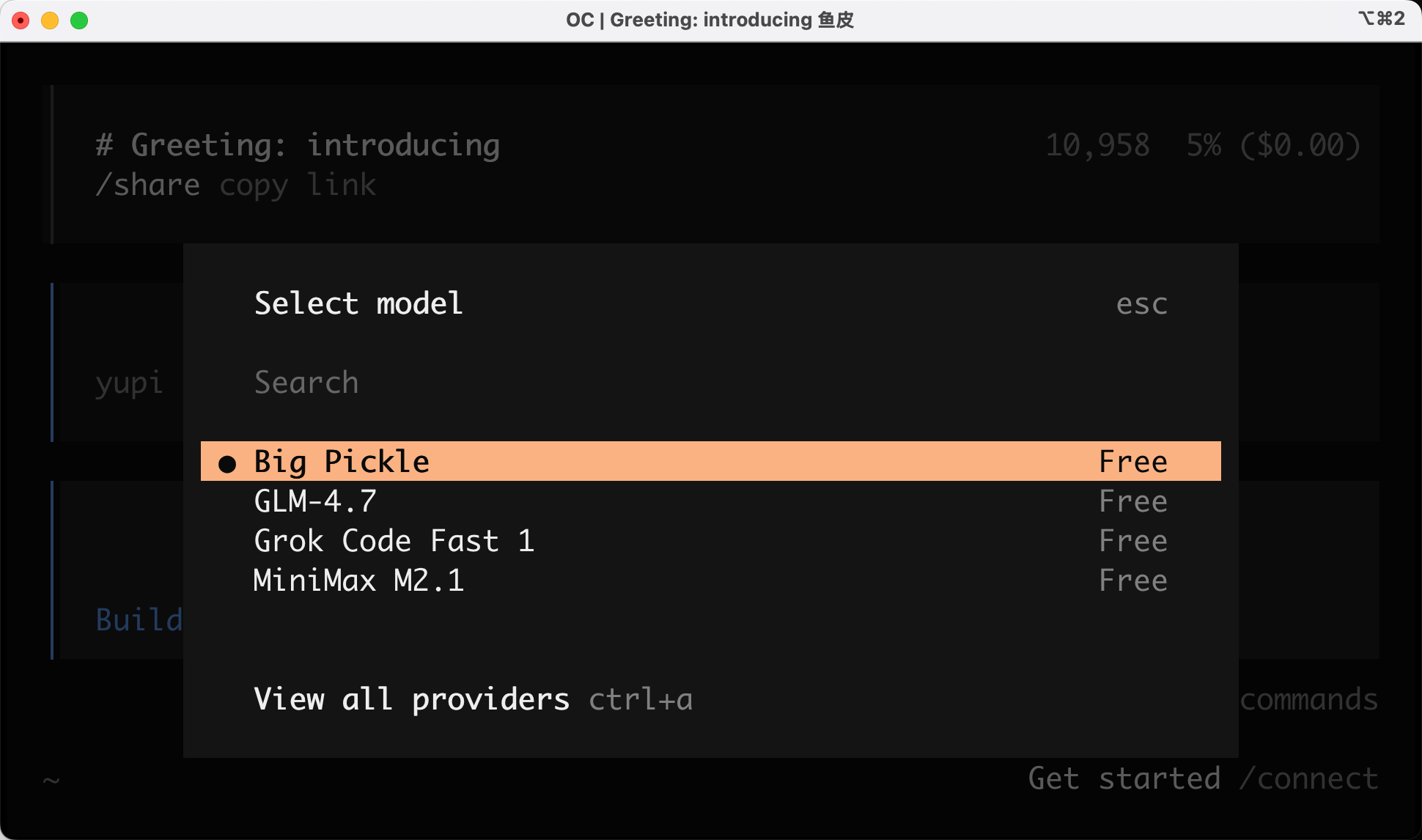
Wow, even the latest GLM-4.7 from Zhipu is free? Did I waste money on my Coding Plan subscription?

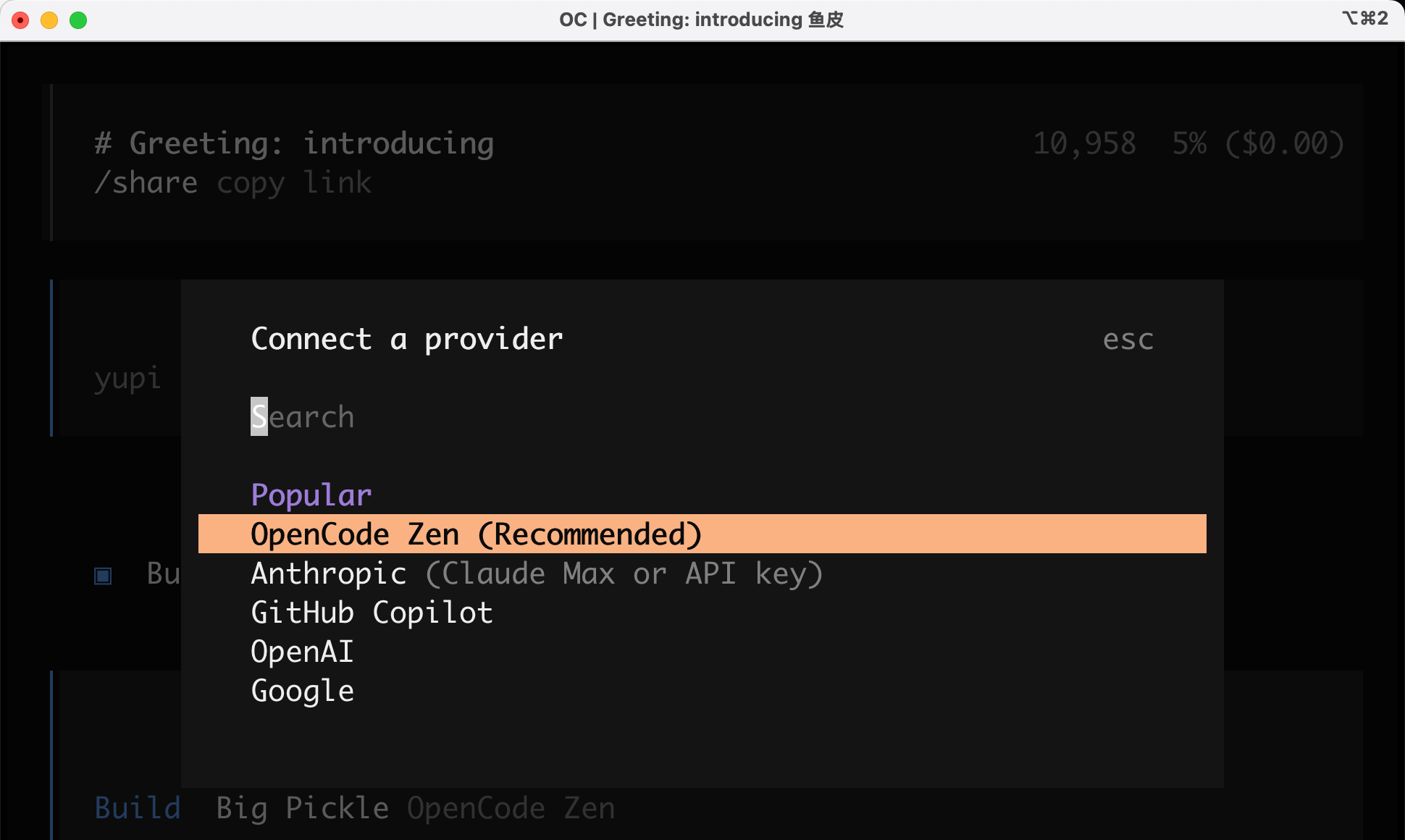
Besides free models, OpenCode supports a vast number of AI models for you to choose freely:
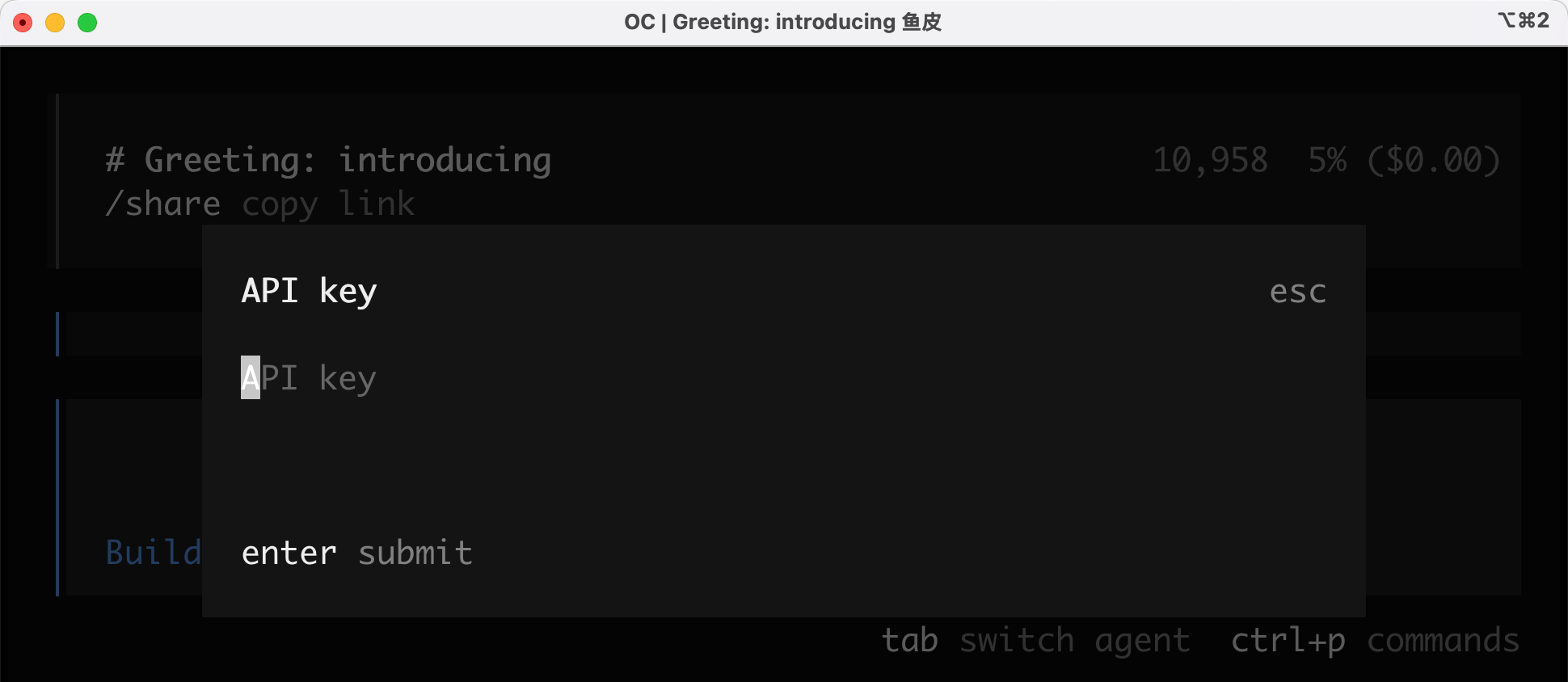
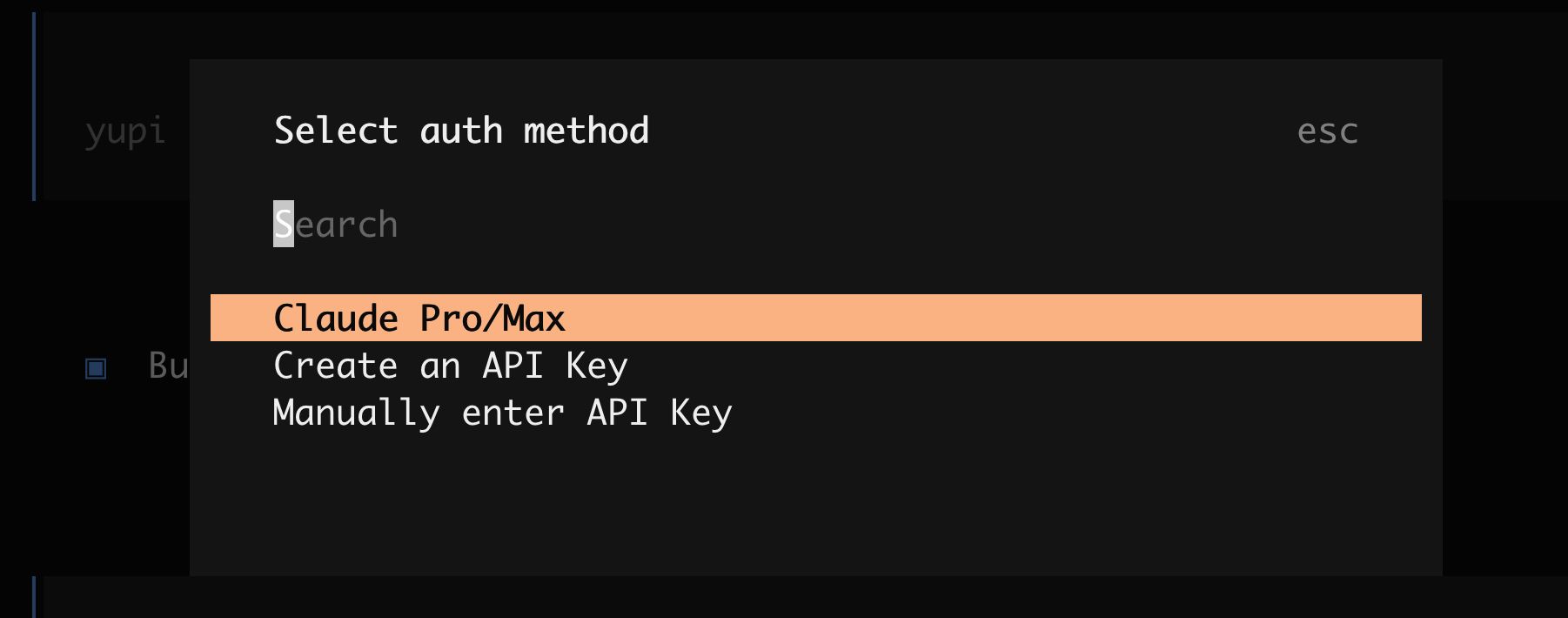
After selecting a model, configure your API Key:
If you previously had a Claude Pro/Max subscription account, you can log in directly for seamless migration from Claude Code.
3. Quick Commands
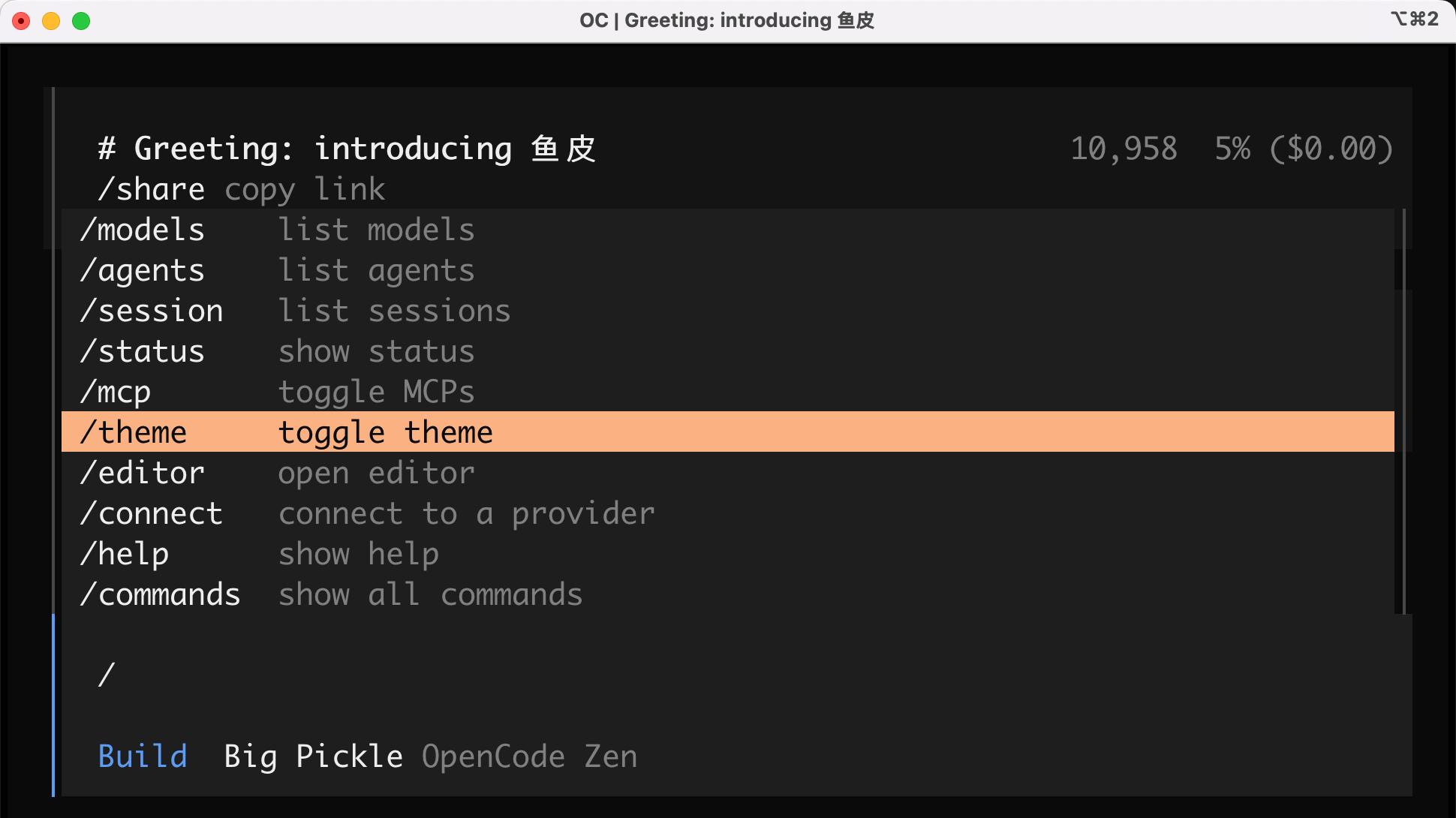
OpenCode supports slash commands. Enter / to see many operations like viewing model lists, checking Agents, managing MCP, switching themes, etc.:
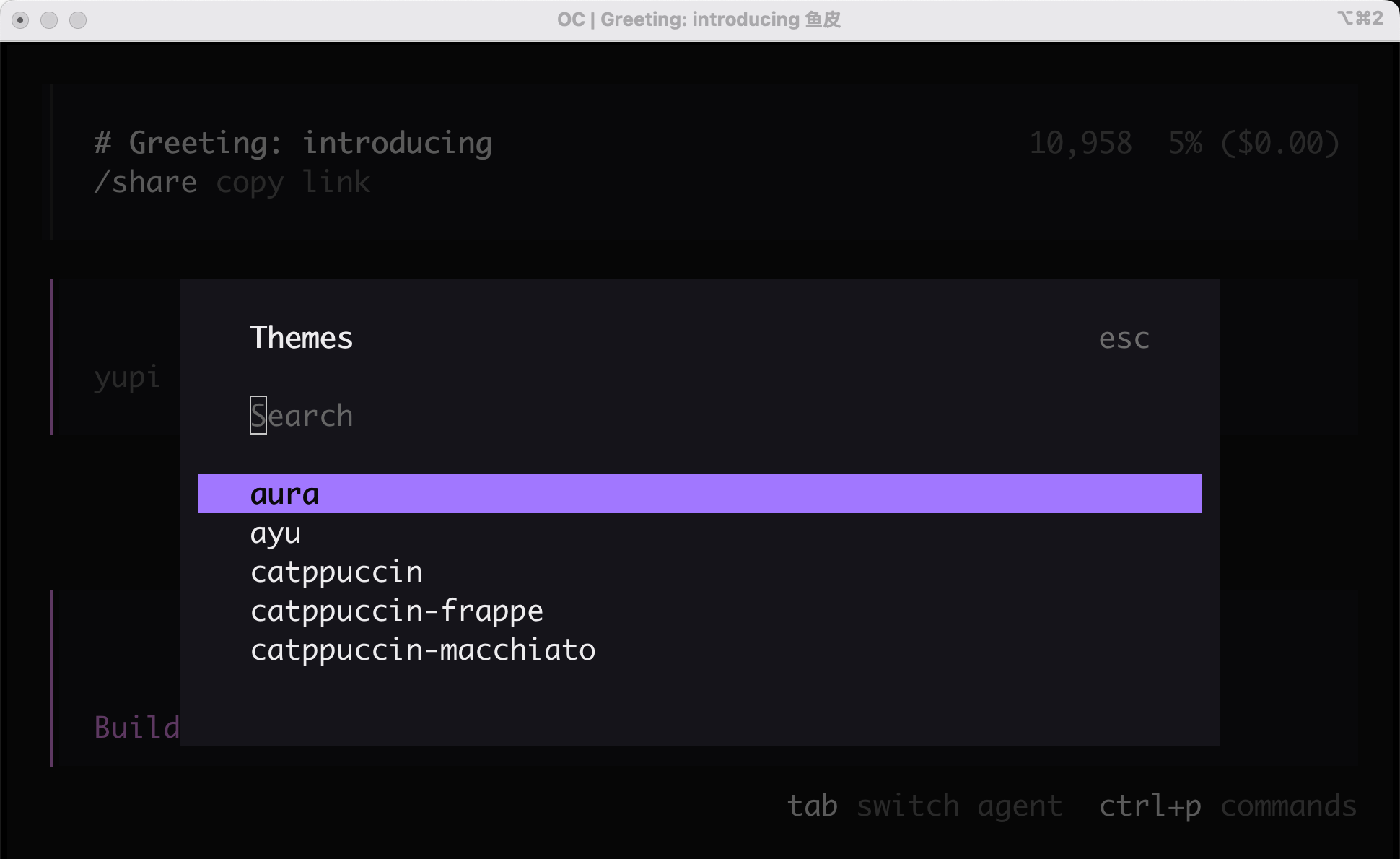
It supports dozens of different themes, all quite aesthetically pleasing, showing OpenCode's focus on user experience:
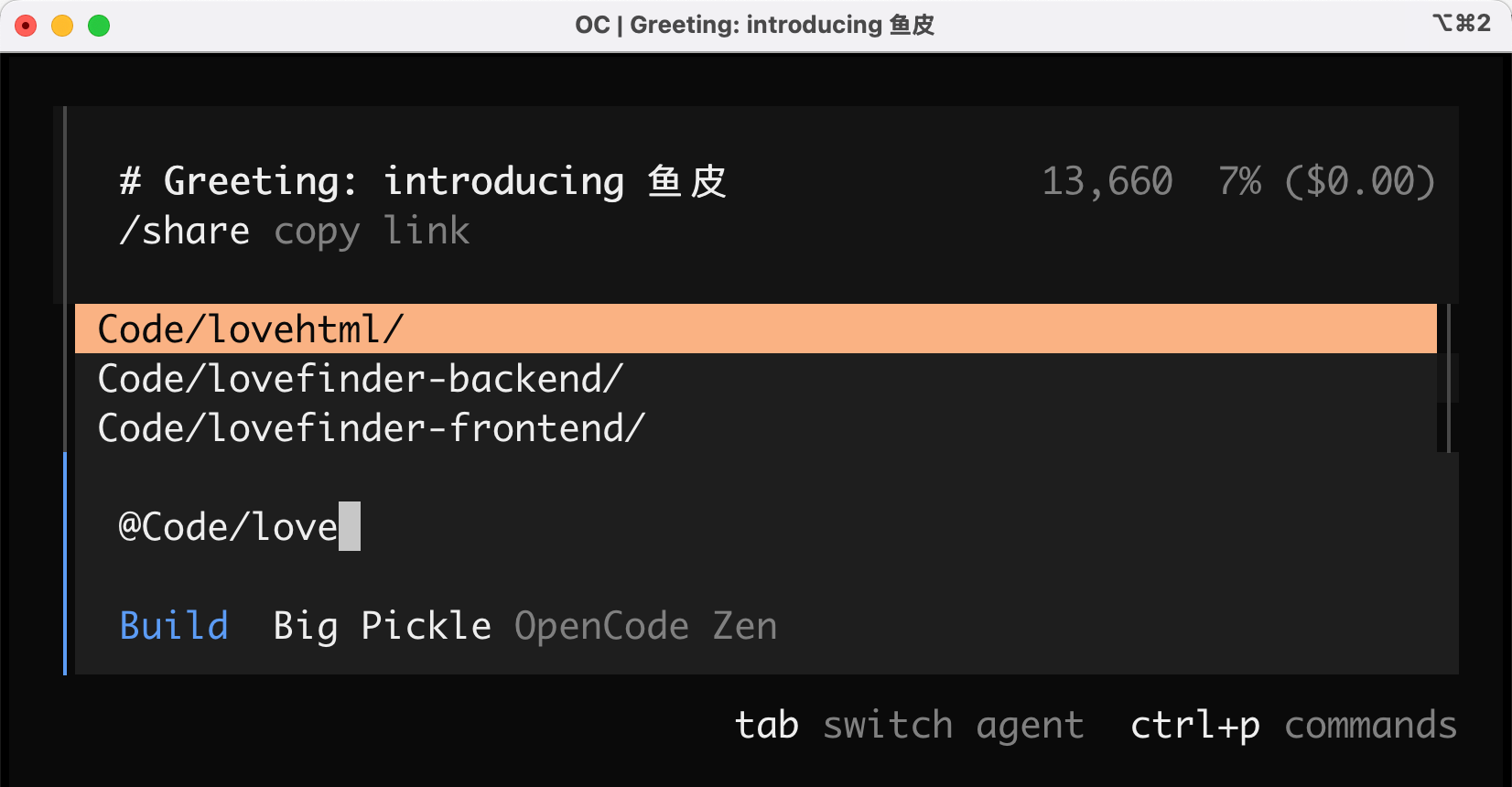
Enter @ to quickly associate directory files and add context for the AI:
4. Interactive Experience
Compared to Claude Code, OpenCode really maximizes the command line interactive experience - I'd say it's a desktop app disguised as a command line tool.
You can click on any message to pop up an action box where you can recall messages and AI responses, copy them, or start a new dialog based on the current conversation.
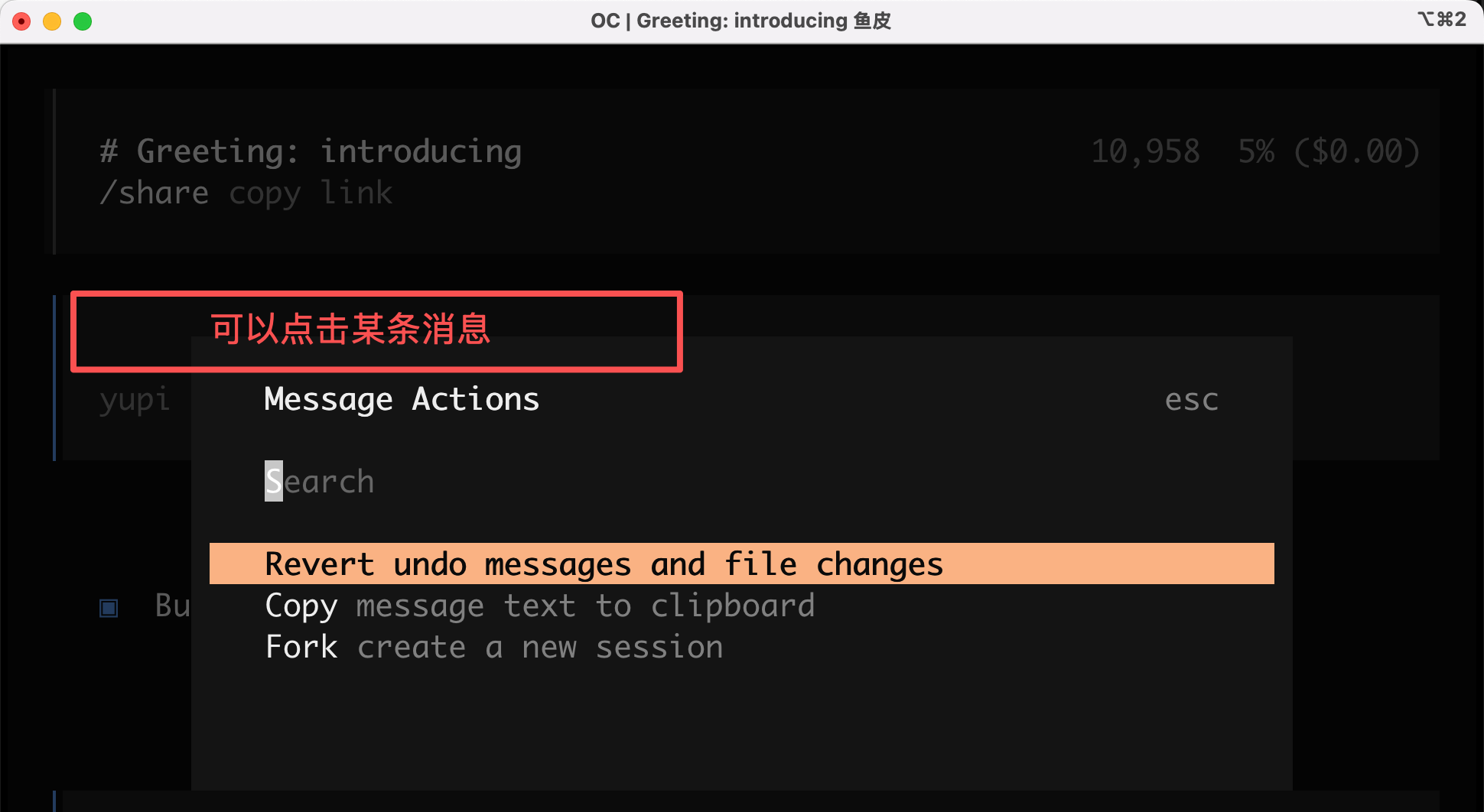
You can scroll up and down to switch menus and click directly with the mouse to proceed.
Press Ctrl + p to open the command palette and enable the sidebar:
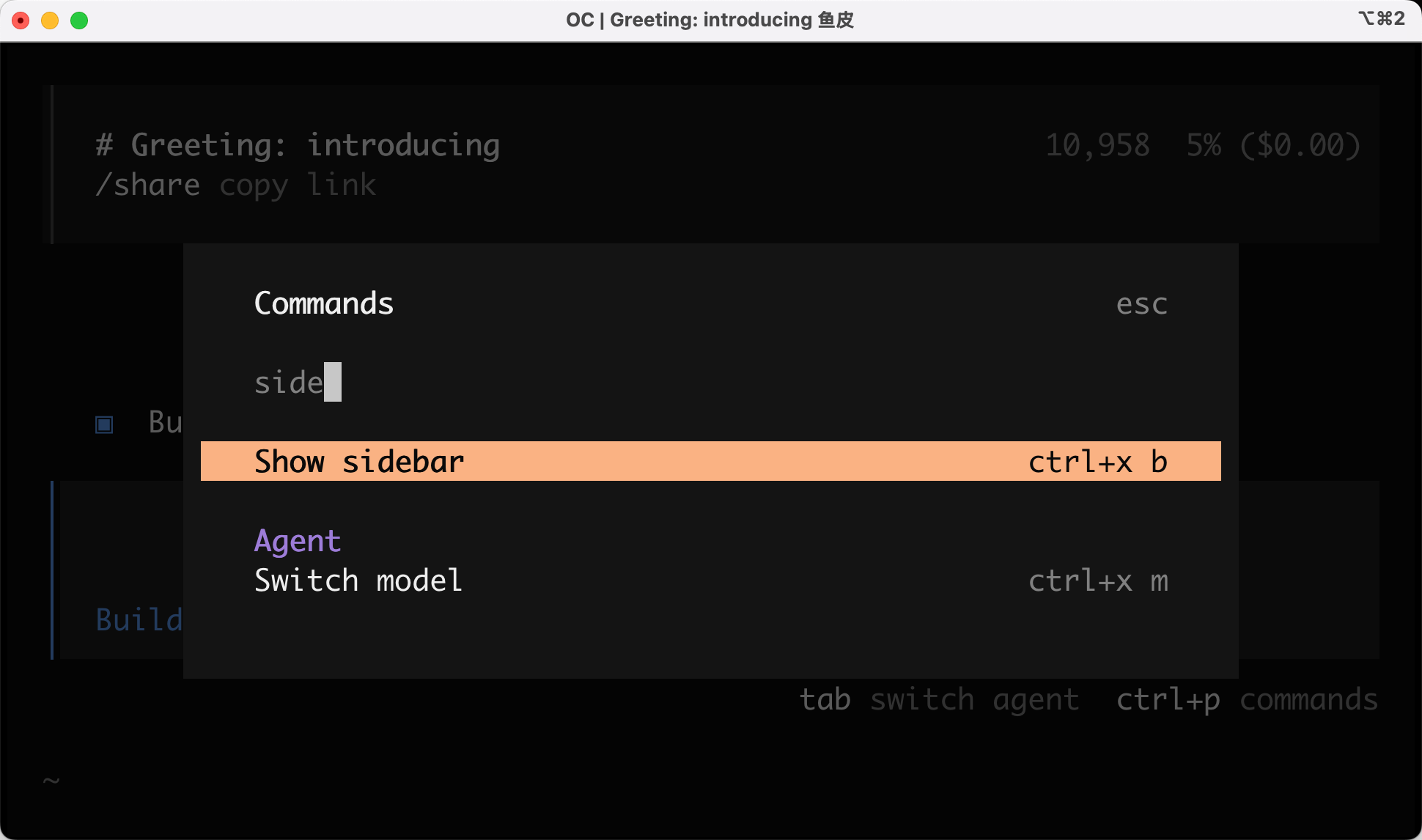
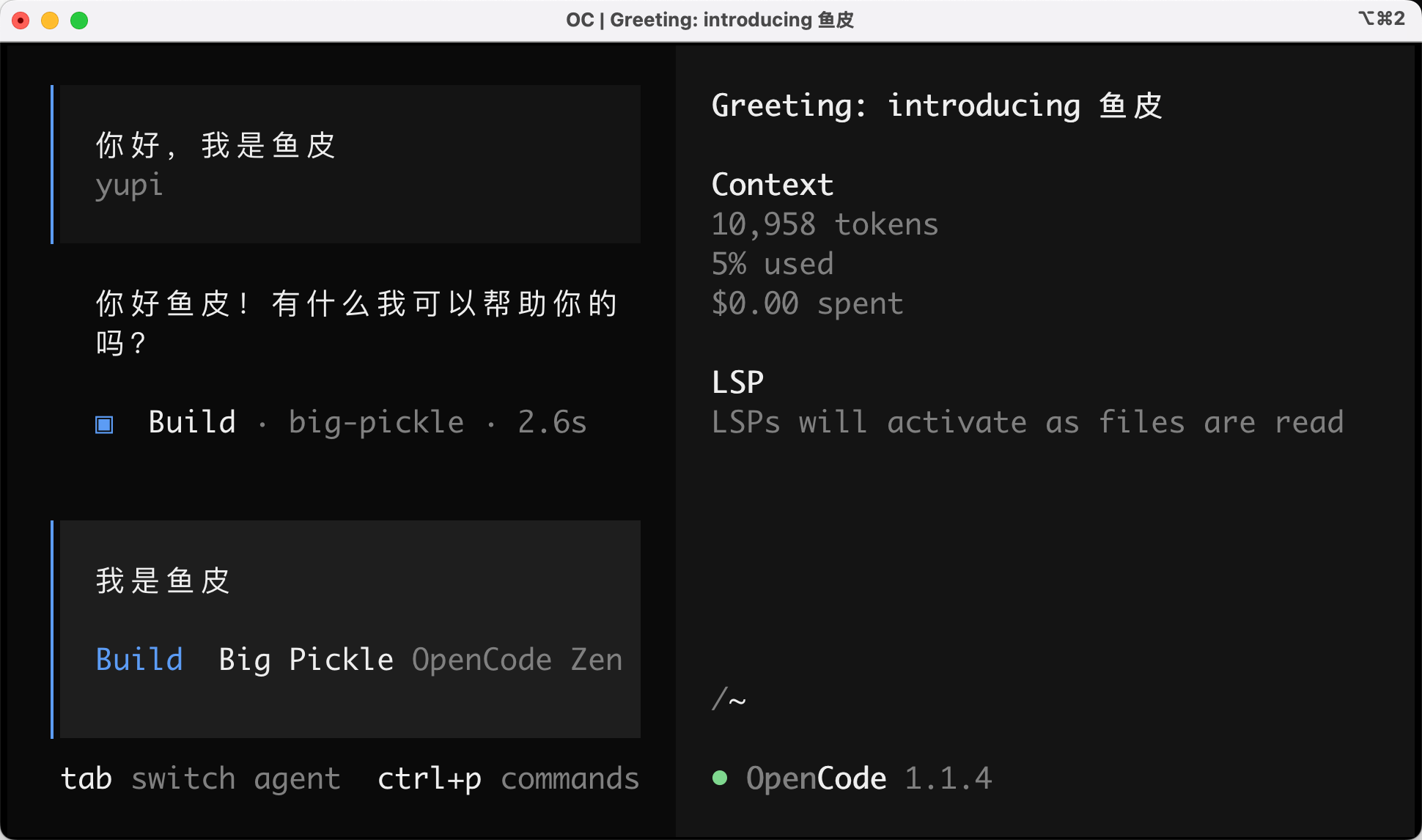
Then the interface looks like this - you call this a command line?
5. LSP Support
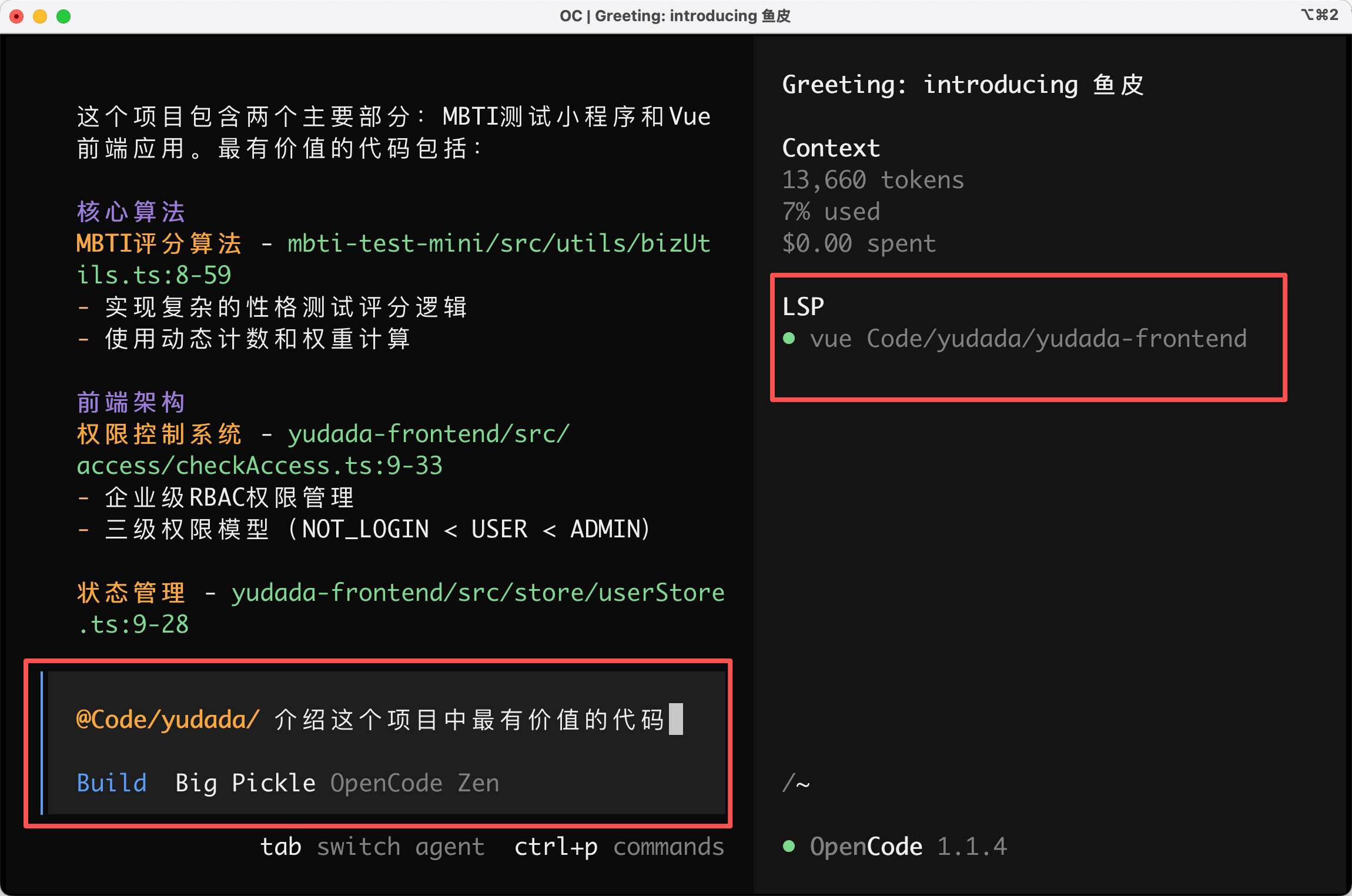
If you're observant, you've noticed the LSP in the right sidebar. What's this? Some perverted thing?
LSP (Language Server Protocol) is a communication protocol developed by Microsoft for enabling code editors and language servers to communicate.
Simply put, LSP is the technology that helps editors understand code.
For example, when you write code in VS Code and type console., it automatically suggests log; clicking a function name jumps to its definition; incorrect code gets red underlines. These editor features are all powered by LSP.
OpenCode's LSP support means the AI truly understands your code structure rather than treating code as plain text, making modifications more precise.
For instance, when I ask the AI to introduce the most valuable code in my AI quiz platform project, LSP comes into play. It helps the AI quickly locate where a code segment is called and what variables it references, instead of having the AI dumbly search the entire text.
6. Returning to Previous Sessions
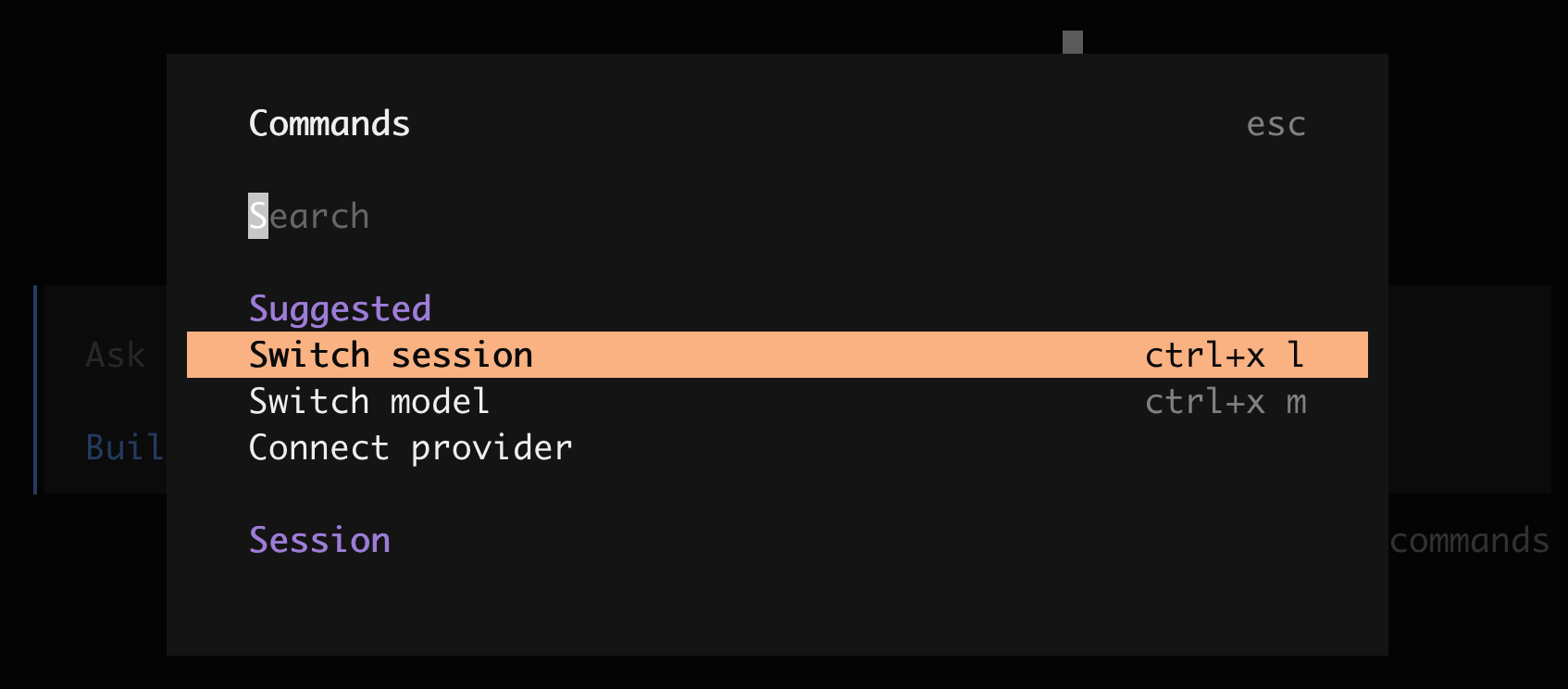
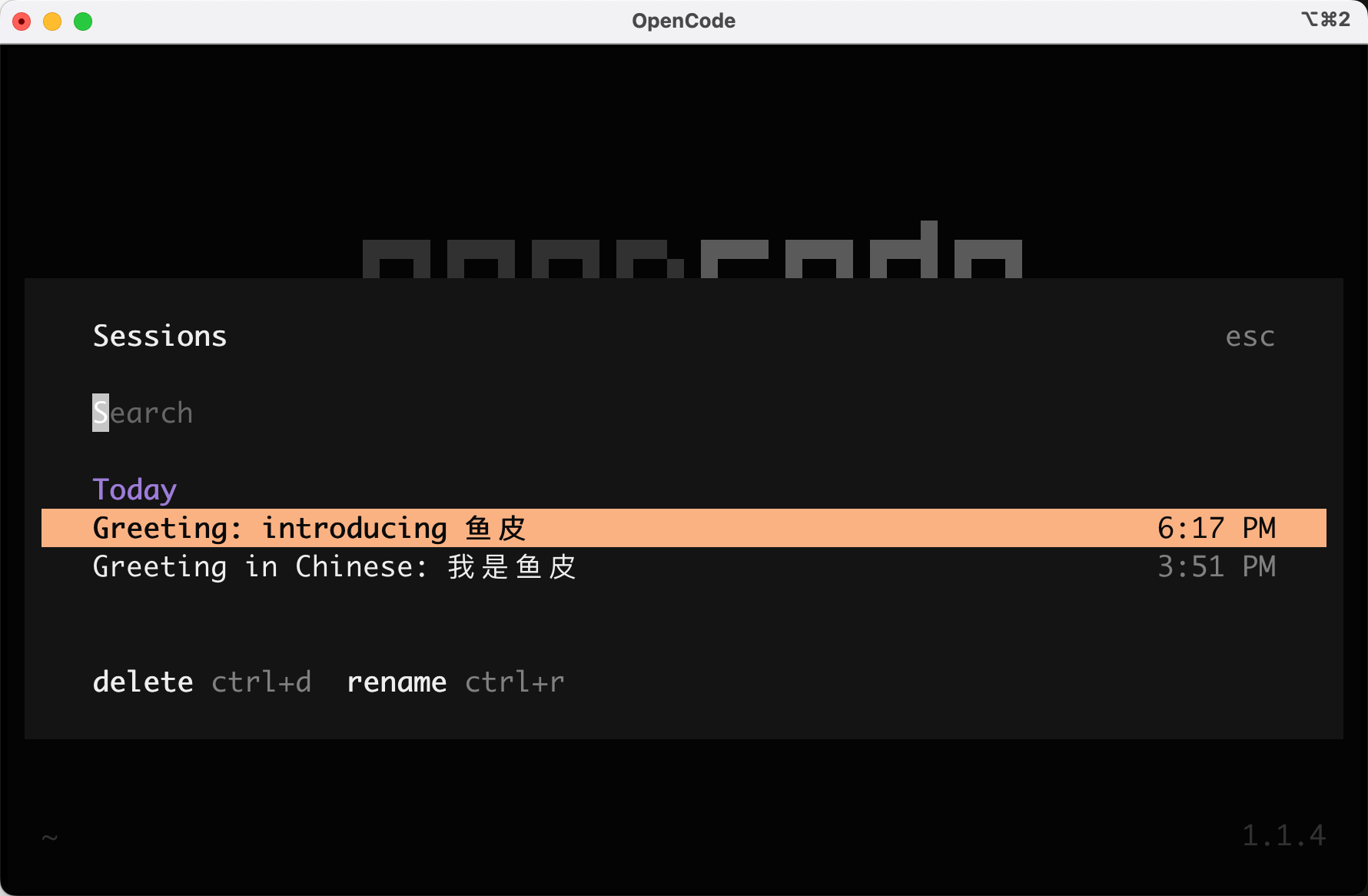
If you accidentally close OpenCode, don't worry. Open the command palette and select "Switch session":
You'll return to your previous chat:
Desktop Version of OpenCode
Even with all these user experience improvements, I suspect most of you still don't like the black terminal box.
No problem - OpenCode also offers a desktop app version! Supporting macOS, Windows, and Linux - they're really going all out to crush Claude Code...
But when I installed and opened it with great enthusiasm, it errored!
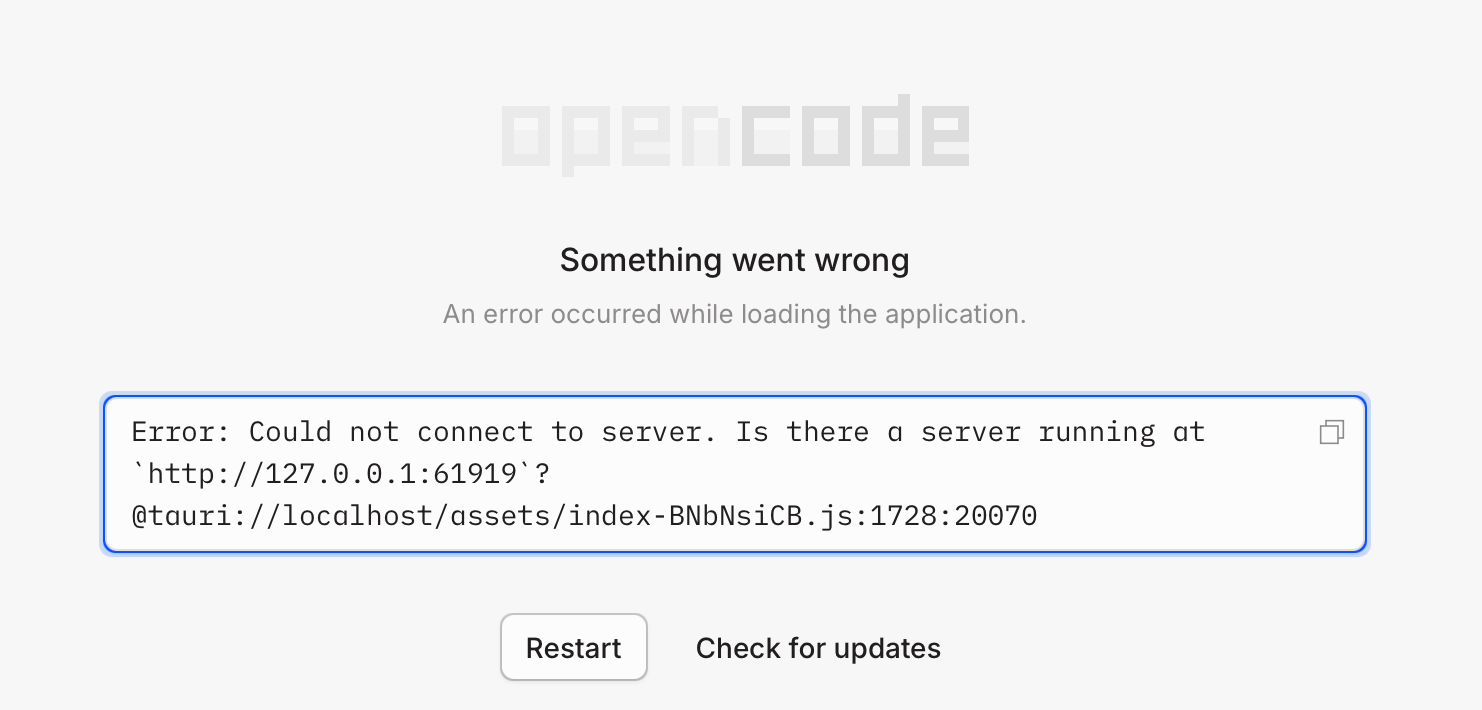
After troubleshooting, I found it was because I had a proxy enabled. After disabling it, it ran normally.
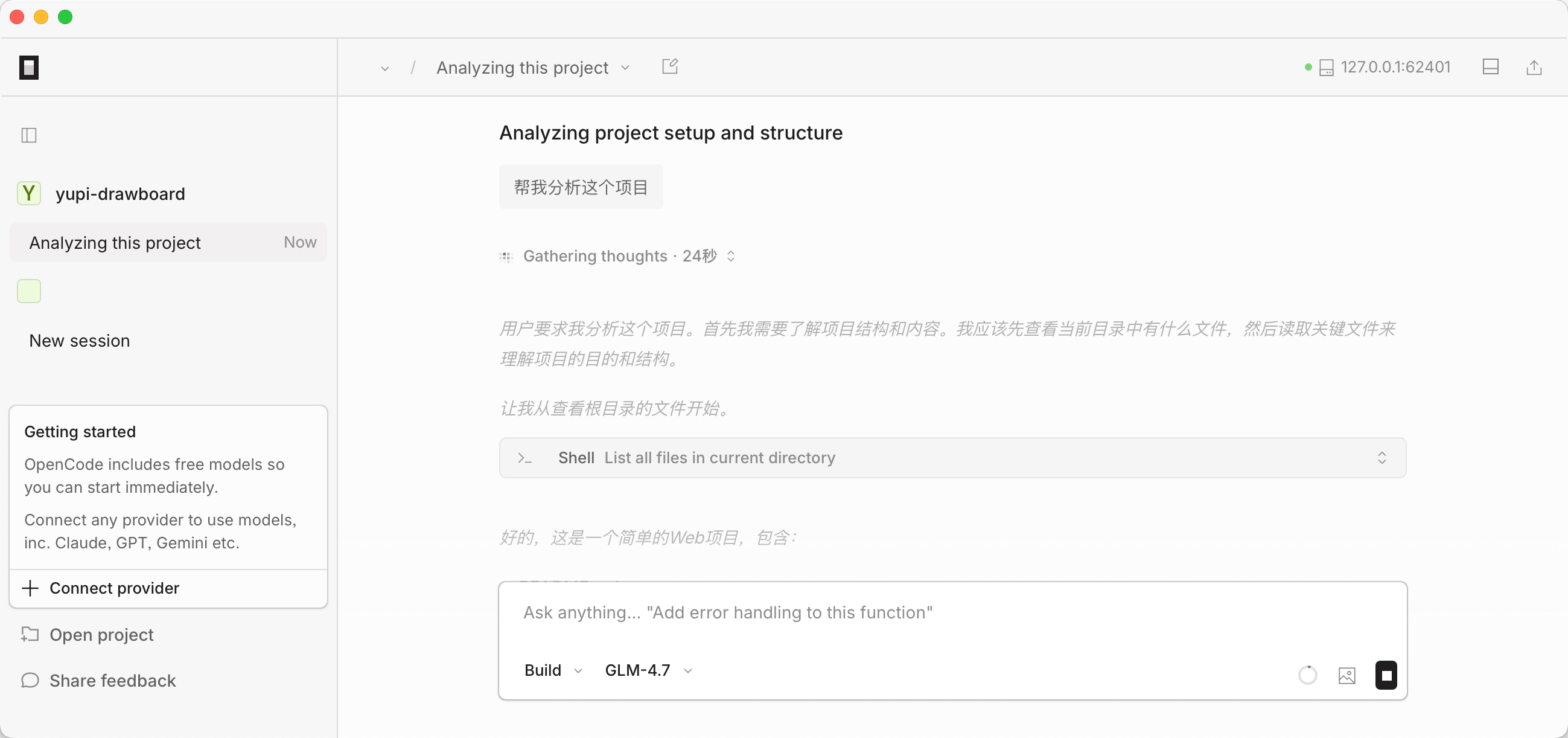
But having gotten used to Cursor, this interaction feels a bit perfunctory - not recommended.
OpenCode Extension Capabilities
So far, I think OpenCode completely crushes Claude Code in frontend user experience. Moreover, OpenCode is fully compatible with Claude Code's Skills system!
Skills are capability extension packages for AI. Think of them as onboarding documents for new colleagues, containing task execution methods, tool usage instructions, template materials, etc.
For example, you can create a Company Code Style Skill documenting code styles, naming conventions, comment requirements, etc. Afterward, Claude Code will automatically follow these standards when generating code without needing repeated explanations.
According to official docs, OpenCode automatically searches for Skills in these locations:
.opencode/skill/<name>/SKILL.md(project directory)~/.config/opencode/skill/<name>/SKILL.md(user directory).claude/skills/<name>/SKILL.md(Claude Code compatible)~/.claude/skills/<name>/SKILL.md(Claude Code compatible)
This means if you've created custom Skills for Claude Code before, you can use them directly with OpenCode! Another seamless migration.
Oh My OpenCode Power-Up Plugin
If OpenCode isn't powerful enough for you, try Oh My OpenCode, an open-source OpenCode enhancement plugin with 10k stars already.
Project address: https://github.com/code-yeongyu/oh-my-opencode
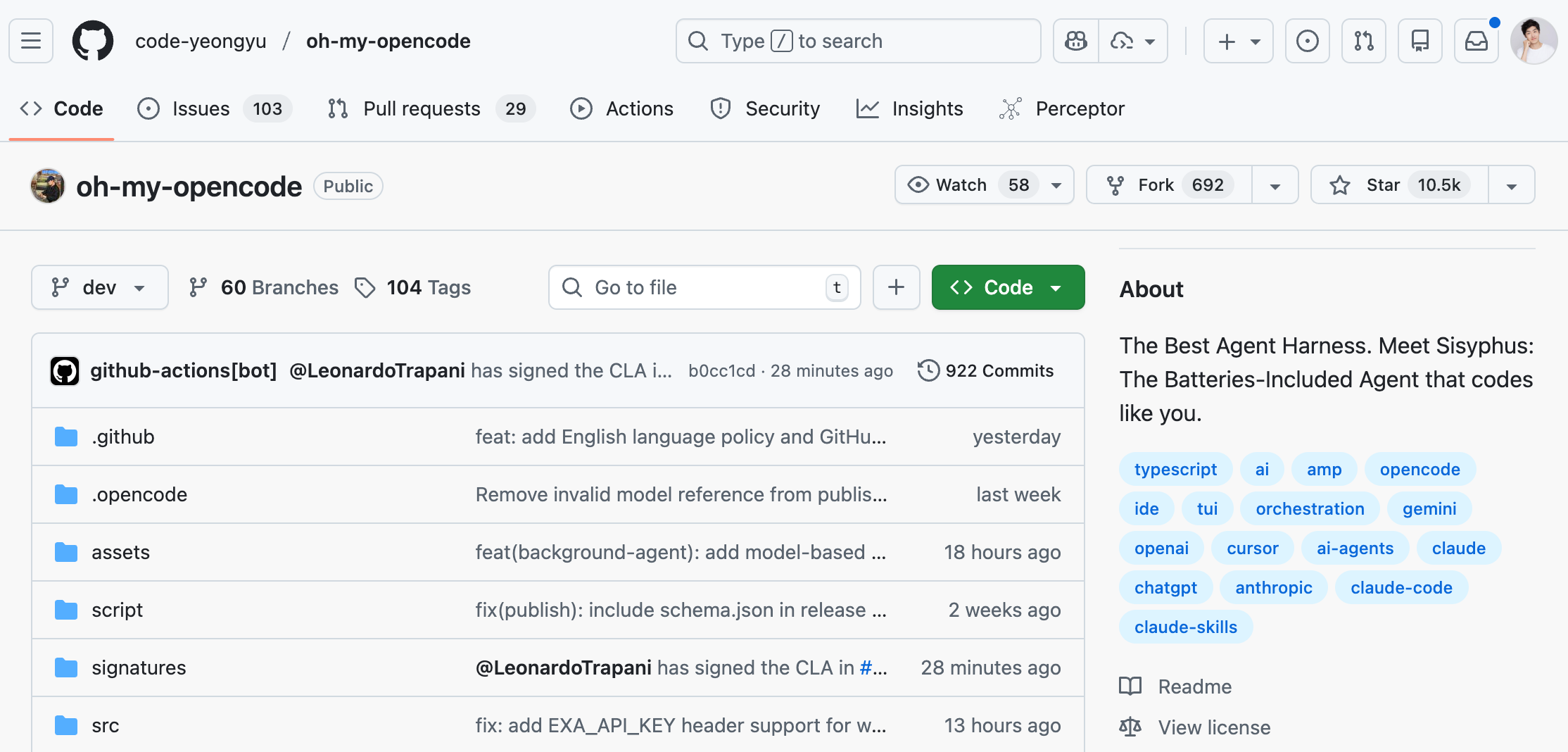
How awesome is this plugin? Check out user reviews:
"It made me cancel my Cursor subscription."
"Knocked out 8000 eslint warnings with Oh My Opencode, just in a day"
The core feature of Oh My OpenCode is introducing an agent orchestration system called Sisyphus.
I looked it up:
Sisyphus is a king in Greek mythology punished by the gods for deceit and defiance. His eternal punishment was to roll a boulder up a hill, only for it to roll back down upon nearing the top, repeating endlessly - symbolizing futile, never-ending tasks and representing resistance against absurd fate.
This system can:
- Schedule multiple AI models in parallel: e.g., have GPT debug while Gemini writes frontend
- Automatic task management: Won't stop until tasks are complete, persevering like Sisyphus pushing his boulder
- Smart code review: Automatically detects and cleans redundant AI-generated comments
- Deep LSP integration: Provides IDE-level features like renaming and definition jumping
In short, Sisyphus is an AI overseer that can command multiple AI models simultaneously and ensure they complete tasks.

Although the official docs say installation is one command, I recommend installing bun first, then using npx to install, otherwise errors may occur.
npm install bun -g
npx oh-my-opencode install
During installation, it might ask if you have subscriptions to certain models. I had none, so I kept selecting "No":
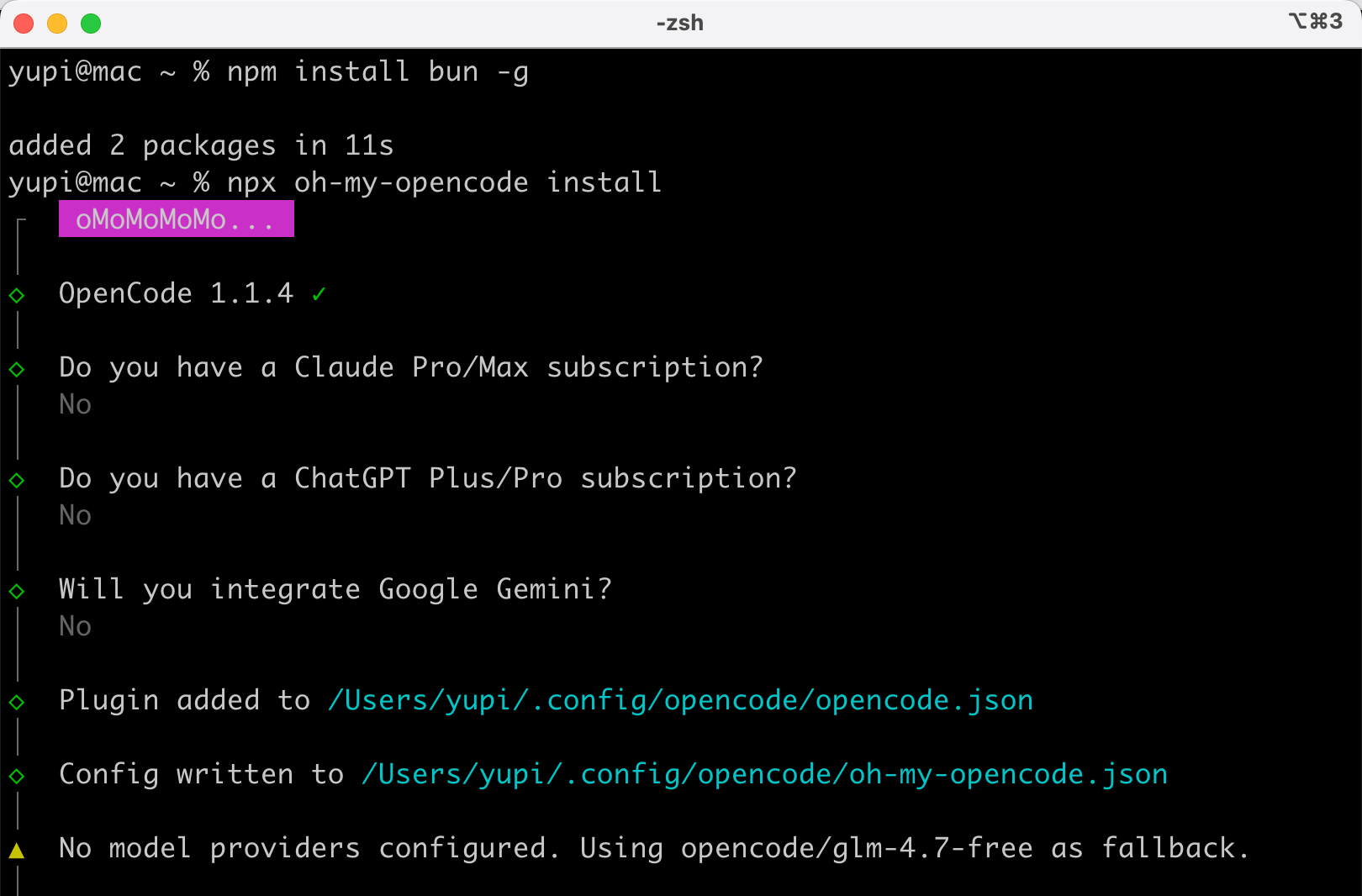
After installation, re-enter OpenCode. Then just include the ultrawork (or ulw) power-up incantation in your prompts to activate all enhanced features - automatic multi-model scheduling, deep codebase exploration, relentless execution.
Let's test this and see if OpenCode can handle project work? Can it kick Claude Code to the curb?
Practical Project - Building an AI Health Assistant with OpenCode
Recently, Ant Group's Ant Afu AI health assistant went viral, with ads featuring host He Jiong appearing everywhere from subway stations to office building TVs.

Though I haven't used it, I heard it provides AI preliminary diagnosis by scanning skin/reports and intelligently answers medical questions and treatment suggestions.
Let's build a similar health assistant website!
Before there was Ant Afu, now there's Yupi Akun.

First, let's analyze: we're building a full-stack project with frontend + backend, where the backend needs to call AI models for content generation.
I chose Vercel AI Gateway for AI capabilities - a simple, easy-to-use AI gateway.
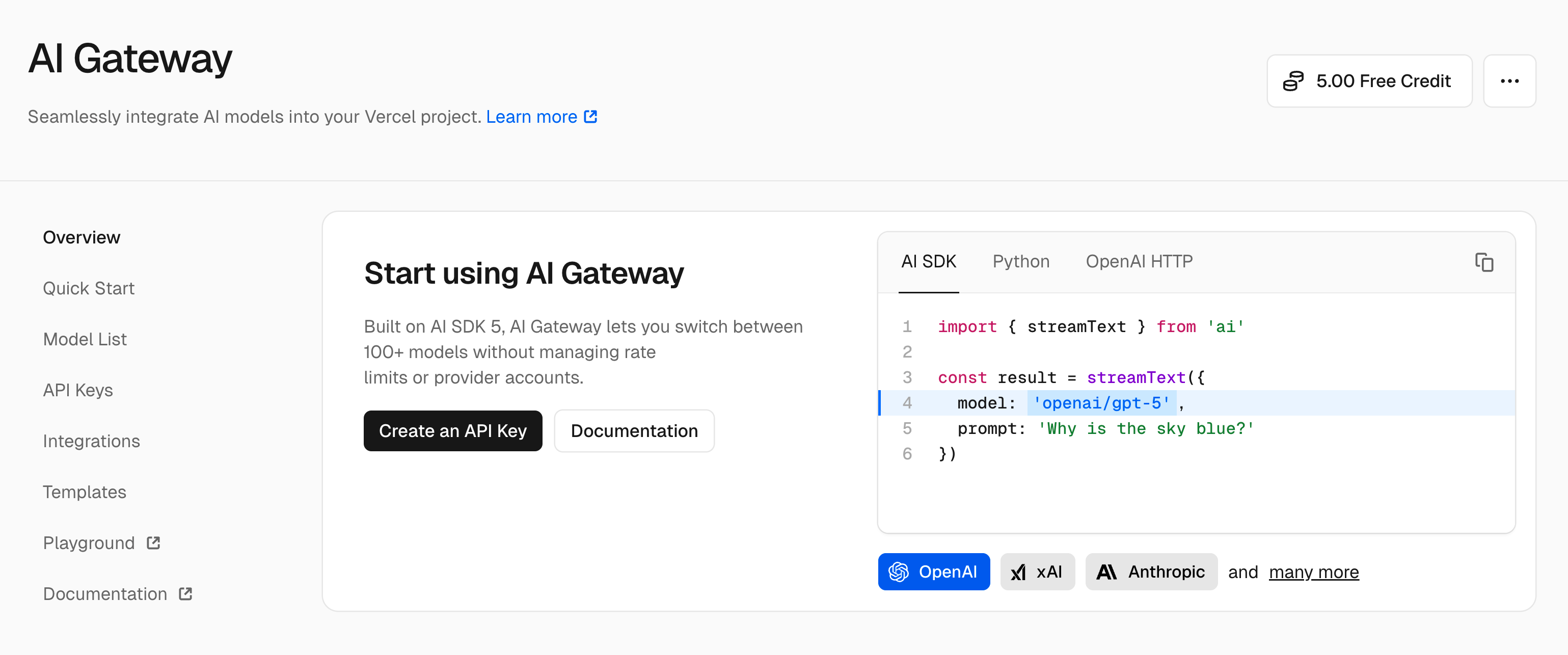
What's an AI gateway?
Simply put, it's like a train station ticket gate. Your app's requests first pass through the gateway, which handles authentication, rate limiting, monitoring, and other complex operations before forwarding to AI models.
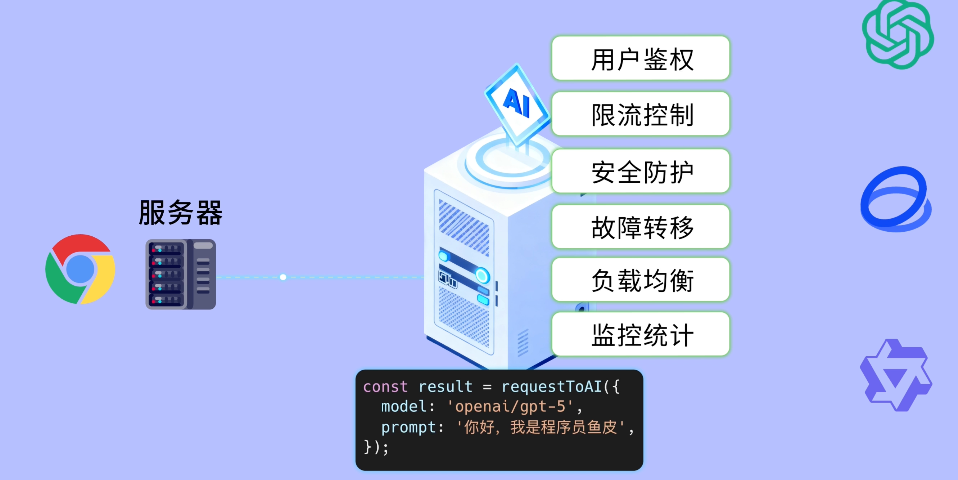
Vercel AI Gateway supports over 500 models and has free tiers, perfect for learning and small projects.
- First, register/login to Vercel, then create an API Key in the console (don't leak it):
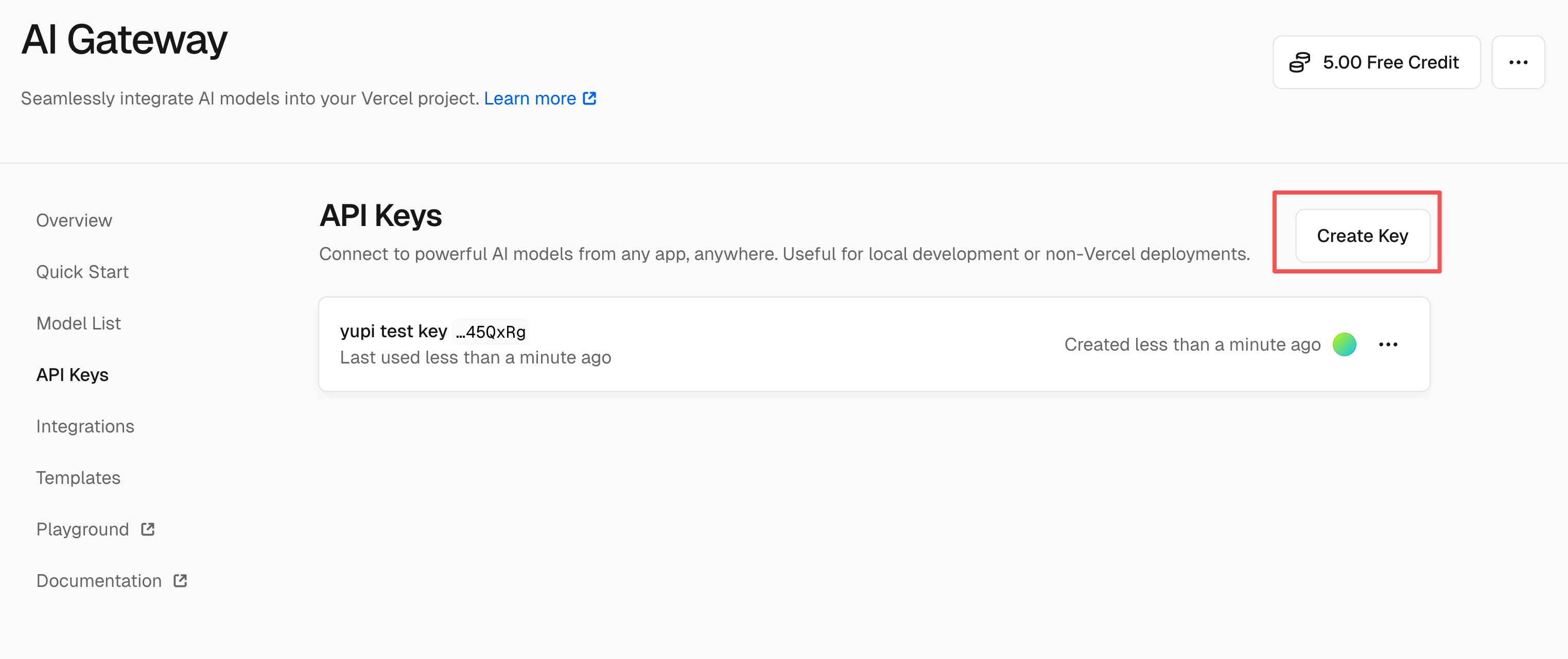
- Launch OpenCode, switch to the programming-strong, free GLM-4.7 model, and input this prompt:
You're a professional programmer. Please help develop the "Daily Health Assistant" website where users can chat with AI to record and manage daily health status.

## Development Requirements

1. Include complete frontend and backend (Node.js backend)
2. Use Vercel's AI Gateway for AI capabilities (refer to official docs: https://vercel.com/docs/ai-gateway/getting-started)
3. Focus on core functionality to ensure the project runs
4. Overall website UI adopts a fresh green health style, responsive across devices
5. AI should proactively ask about health status (sleep, exercise, diet, etc.)
After sending, OpenCode automatically uses web scraping to read Vercel AI Gateway's latest docs:
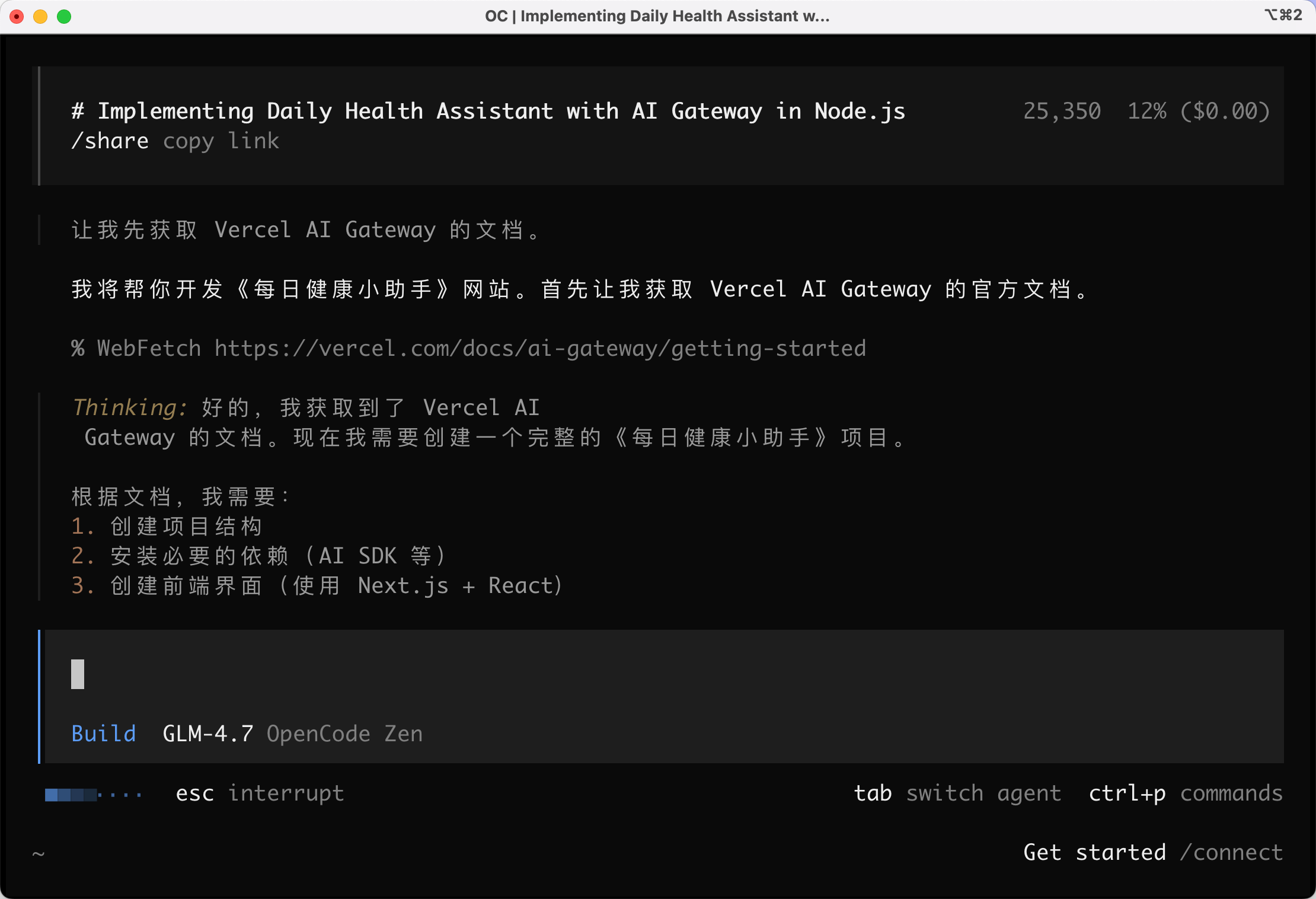
In about 5 minutes, the AI completed all code generation and automatically installed dependencies.
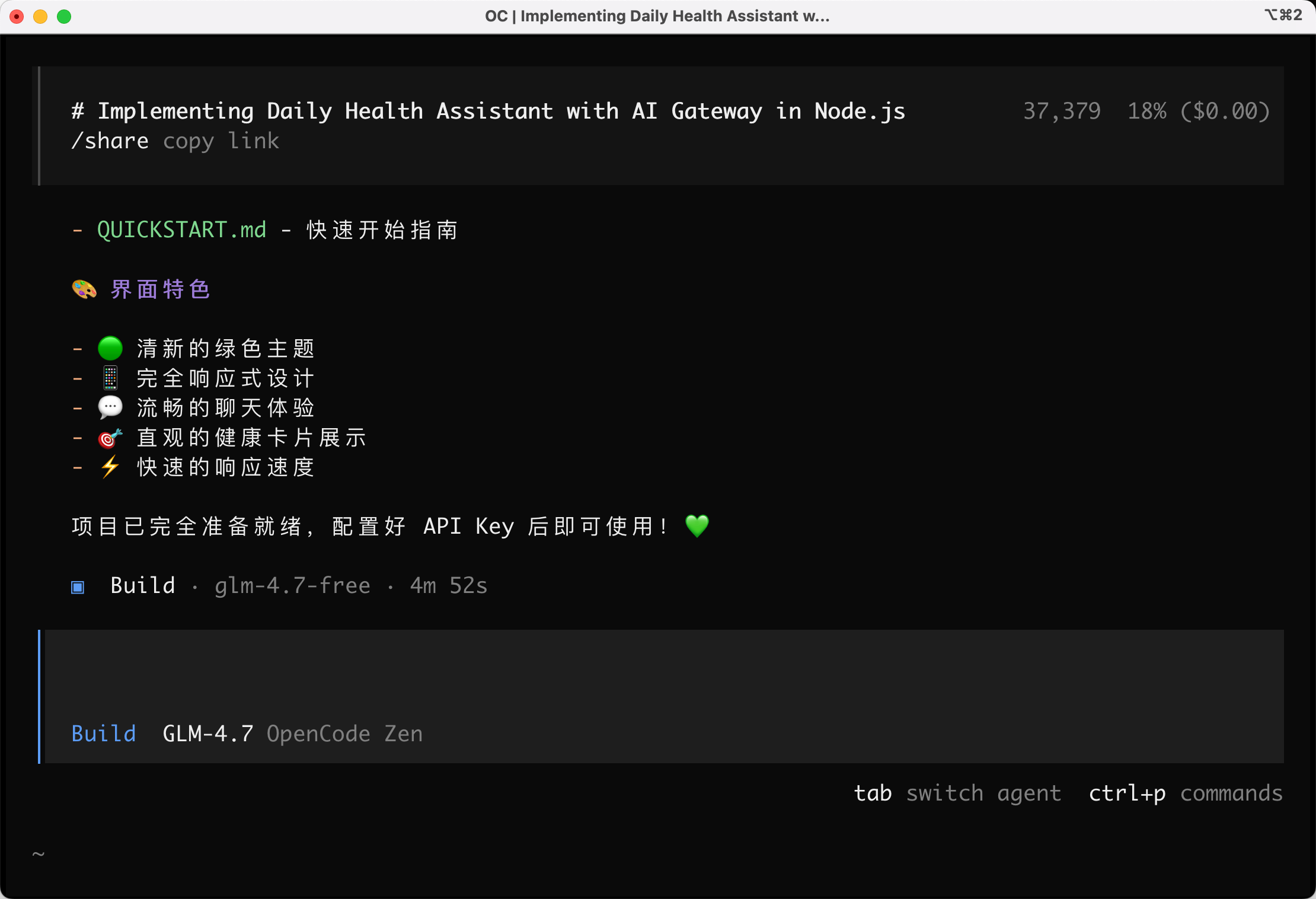
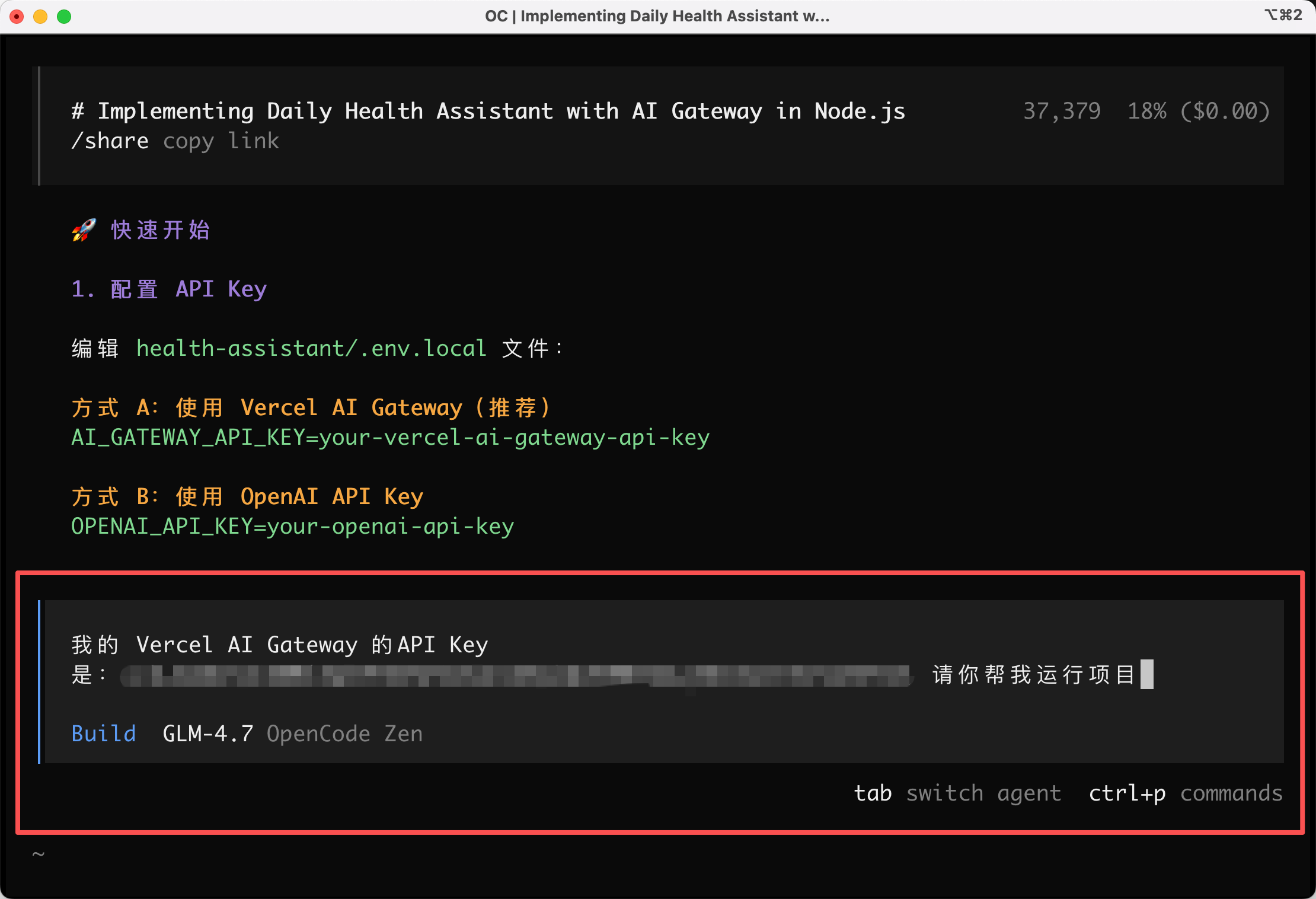
- I directly provided the Vercel API Key to the AI to help launch the project:
- After successful launch, open browser to
localhost:3000to test.
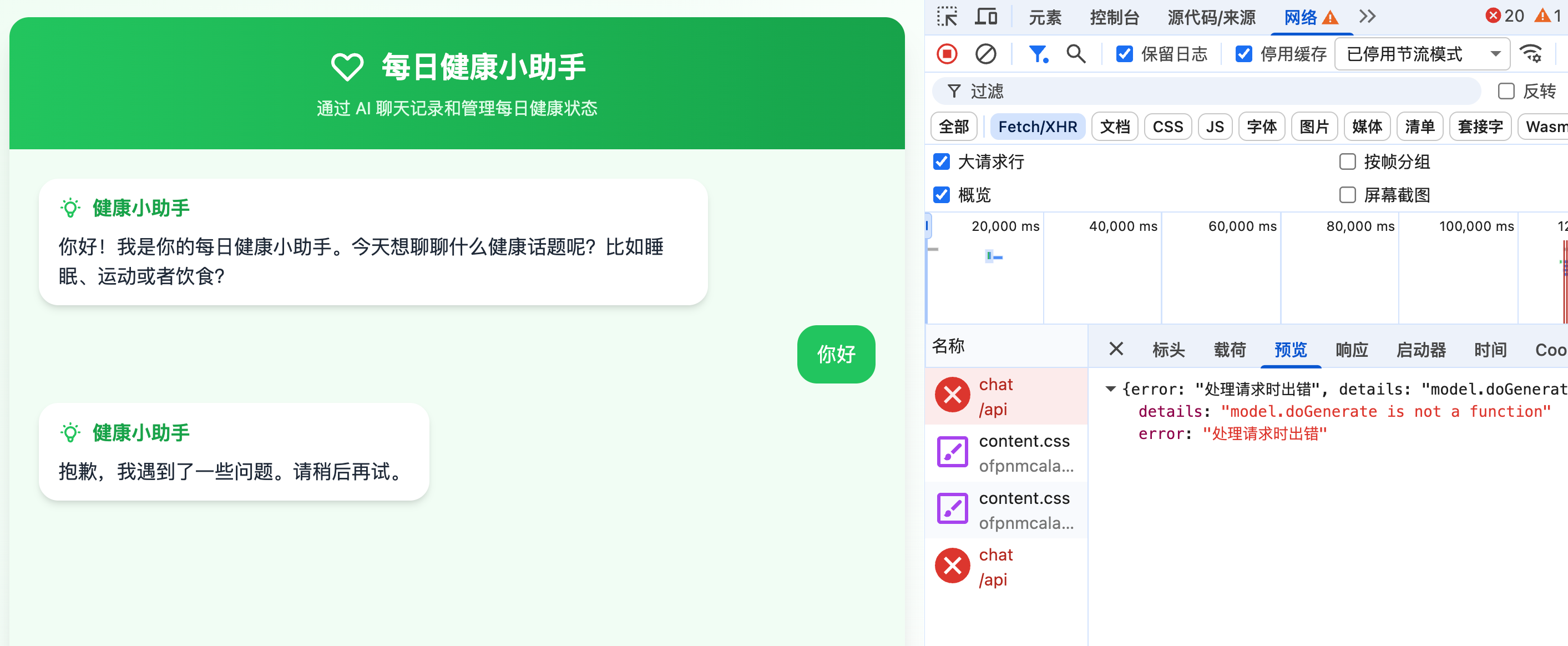
Error! Failed to call AI.
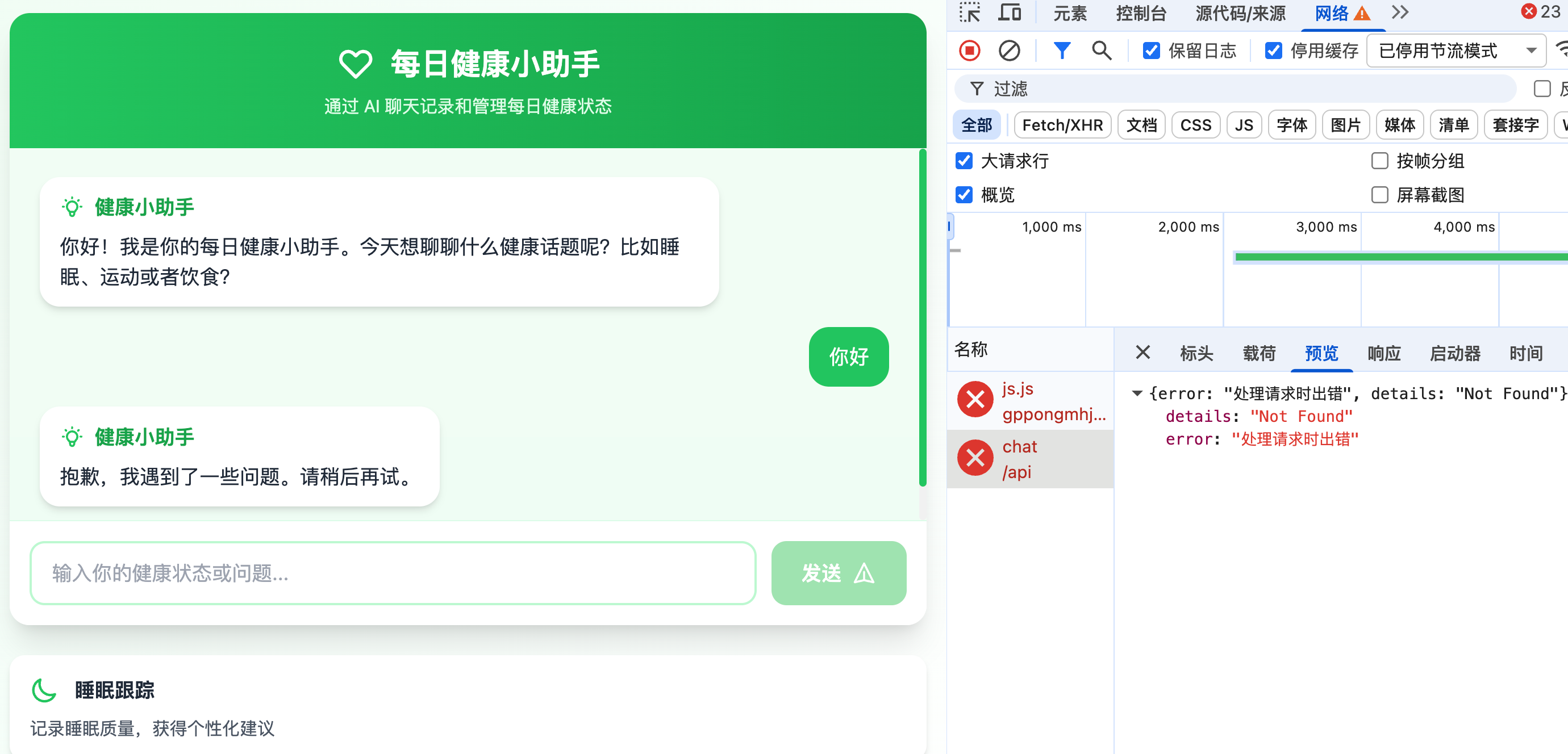
Perhaps the AI misunderstood Vercel AI Gateway docs, writing incorrect AI calling code. I fed the docs again for another attempt:
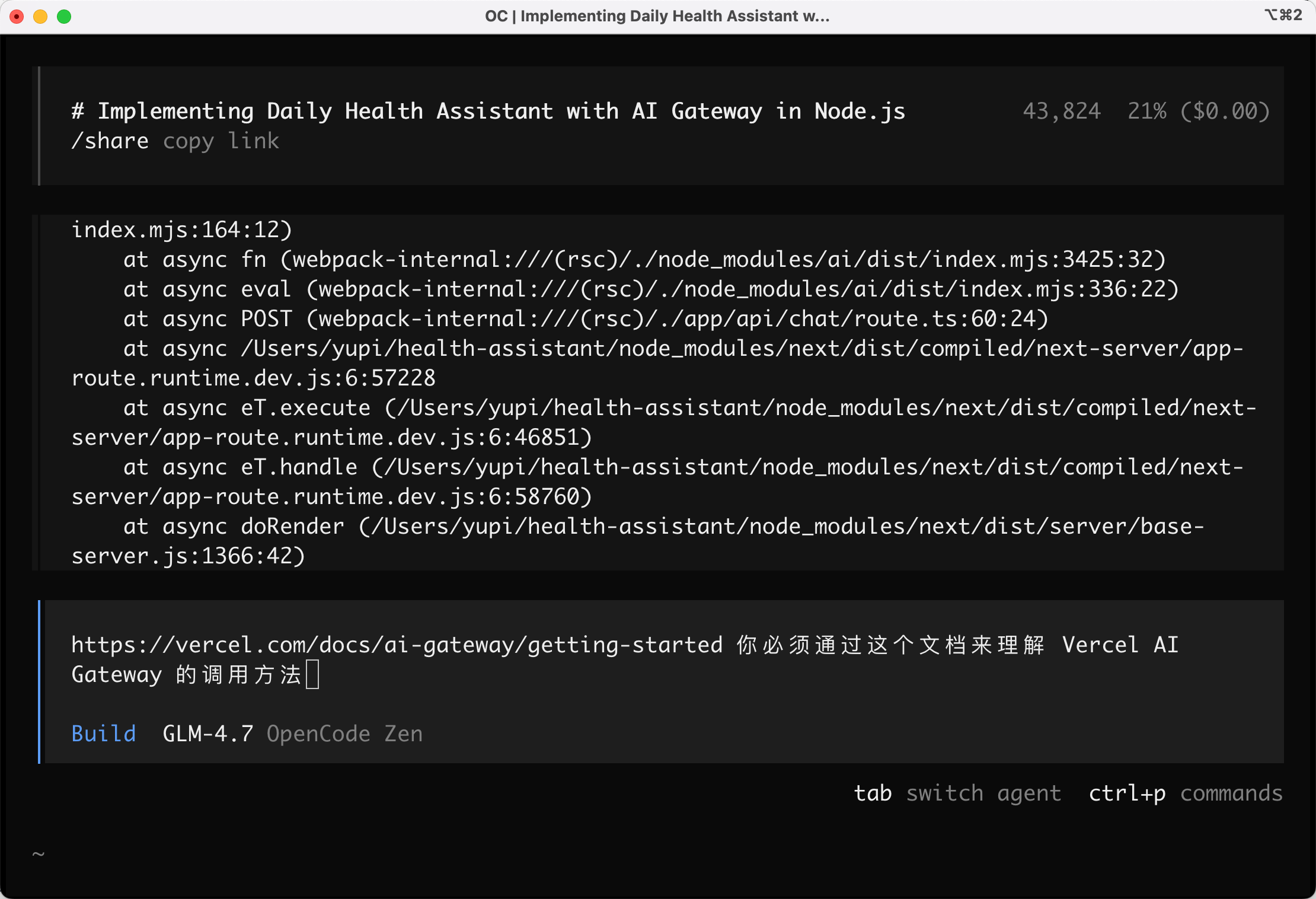
Another error - despite providing the API Key, it still reports "Missing API Key".
I called the AI again, telling it "I already gave you this key earlier".
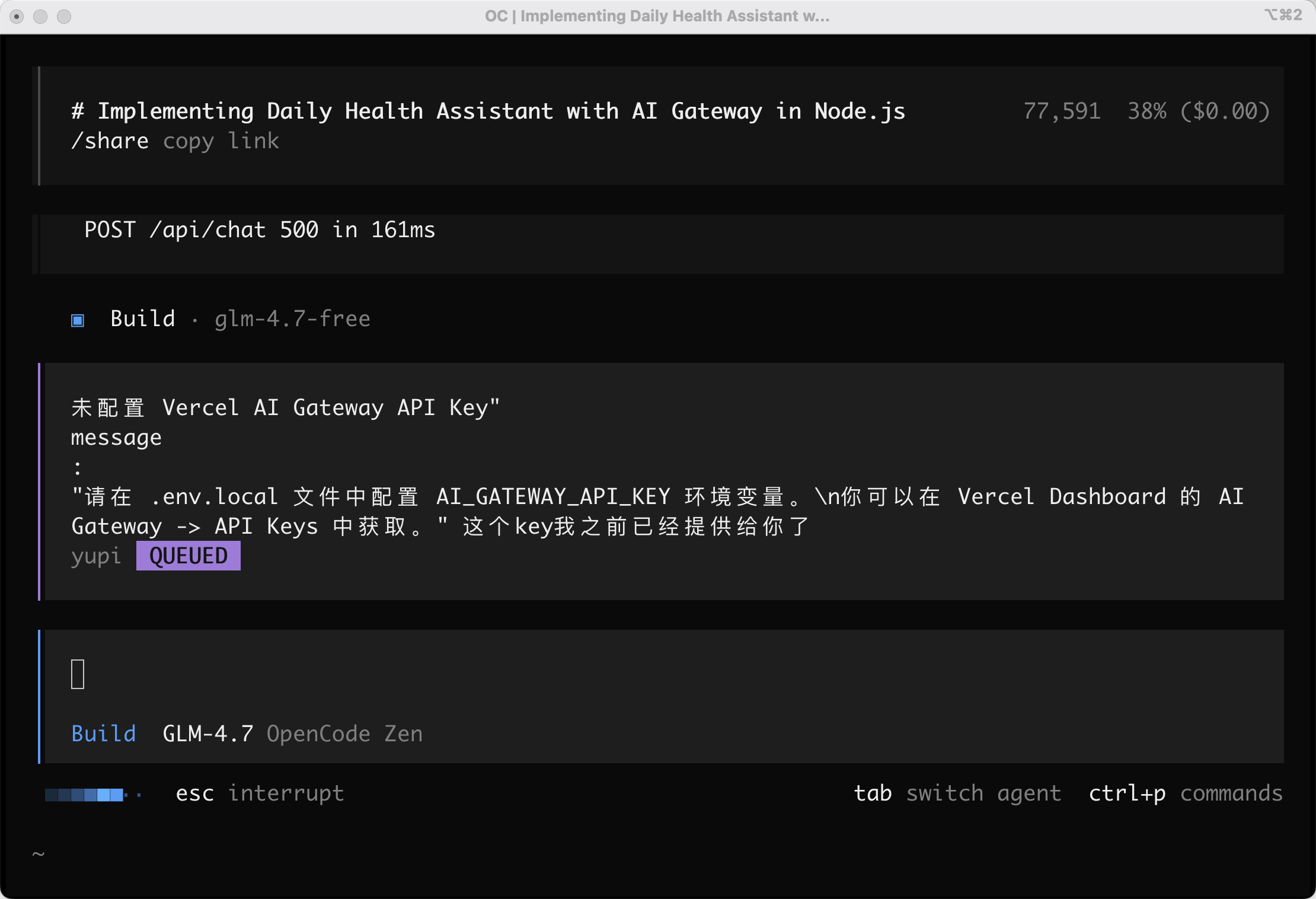
After about 5 error-fix cycles, it still didn't work! I'm exhausted...
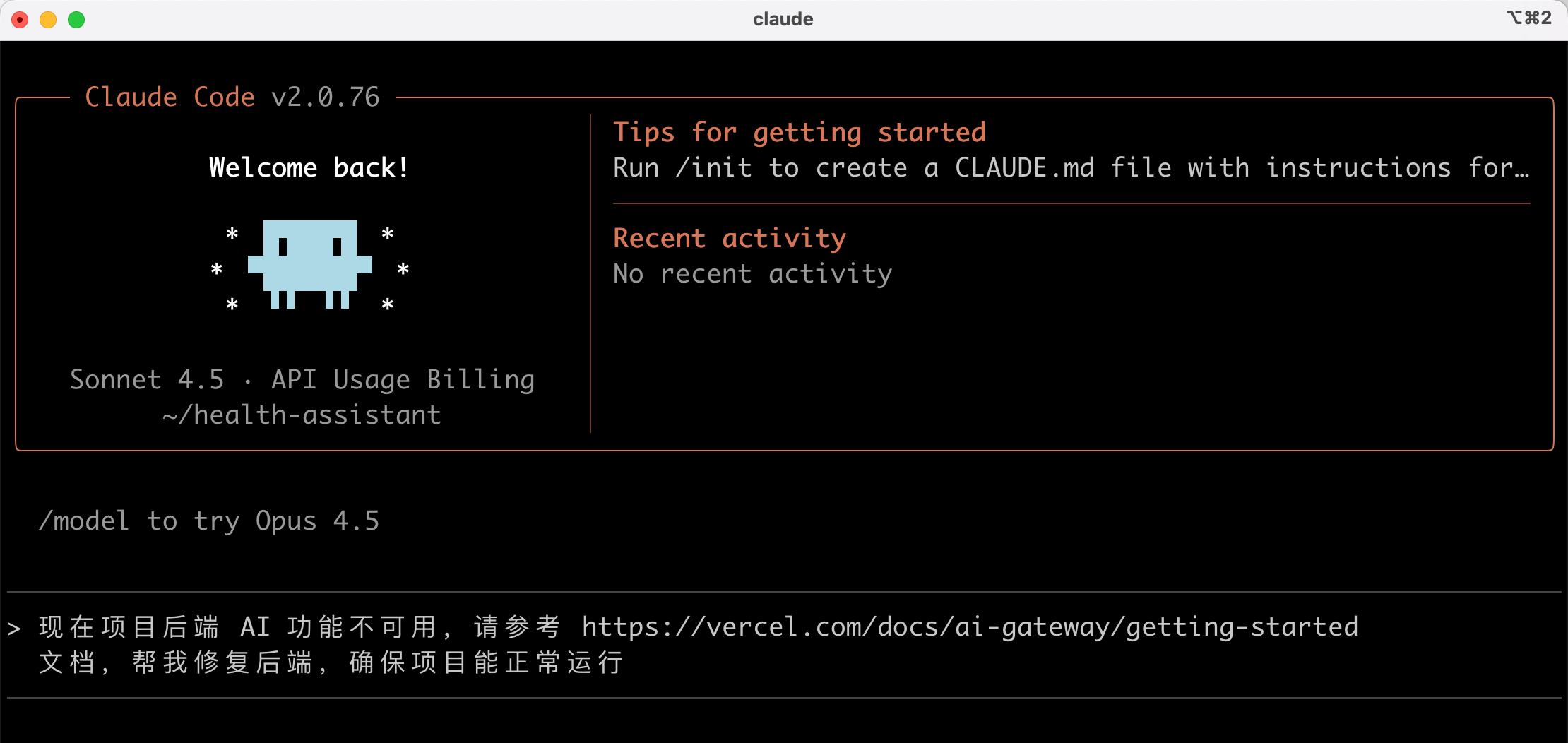
Then I had a wild idea: since we're comparing to Claude Code, why not try fixing this OpenCode-unsolvable problem with Claude Code?

Let's try! Input prompt:
Currently, the backend AI functionality isn't working
Please refer to https://vercel.com/docs/ai-gateway/getting-started
Help fix the backend to ensure normal operation
Claude Code successfully fixed the issue - now it works:

💡 Note: If you encounter AI call timeout issues, have the AI change the baseURL to https://ai-gateway.vercel.sh/v1
Previously, similar tasks with Claude Code/Cursor + GLM took under 10 minutes. This time took about 20 minutes with back-and-forth before working.
This makes me doubt OpenCode's capabilities. Also, GLM seems dumber in OpenCode - maybe just my imagination...
No way - everyone praises OpenCode so much; I must be using it wrong!

Ultrawork Mode
Remember the ultrawork (or ulw) power-up incantation? Let's go!
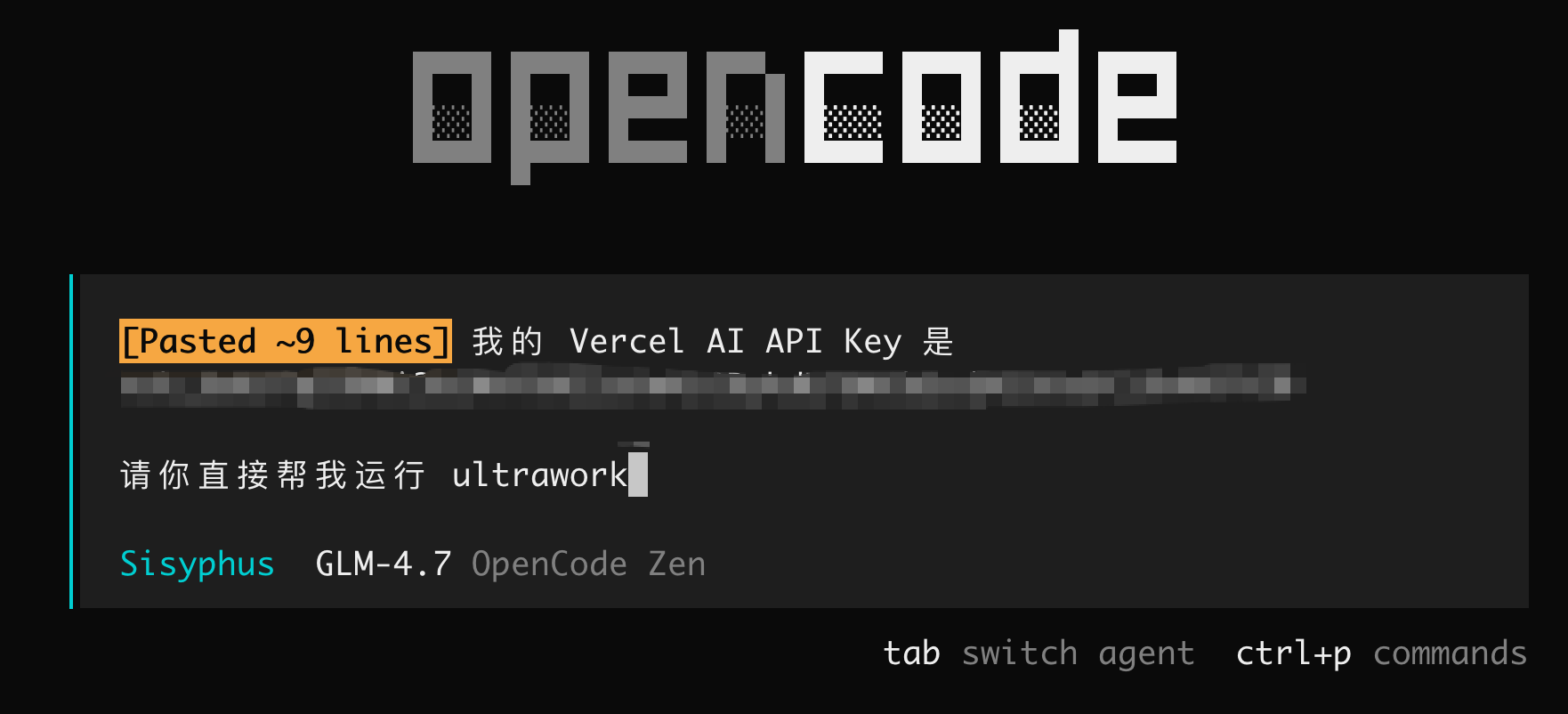
Entering battle mode:
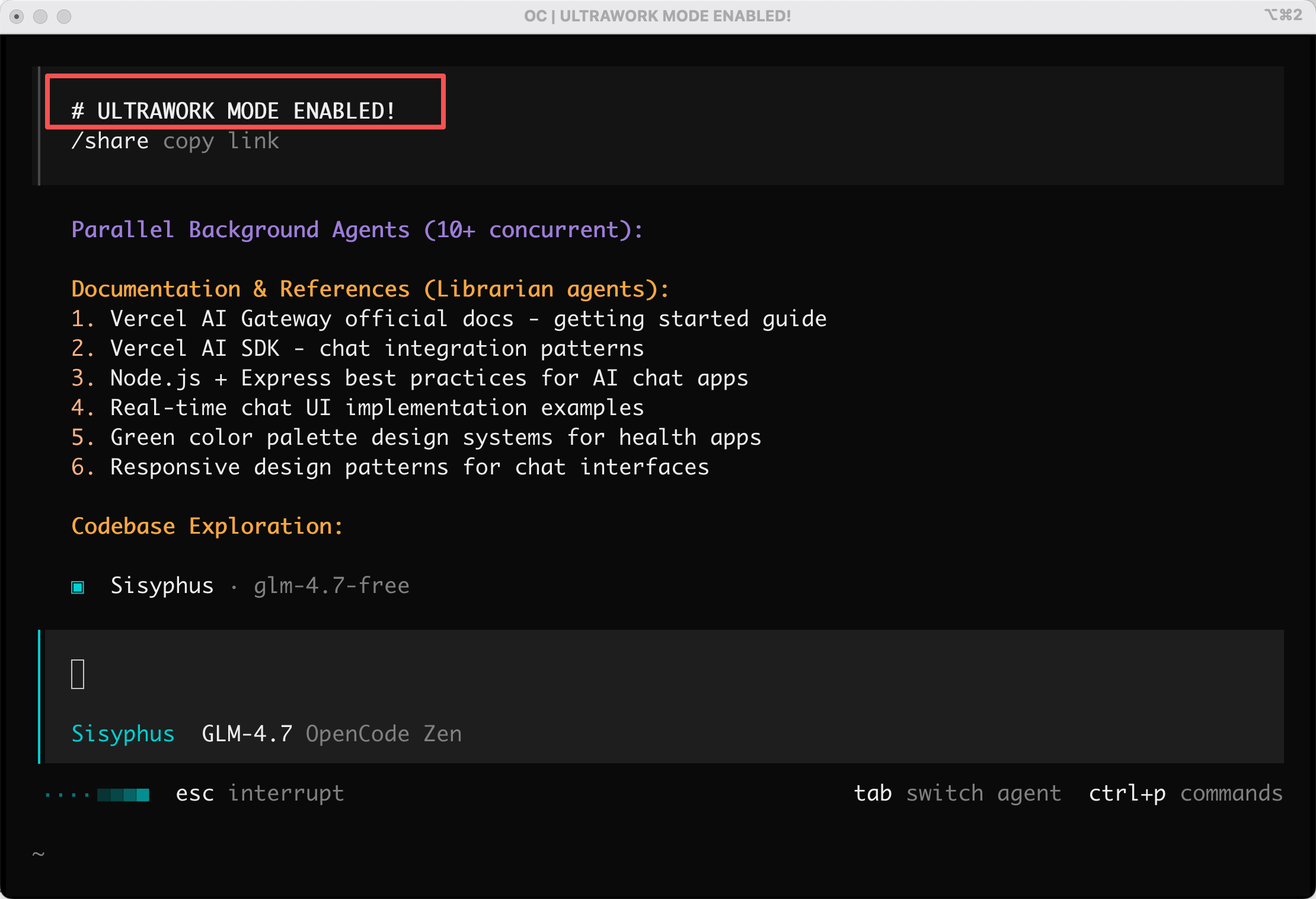
You can view sub-agent operation details: press Ctrl + x, then arrow keys to check different agents.
When background tasks complete, there's a notification. Here, "Research Vercel AI SDK Conversation Mode" is done.
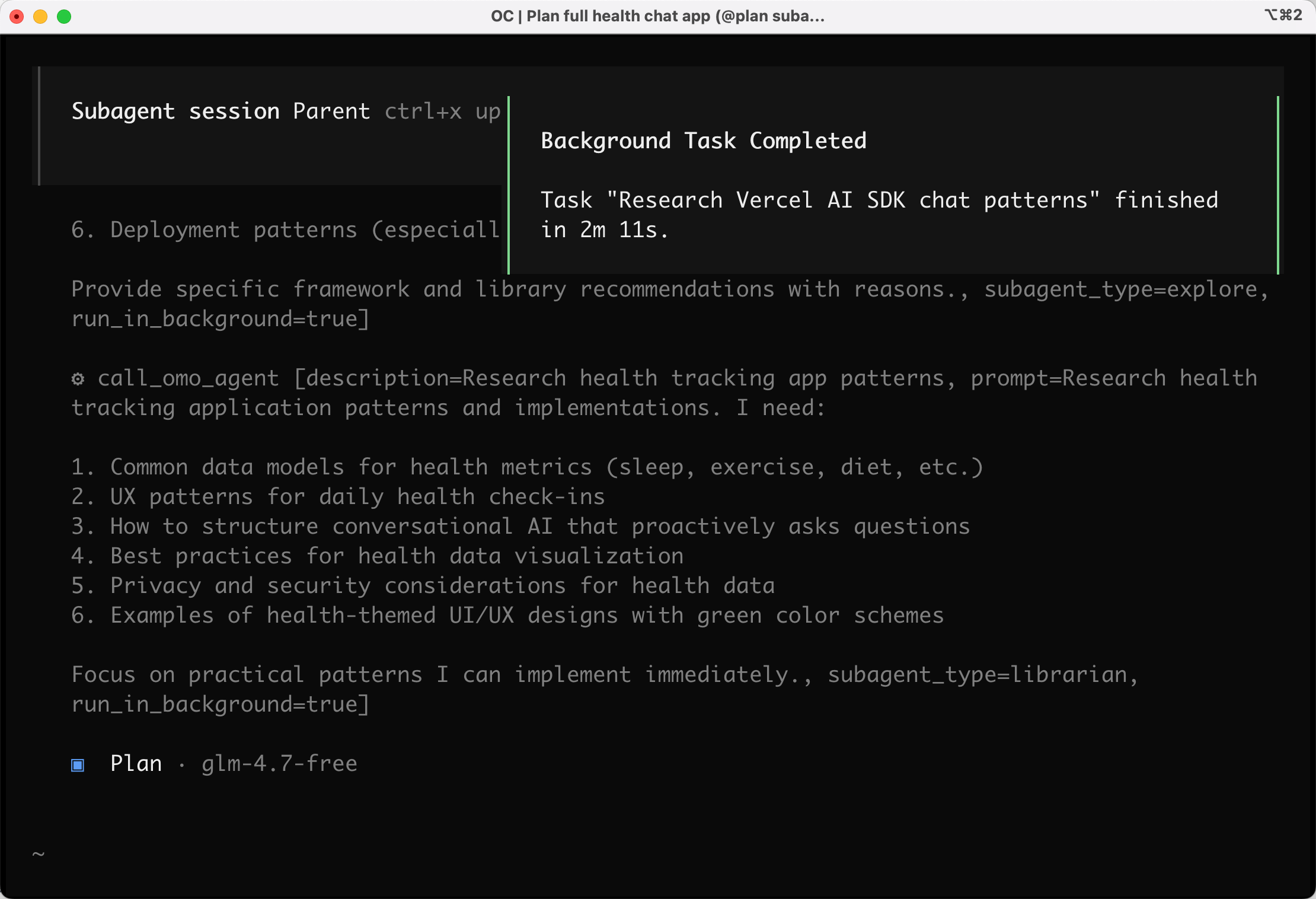
But guess what? After nearly 10 minutes, tasks still unfinished...
Look at this task list - does it need to be this complex? Even databases got involved?
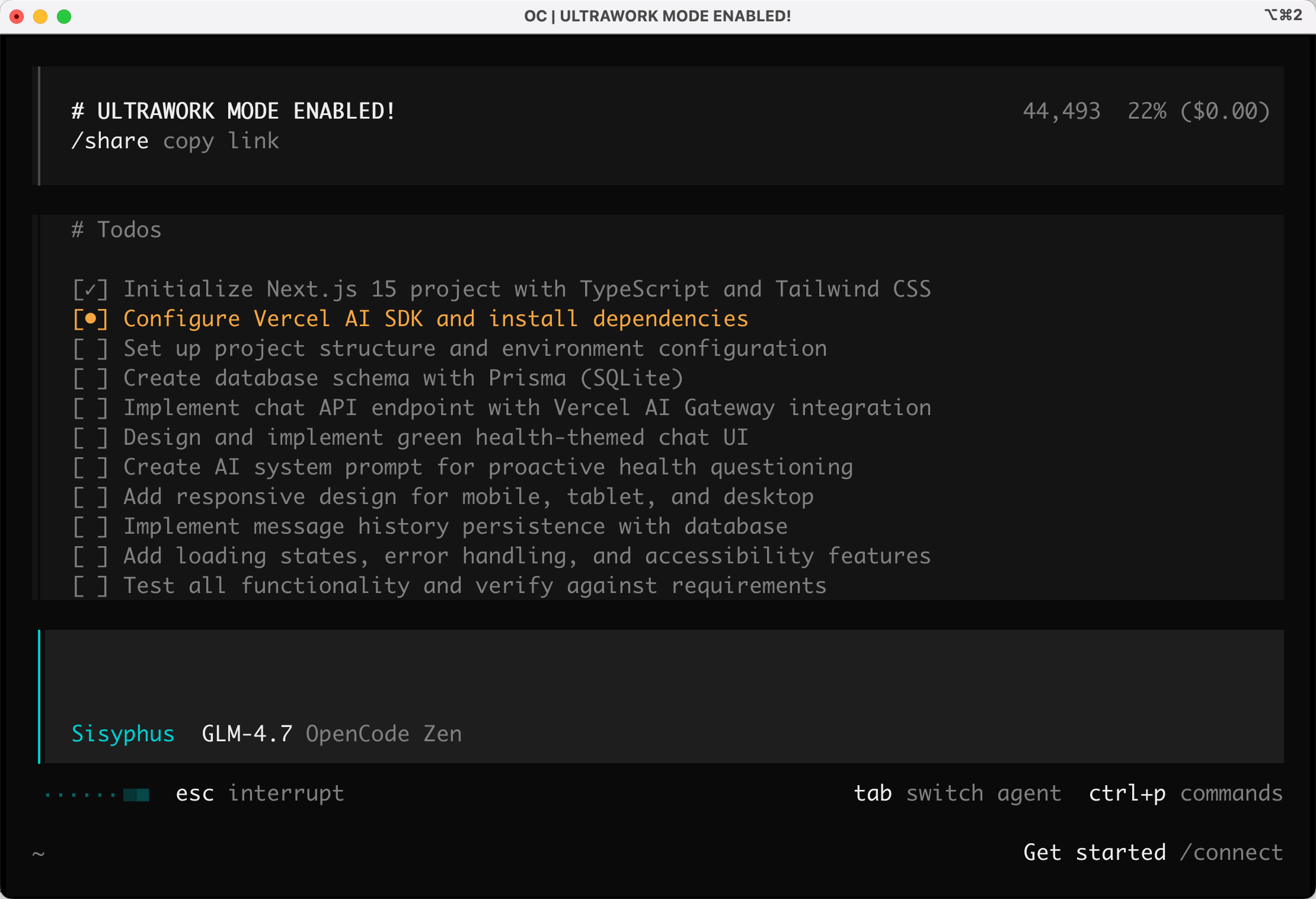
I've lost patience - enough!
Apparently, moderately complex work doesn't benefit from multi-agent advantages. It's like needing to print one page but mobilizing the entire company - some researching paper types, some studying printer status, some figuring out elegant printing postures.
Final Thoughts
After these simple tests, I'm cautiously observing OpenCode for now.
The frontend is indeed excellent, but backend capabilities seem lacking compared to Claude Code.
If just pursuing frontend convenience, why not use Cursor?

However, OpenCode's success illustrates a principle: Those closer to users, who identify pain points, have opportunities to surpass giants.
Claude Code is powerful, but its China ban gave the open-source community a golden opportunity. OpenCode seized this pain point, winning users with openness.
Though effectiveness needs improvement, OpenCode is completely open-source and free, offering stronger customization for tinkering programmers. You can even fork and modify it however you like.
OK, that's all. Have you used OpenCode? Share your experience in the comments~
Recommended Resources
- Yupi AI Navigation: [AI resource collection