 yupi-translate-app[bot]
7.9 KiB
AI Programming Tools Guide
Choose the right AI programming tool for you
Hello, I'm Yupi, a former Tencent full-stack developer and an AI programming blogger with over 2 million followers. I'm also the creator of AI Navigation and Programming Navigation, along with 10+ other self-developed products.
If you've completed the "Essential Reading" section and successfully built your first web application, congratulations! You've already experienced the charm of Vibe Coding!
But you might have some questions:
- The web AI generator is quite useful, but I heard Cursor is more powerful. Which one should I use?
- What are the differences between AI models like Claude, ChatGPT, and Gemini that I see online?
- Some tools are free, while others require payment. How should I choose?
Don't worry, these confusions are completely normal. Faced with dozens or even hundreds of AI programming tools on the market, even professional programmers can feel overwhelmed.
This section is specifically designed to address these questions.
1. Why Should You Understand Programming Tools?
In the traditional programming era, the choice of tools wasn't that crucial. Whether you used VS Code or Sublime Text, the code you wrote was the same.
But in the Vibe Coding era, choosing the right tool can boost your development efficiency by 10 times!
Why is that?
Because different AI programming tools:
- Vary greatly in capabilities: Some tools can only generate simple code, while others can help you build entire projects.
- Have different use cases: Some are suitable for prototyping, others for product development, and some for learning.
- Differ significantly in cost: Some are completely free, while others cost hundreds per month.
- Have different learning curves: Some are easy to use right away, while others require some foundational knowledge.
Choosing the right tool can make your work事半功倍; choosing the wrong one might make you think "Vibe Coding is just so-so."
2. The 3 Major Types of AI Programming Tools
Before diving into specific tools, let's first look at the basic classification of AI programming tools. Based on usage and complexity, I categorize them into 3 major types:
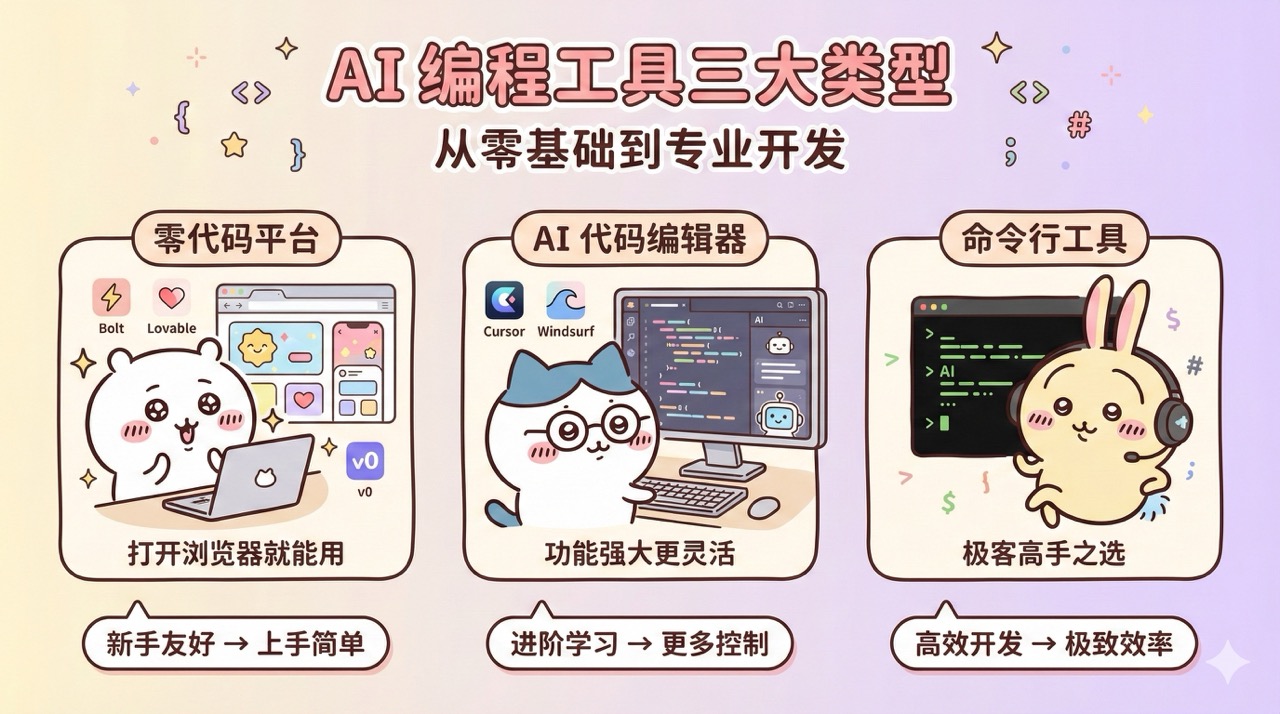
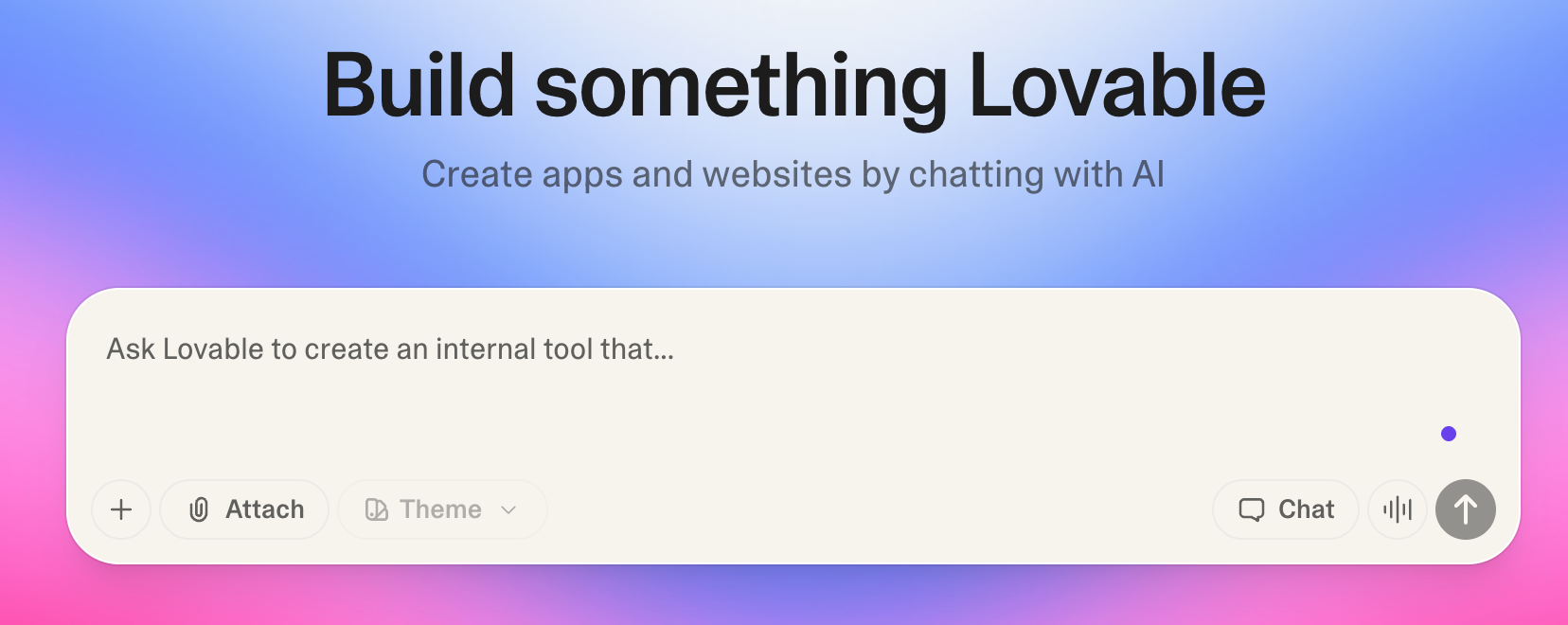
No-Code Platforms
These can be used directly in the browser without installing any software or knowing any code. They are suitable for complete beginners and those who want to quickly create prototypes.
Representative tools: Bolt.new, Lovable, Miaoda
Advantages: Easy to get started, WYSIWYG, automatic deployment
Limitations: Relatively simple functionality, may struggle with complex projects
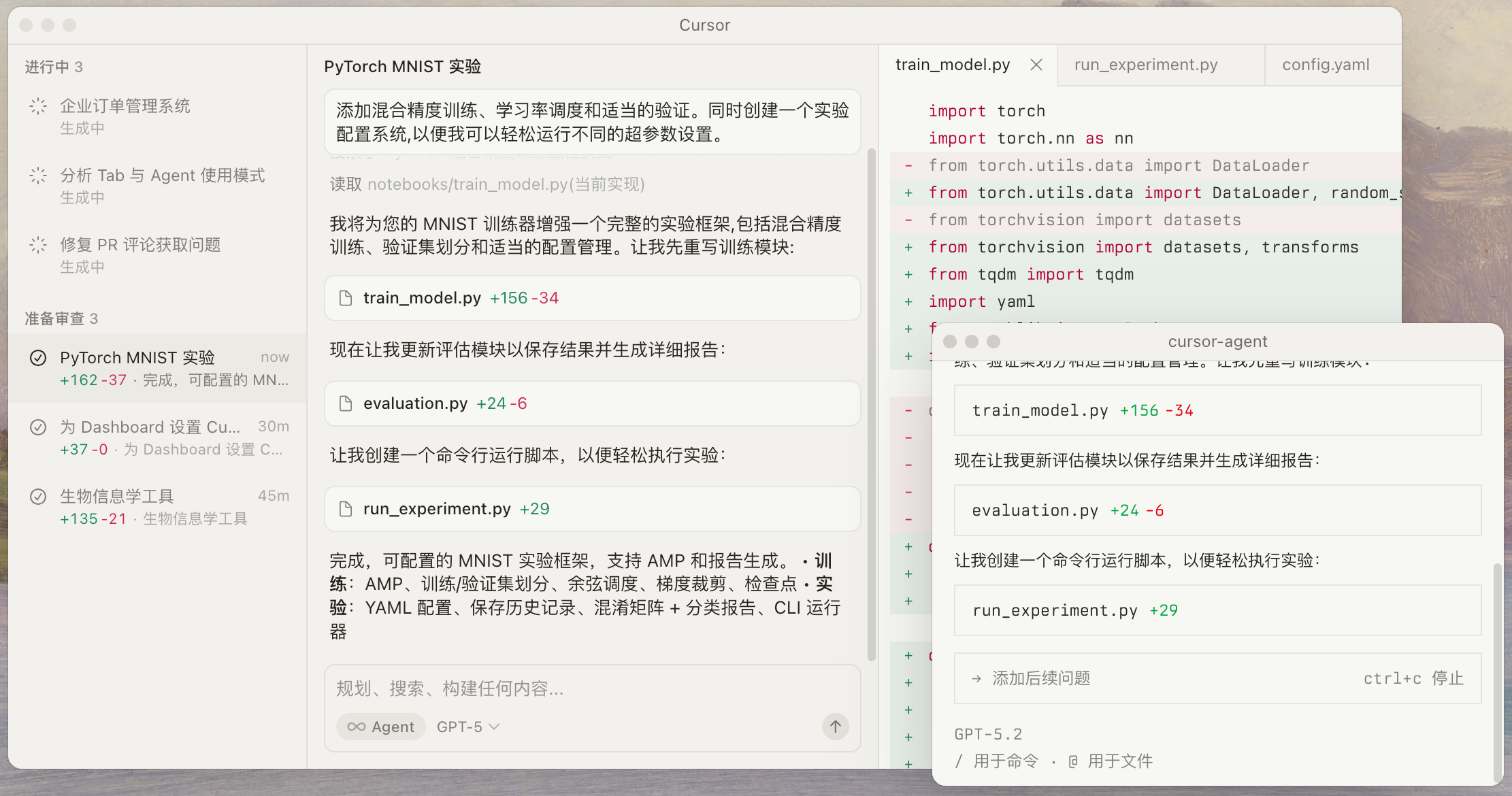
AI Code Editors
These require downloading and installation, with interfaces similar to traditional code editors but equipped with powerful AI assistants. They are suitable for those with some foundational knowledge who want to delve deeper into Vibe Coding or work on complex projects.
Representative tools: Cursor, Windsurf, Antigravity, Augment Code
Advantages: Powerful features, high flexibility, suitable for large projects
Limitations: Requires some learning curve, not very beginner-friendly
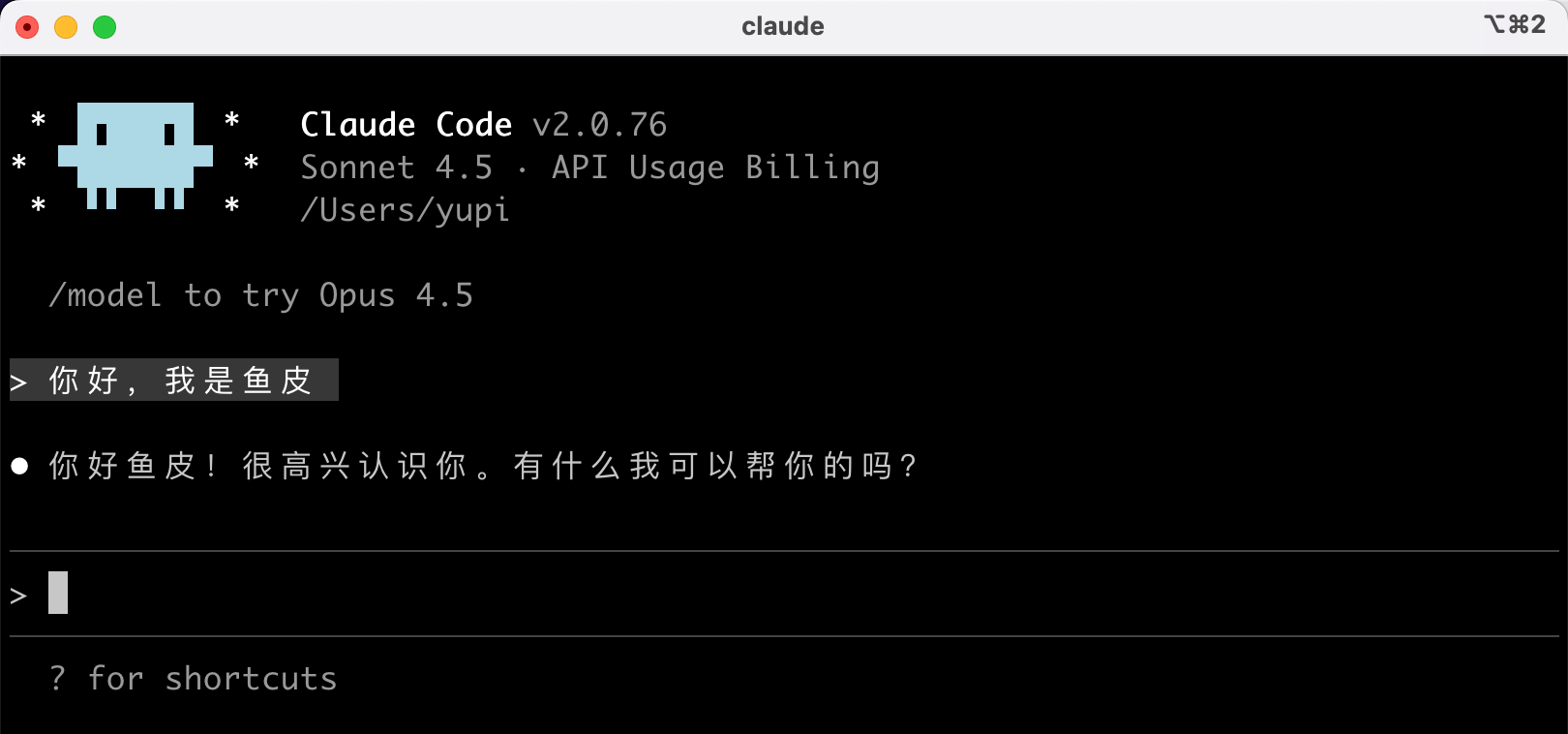
Command-Line Tools
These allow interaction with AI through the command line in the terminal, suitable for developers with programming experience and command-line enthusiasts.
Representative tools: Claude Code, Gemini CLI
Advantages: Highly efficient, strong automation, cost-effective
Limitations: Requires technical expertise, not recommended for beginners
3. What Will This Section Cover?
In this section, I'll take you through every aspect of AI programming tools.
Main Content (Recommended to follow in order)
- AI Model Selection Guide
First, I'll introduce mainstream AI models (Claude, ChatGPT, Gemini, etc.) to help you understand their differences and how to choose. This is the foundation for using all AI tools.
- No-Code Development Tools
Detailed explanations of various AI no-code platforms and AI application development platforms, including tools for quickly generating websites, platforms for building AI applications, and AI agent platforms capable of executing complex tasks autonomously.
- Professional Development Tools
In-depth introduction to AI code editors, AI command-line tools, AI IDE plugins, and other professional development tools to help you find the most suitable development approach.
- Auxiliary Toolset
Sharing practical auxiliary tools like version control, deployment hosting, MCP services, Agent Skills, and standardized development tools, along with my recommended tool combinations and practical experiences.
- More AI Tool Recommendations
Providing specific tool combination suggestions and practical experiences based on different scenarios and needs.
Side Content (Optional Learning)
The tool practice section mainly explains the usage methods and practical cases of specific tools, which can be selectively learned as needed.
- Spec-Driven Development: Detailed tutorials on Spec-kit and OpenSpec
- AI Skill Library: Installation and advanced usage of Agent Skills and Superpowers
- Command-Line Tool Testing: Practical evaluations of tools like OpenCode, Gemini CLI, and TRAE SOLO
- AI Application Platforms: Practical tutorials on no-code AI application development platforms like Dify
4. How to Use This Section?
You don't need to go through all the articles in this section. You can choose based on your situation:
- If you're a complete beginner: Start with the "AI Model Selection Guide" and focus on "No-Code Platforms" to get started quickly.
- If you want to delve deeper: Jump directly to "AI Code Editors" to learn how to use Cursor.
- If you have programming experience: Check out "Command-Line Tools" to try more efficient development methods.
- If you're unsure what to choose: Look at "My Tool Combination Recommendations" for specific suggestions based on different scenarios.
- If you want to learn more about a specific tool: Read the corresponding supplementary articles and practical cases.
5. What Will You Gain from This Section?
By learning this section, you will be able to:
- Understand the characteristics and differences of various AI programming tools
- Choose the right tools based on your needs
- Master the usage methods and techniques of multiple mainstream tools
- Learn how to combine multiple tools to improve efficiency
- Build your own toolbox and development workflow
- Master essential skills like version control and project deployment
Choosing the right tools can really skyrocket your development efficiency! 🛫
Final Words
I know that facing so many tools might feel overwhelming.
Remember what I said in the "Essential Reading" section? Tools are just means; what's important is what you want to achieve.
So, don't get stuck on "which tool is the best," but think about "which tool best suits my current needs."
In this section, I'll help you clarify the landscape of these tools in the most down-to-earth way, so you can confidently choose and use them.
Keep it up, future Vibe Coding master! 💪
Recommended Resources
-
Yupi AI Navigation Website: Comprehensive AI Resources, Latest AI News, Free AI Tutorials
-
Programming Navigation Learning Circle: Learning Paths, Programming Tutorials, Practical Projects, Job Hunting Guides, Q&A
-
Programmer Interview Cheatsheet: High-Frequency Exam Points for Internships/Graduates/Job Seekers, Enterprise Problem Analysis
-
Programmer Resume Builder: Professional Templates, Rich Examples, Direct to Interviews
-
1-on-1 Mock Interviews: Essential for Internship/Graduate/Job Interviews to Secure Offers